The 13-inch MacBook Air M5 is the sensible video-editing Mac for most people.
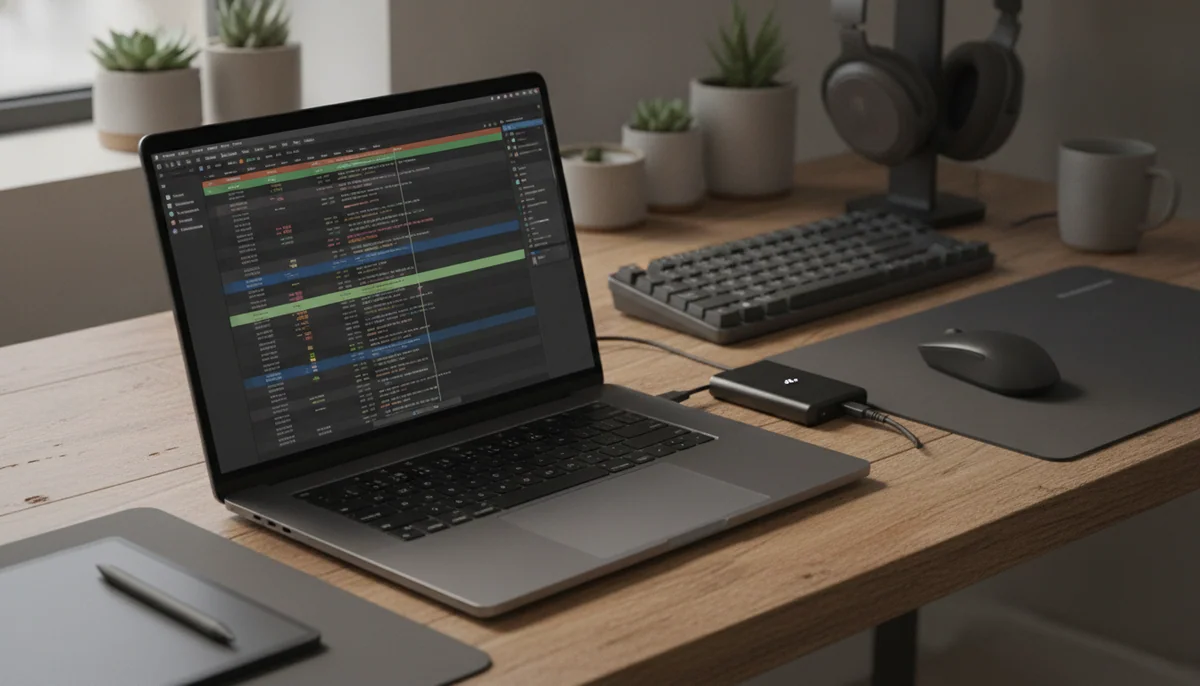
Video editing tempts buyers to purchase the most imposing Mac they can carry, even when the timeline appears twice a month and the finished film is shorter than the trailer for a bad action movie. That is how a useful creative tool becomes an expensive insurance policy against imaginary future work. The better choice begins with the longest real project you edit, not the most ambitious project you might someday attempt.
For short social videos, family footage, school projects, straightforward YouTube work and occasional 4K exports, the 13-inch MacBook Air M5 is the best starting point here. Its 16GB of unified memory and 512GB SSD are credible baseline capacities, the M5 is extremely quick in short jobs, and the 2.7-pound fanless body is easy to carry between the places where footage is shot and assembled. Its silence is particularly useful around microphones.
The drawback is not theoretical. With no fan, the Air cannot preserve peak processor and graphics speed indefinitely; independent repeated-load testing found a substantial decline after heat accumulated. A single export still completes, but an afternoon of long exports, effects work and repeated revisions makes active cooling valuable rather than decorative.
Start with the Air
Choose an Air when editing is one part of a broader day built from writing, browsing, calls and travel. The 13-inch model minimizes the carrying burden, while the 15-inch version trades some mobility for a timeline that is easier to read without an external monitor.
Move to the Pro for throughput
Choose a Pro when time spent waiting for exports affects deadlines or income. The 14-inch base M5 adds active cooling, an XDR display and useful media ports, while the 16-inch M5 Pro adds the sustained multicore and graphics capacity that makes demanding production its actual job.
Memory deserves the decision before storage. External drives can hold footage, proxies and archives, but no accessory can add unified memory later. Sixteen gigabytes is workable for moderate projects; 24GB gives heavier timelines and concurrent applications more room, though even that is a firm ceiling in the exact 16-inch configuration covered here. The site’s guide to choosing MacBook memory is worth reading before checkout because every model on this page permanently fixes both memory and internal storage.
Match the MacBook to the timeline, not the camera
Camera resolution alone does not determine how demanding an edit becomes. Codec, duration, effects, stabilization, noise reduction, color work, multicamera layers and the number of applications open at once can turn two projects with the same output resolution into very different workloads. Proxy media can make a modest machine pleasant to edit on, but it adds preparation and storage management rather than creating free performance.
| Editing pattern | Best direction | Constraint to accept |
|---|---|---|
| Short personal, school and social projects | 13-inch MacBook Air M5 | Use an external display or proxies when the timeline becomes crowded. |
| Regular editing without a desk monitor | 15-inch MacBook Air M5 | Long renders will expose fanless throttling. |
| Moderate paid work with frequent travel | 14-inch MacBook Pro M5 | Confirm that 16GB is enough before accepting its permanent memory ceiling. |
| Long exports and complex professional timelines | 16-inch MacBook Pro M5 Pro | Carry the extra weight and verify that 24GB covers the largest project. |
Cooling decides how long “fast” remains true
An Air can feel every bit as immediate as a Pro while trimming clips, arranging a short timeline or applying a quick correction. The difference appears when the task keeps the processor and graphics cores busy long enough for heat to accumulate. That is why a casual editor can save money and weight with an Air, while a working editor who exports repeatedly should pay for active cooling before paying for cosmetic upgrades.
The display changes what you can judge
Both Air displays are sharp and support wide color, but they remain 60Hz SDR IPS panels. The Pro models add adaptive refresh up to 120Hz, mini-LED contrast and meaningful HDR capability. That upgrade matters when the laptop screen is used to assess HDR material, motion and fine tonal decisions; it matters much less when the machine is always attached to a trusted editing monitor.
Storage capacity is only half the storage plan
Video libraries can consume a 512GB or 1TB internal drive quickly, so even the larger configurations benefit from deliberate media management. Keep active applications and current project files on fast storage, maintain separate backups, and archive completed footage rather than treating the internal SSD as the only copy. External storage makes a smaller internal drive manageable, but it also consumes one of the Air’s two Thunderbolt ports.
Port count becomes workflow count
The Air models provide MagSafe, two Thunderbolt 4 ports and a headphone jack. The Pro models add HDMI, SDXC and a third Thunderbolt connection, with the 16-inch M5 Pro moving to Thunderbolt 5. An editor regularly connecting card media, external storage, a reference display and power will feel that difference every day, while someone transferring phone footage wirelessly may never care.
Readers still choosing between the two families should use the site’s MacBook Air versus MacBook Pro guide. The decision is not whether an Air can open editing software; it is whether its display, ports and sustained performance remove enough friction from the way you actually finish projects.
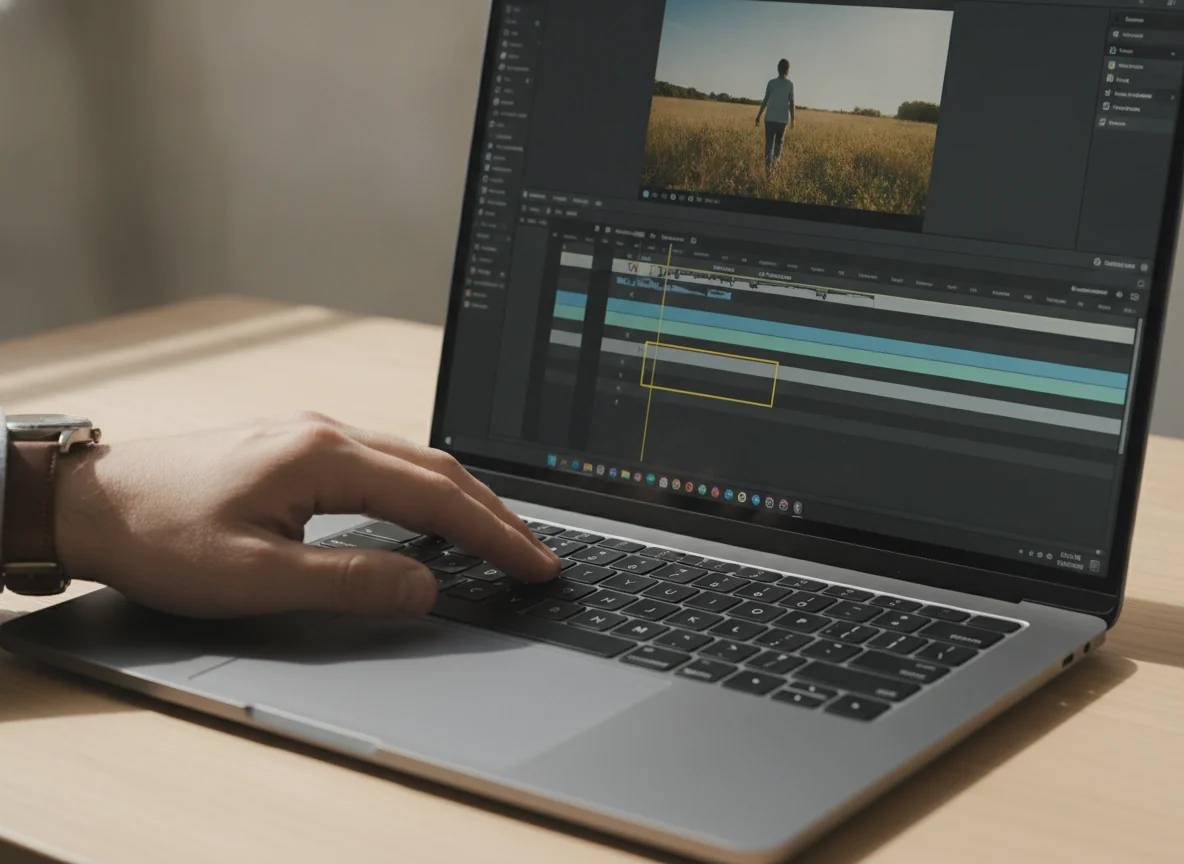
Four editing Macs, four different limits
These machines do not form a simple ladder from slow to fast. Screen size, cooling, memory, ports and carrying weight change the kind of editing day each one handles well. Buy the least elaborate machine that clears the heaviest project you already make, then leave some headroom for the applications that must remain open beside the editor.
Choose the 13-inch MacBook Air M5 for portable editing and short projects.
Its fast M5 chip, usable 16GB and 512GB baseline, silent operation and 2.7-pound body make it the most sensible all-purpose Mac here for people who edit occasionally rather than export all day.
The fanless chassis slows during sustained work, while the compact 60Hz SDR display leaves less room for timelines and cannot match a Pro’s HDR presentation.
This is the machine to carry to class, a shoot, a client meeting or a cramped hotel desk. The small display is serviceable when edits are simple, and an external monitor can turn it into a more comfortable desk system later. The two left-side Thunderbolt ports are restrictive, however, so importing from cards while attaching storage and a display may require a hub.
Choose the 15-inch MacBook Air M5 when the built-in screen is your main editing desk.
The larger 15.3-inch canvas, 10-core GPU configuration, 16GB of memory and fast 512GB storage make timelines and side-by-side windows easier without paying for a workstation.
The broad body is awkward in tight spaces, and its fanless cooling still reduces sustained performance during long processor and graphics loads.
The larger Air is not faster merely because it looks more serious, but it is easier to work on when no external monitor is available. Independent testing supports excellent short-task performance and fast storage, followed by meaningful throttling under prolonged combined load. Its 60Hz IPS panel is sharp and colorful, yet it lacks the deep blacks, HDR impact and fluid motion of the MacBook Pro displays.
Pick this over the 13-inch Air because you need space for bins, inspectors, scopes and a longer visible timeline. Do not pick it because you expect the larger chassis to behave like a cooled workstation. Our 13-inch and 15-inch MacBook Air comparison treats that choice as a workspace decision rather than a contest between nearly identical chips.
Choose the 14-inch MacBook Pro M5 for moderate professional editing in a compact body.
The 120Hz XDR display, active cooling, 1TB SSD, HDMI port, SDXC reader and three Thunderbolt connections make this the smallest model here that behaves like a complete mobile editing station.
The fixed 16GB memory places an uncomfortable ceiling on heavier future projects, and the standard M5 sits awkwardly between cheaper Air models and substantially stronger Pro-tier chips.
This is the difficult middle choice. Its screen is far better suited to HDR review and motion than either Air display, its fan preserves performance during longer work, and its card reader and HDMI output can remove adapters from a creator’s bag. Independent testing also supports strong CPU and graphics gains over the preceding base chip, but the 10-core GPU and 16GB memory should not inherit the reputation of an M5 Pro or M5 Max.
Buy it when the compact Pro hardware solves specific problems and 16GB already covers the largest normal project. If a typical session combines a complex timeline, large source files, graphics work and several memory-hungry applications, moving to more memory matters more than owning the smaller chassis. The site’s base M5 and M5 Pro comparison explains why a newer chip name does not erase the advantage of additional cores and bandwidth.
Choose the 16-inch MacBook Pro M5 Pro for sustained professional production.
The full 18-core CPU, 20-core GPU, 24GB unified memory, large XDR display, Thunderbolt 5 and active cooling make this the strongest editing workstation among the four ranked models.
The 4.7-pound body and large charger are burdensome in transit, while the soldered 24GB memory can still be too restrictive for ambitious 8K, local-AI and heavily virtualized workflows.
The 16-inch Pro is not the model to buy because editing appears in a hobby list. It earns its place when the internal screen regularly replaces a desktop monitor and sustained processing shortens real delivery cycles. The large display gives timelines and scopes room to coexist, the ports accommodate a serious desk, and full performance remains available on battery when an export must finish away from an outlet.
Detailed testing of the full M5 Pro supports stable sustained CPU output and major performance headroom, while also showing that application optimization determines whether its integrated GPU wins or loses against powerful Windows hardware. That distinction matters for editors whose workflow includes 3D rendering, CUDA-dependent tools or effects with uneven macOS acceleration. Buy for the applications you use, not for a benchmark headline borrowed from another program.
The 24GB configuration is a professional starting point, not an unlimited workstation. Editors who already know their projects need more memory should not rationalize the limit simply because the rest of the laptop is excellent. The site’s M5 Pro and M5 Max comparison covers the point where additional graphics capacity and a higher memory ceiling become worth considering.
Frequently Asked Questions
Can a MacBook Air edit 4K video?
Yes, an M5 MacBook Air can handle moderate 4K editing and occasional exports, but long or repeated jobs expose its fanless thermal limit.
Is the 13-inch or 15-inch MacBook Air better for editing?
The 13-inch Air is better for frequent travel, while the 15-inch Air is easier to edit on when its built-in display serves as the main workspace.
Do video editors need a MacBook Pro?
A MacBook Pro becomes worthwhile when active cooling, an XDR display, built-in media ports or sustained export speed affects the quality and timing of regular work.
Is 16GB of unified memory enough for video editing?
Sixteen gigabytes is enough for moderate projects, but complex timelines, several creative applications, large effects workloads and long ownership make 24GB or more safer.
Should an editor prioritize memory or internal storage?
Prioritize enough unified memory because it cannot be expanded, while external Thunderbolt drives can add fast media storage later.
Is the 16-inch MacBook Pro too large for travel?
It is transportable but burdensome for frequent commuting, especially after its large charger, drives and other editing accessories join the bag.
Which model has the best screen for editing?
The 16-inch MacBook Pro M5 Pro has the most spacious editing display here, while both Pro models provide XDR contrast, HDR capability and adaptive refresh up to 120Hz.
Can any of these MacBooks be upgraded later?
No, their unified memory and internal SSD capacities are fixed at purchase, although external drives can expand file storage.
Our Top Recommendation
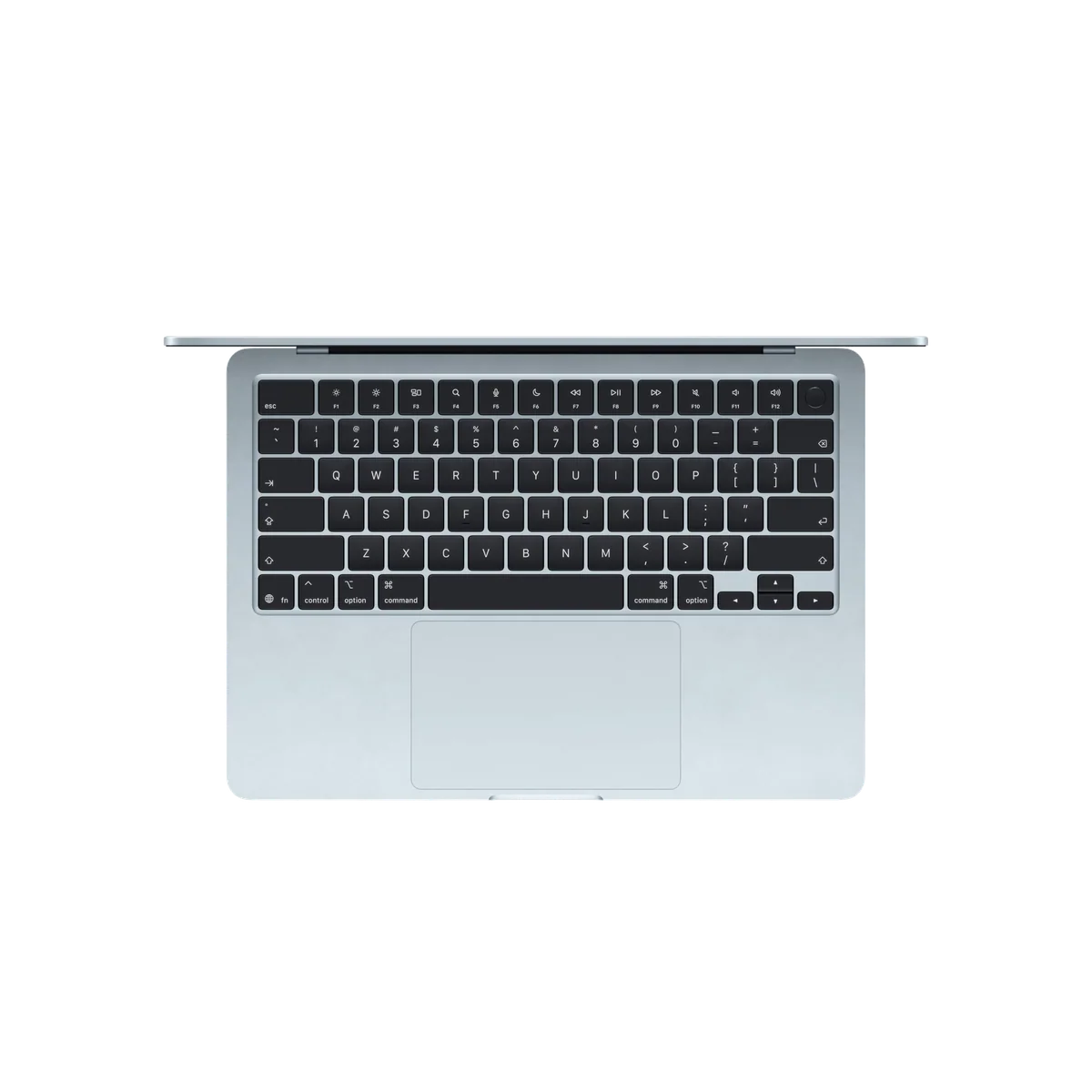
Based on our research, the Apple MacBook Air 13-inch M5 is our top pick — macbook for students.