Buy the 16-inch M5 Pro unless the M5 Max can finish your GPU work sooner
The 16-inch M5 Pro is the better MacBook for most professionals, while the M5 Max makes sense only when measured GPU-bound work will exploit its 40 graphics cores without exceeding 48GB of fixed memory.
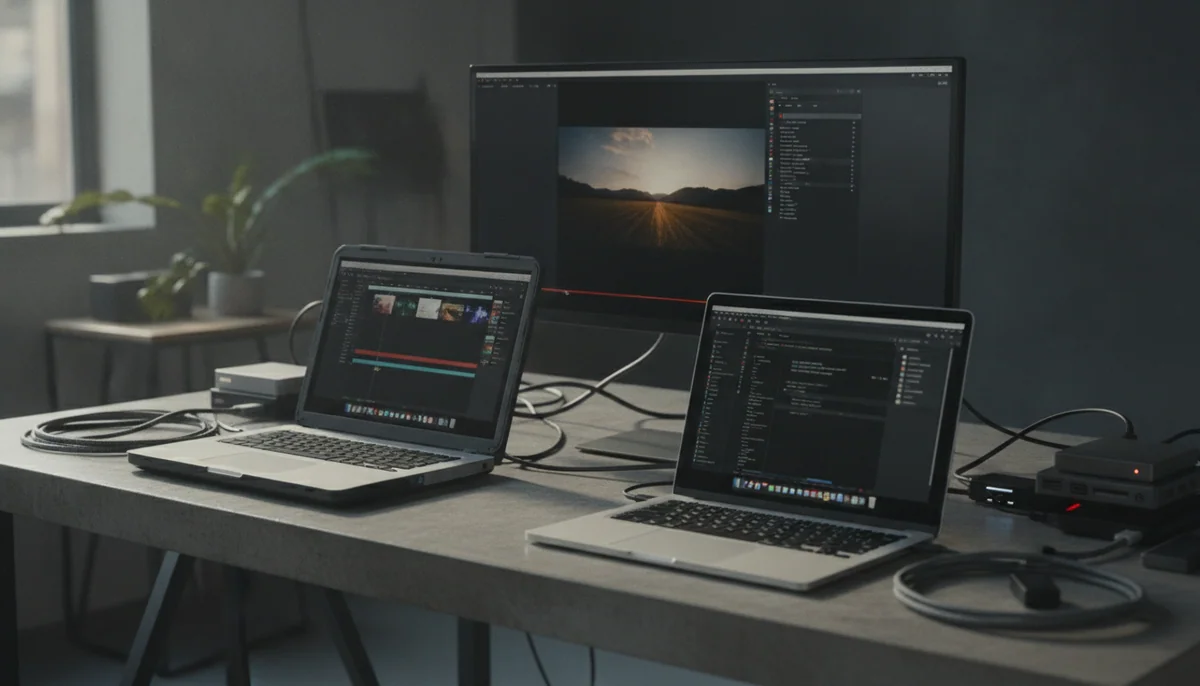

Apple MacBook Pro 16-inch M5 Pro
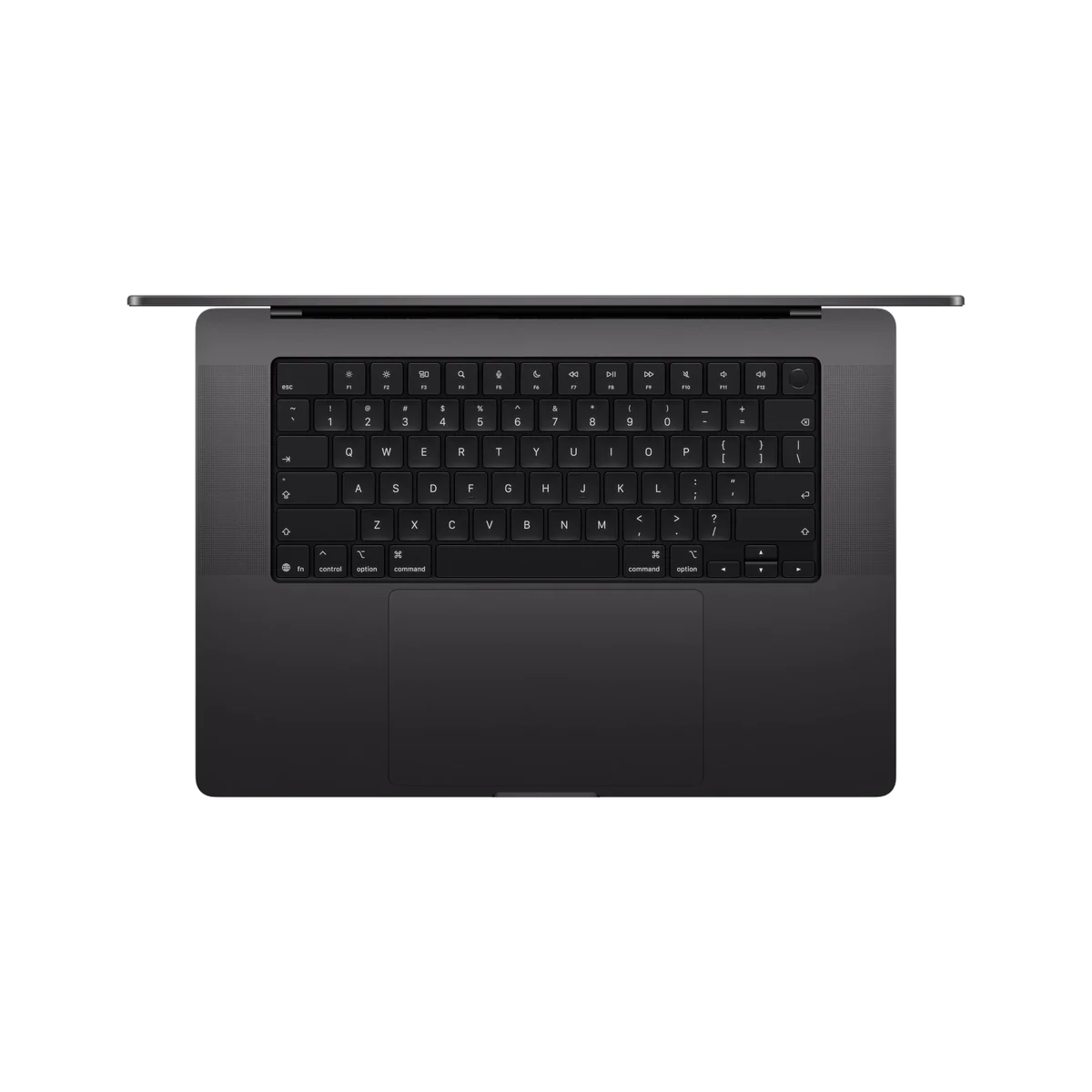
Apple 2026 MacBook Pro Laptop
Apple has made this comparison look like a choice between fast and faster, but that framing rewards the badge rather than the buyer. These configurations use the same 18-core CPU, the same 16.2-inch Liquid Retina XDR display, and substantially the same aluminum enclosure. The M5 Max does not transform writing, browsing, office work, most software development, or CPU-heavy production into a different class of experience. What it buys is a 40-core GPU instead of 20 cores, roughly twice the memory bandwidth, support for one more external display, 48GB instead of 24GB of unified memory, and a 2TB rather than 1TB SSD.
That difference can be decisive for 8K and RAW video, complex effects, 3D rendering, game development, generative imaging, and other software that keeps a large GPU busy. It can be nearly irrelevant to compiles, spreadsheets, browser-heavy work, and ordinary macOS responsiveness. The first question is therefore not how much performance you can afford. It is whether the slow part of your work runs on the GPU.
Neither exact configuration is perfectly balanced. The M5 Pro model is the sensible default, but its non-upgradeable 24GB memory can be too restrictive for large local models, several virtual machines, dense container stacks, or complicated high-resolution projects. The M5 Max doubles the GPU resources and raises memory to 48GB, yet that capacity can still be the limiting factor in precisely the AI and development workflows its Max badge appears to invite.
Buyers who cannot name a repeatable task that scales with graphics throughput should stop at the M5 Pro, and buyers whose current projects already approach 40GB of memory use should stop before either of these exact configurations. A specification premium is defensible when it removes a measured bottleneck; it is waste when it merely quiets the fear of choosing the lesser chip.

Apple MacBook Pro 16-inch M5 Pro
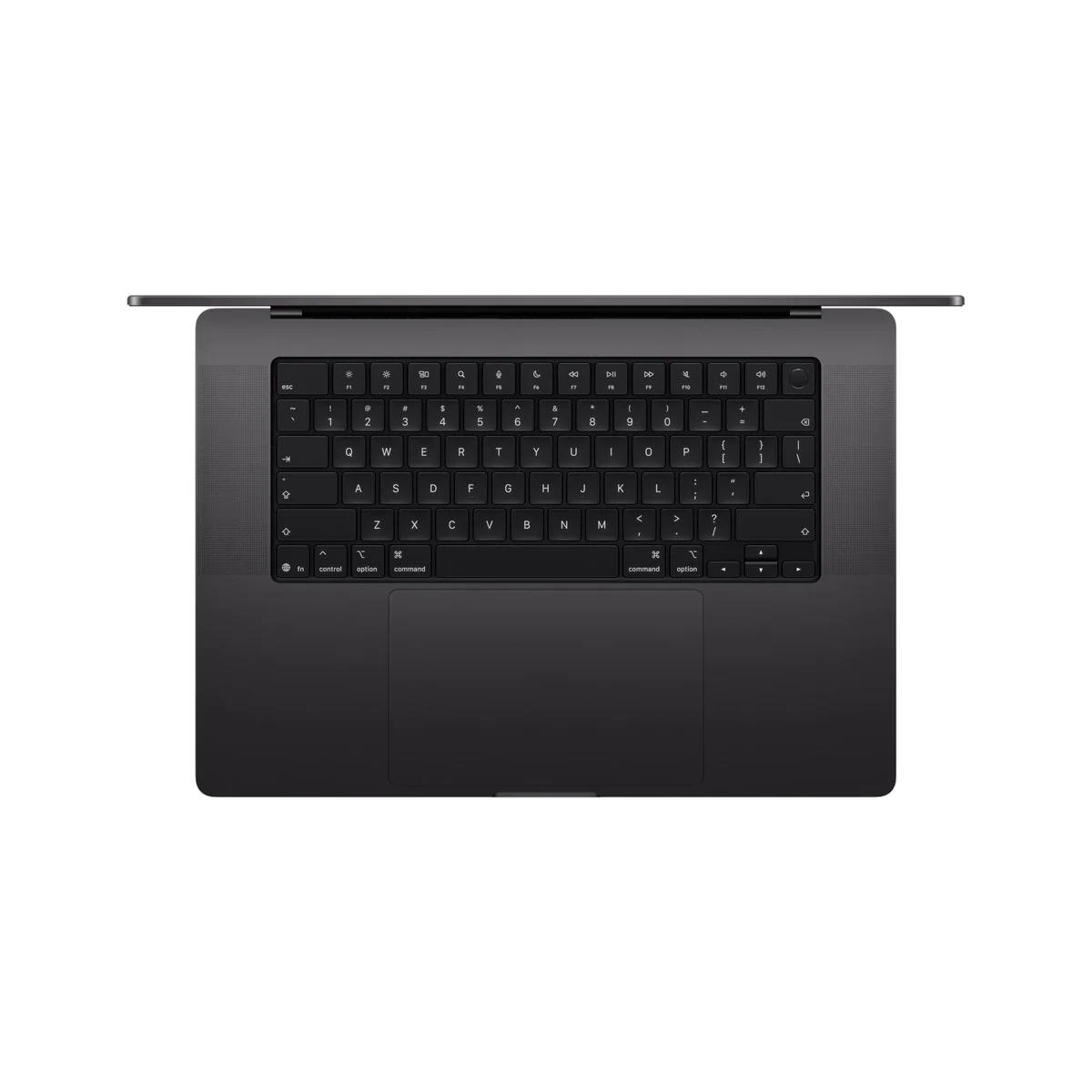
Apple 2026 MacBook Pro Laptop
At a Glance
| Feature | Apple MacBook Pro 16-inch M5 Pro | Apple 2026 MacBook Pro Laptop |
|---|---|---|
| Price Range | — | $3,000+ |
| Finish | Space Black | — |
| Screen size | 16.2" | 16.2" |
| Check Price on Amazon | Check Price on Amazon |
The CPU tie makes the real decision unusually clear
The full M5 Pro and M5 Max both carry an 18-core CPU, so the everyday gap is far smaller than their names imply. Independent testing recorded a Geekbench 6.7 multi-core result of 28,436 for the full M5 Pro and 30,057 for the exact 48GB M5 Max configuration. The Max result was about 5 percent higher, while single-core performance was effectively tied. That is not enough separation to justify buying the Max for routine responsiveness or CPU-bound work.
Graphics testing produces the separation Apple’s naming suggests. The exact M5 Max scored 4,386 in 3DMark Steel Nomad, compared with 2,323 for the M5 Pro in the same test set, while its Geekbench Metal result reached 224,987 against 137,187. Those are substantial gains, but they remain potential until an application can feed the extra GPU cores and memory bandwidth.
| Decision point | M5 Pro configuration | M5 Max configuration | What matters in practice |
|---|---|---|---|
| CPU | 18 cores | 18 cores | CPU-bound work receives little reason to pay for the Max. |
| Integrated GPU | 20 cores | 40 cores | The Max is built for software that scales across far more graphics resources. |
| Unified memory | 24GB | 48GB | Both capacities are fixed, and either can become the machine’s first hard limit. |
| Internal SSD | 1TB | 2TB | External storage can add capacity later, but the internal drive cannot be replaced. |
| External displays | Up to three | Up to four | The extra output matters only to unusually large docked workspaces. |
| Best fit | CPU-heavy production and moderate GPU work | Repeated, highly parallel GPU work | The application mix should decide the chip. |
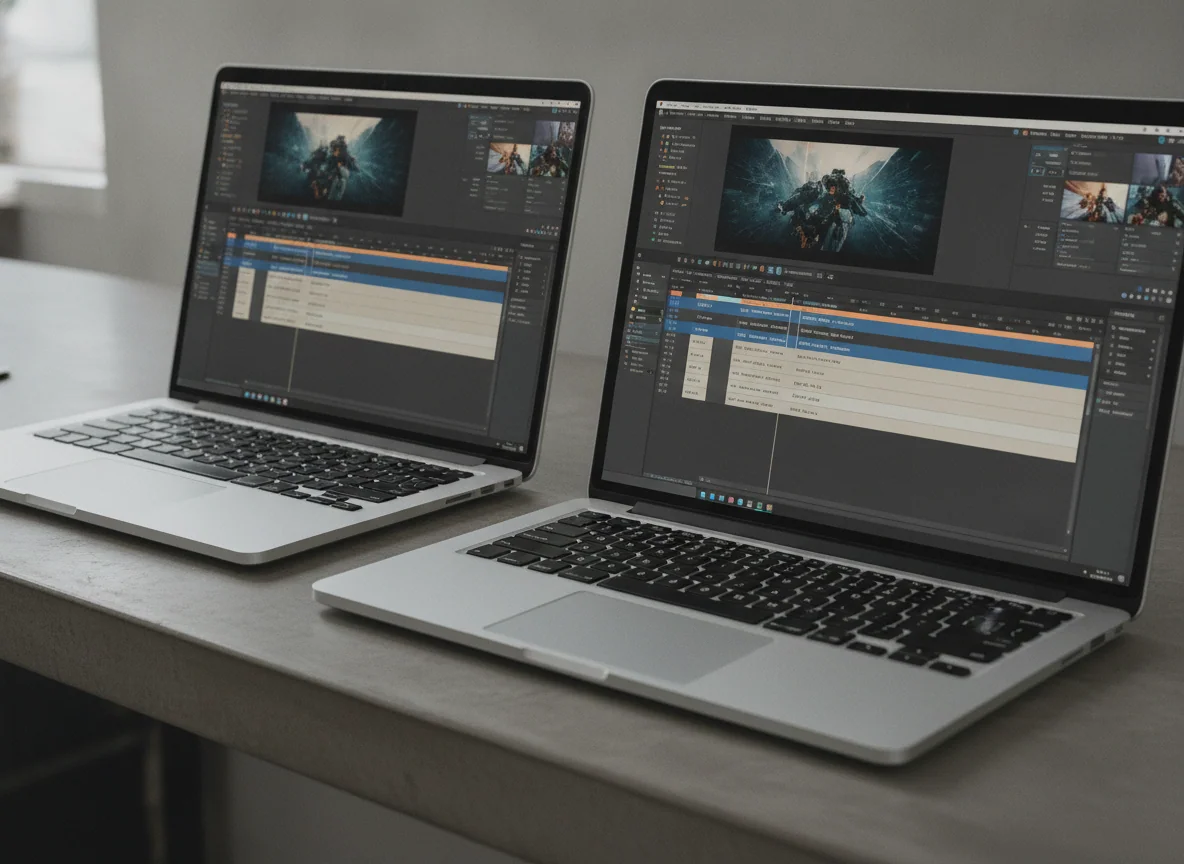
Video, 3D, and supported AI tools give the Max somewhere to run
The M5 Max is compelling when a professional application genuinely scales. Broader comparison testing found gains commonly approaching 1.5 to 1.8 times over the 20-core M5 Pro GPU in generative imaging, games, and 3D rendering, while CPU results remained close. A video editor waiting on GPU effects, a motion designer previewing a complicated composition, or a 3D artist rendering throughout the week can turn that gap into saved working time.
Software support can overturn the hardware hierarchy. The M5 Pro has beaten much more powerful discrete graphics hardware in some optimized photo and video tests, then fallen far behind Nvidia systems in Blender rendering that uses OptiX. The M5 Max is subject to the same rule: twice the GPU cores do not guarantee twice the result, and macOS cannot replace Windows when a workflow requires CUDA, OptiX, specialist drivers, or software that is poorly optimized for Apple silicon.
Gaming follows that pattern. The M5 Max can produce strong frame rates in supported games, and its added GPU resources are clearly useful there. Windows still offers the broader game library, stronger compatibility, and access to configurations designed principally around gaming. Treat the Max’s gaming ability as a valuable secondary use for a creative workstation, not as a reason to buy an expensive Mac instead of a gaming laptop.
Memory can defeat the faster chip
Unified memory is shared by macOS, applications, the CPU, and the GPU, and neither machine permits an upgrade after purchase. The M5 Pro model’s 24GB is sufficient for many editing, photography, programming, and moderate production workloads, but it is a firm ceiling rather than a starting point. A buyer running several simulators, virtual machines, containers, large timelines, or local models should examine peak memory pressure on the largest real project before choosing it.
The M5 Max configuration raises that limit to 48GB, which is meaningfully more useful but not automatically generous. One retained owner reported ordinary development sessions exceeding 46GB with Xcode, iOS simulators, Docker, Node.js, MySQL, and Chrome, then returned this exact configuration for an M5 Pro machine with 64GB. Another owner using 8K video and Adobe applications considered 48GB an effective fit. The disagreement is informative because the two workloads value different resources.
Local AI makes the mismatch especially easy to expose. The Max GPU and its high-bandwidth unified memory can accelerate supported inference and image-generation software, but model weights, context, caches, the operating system, and other applications must all fit inside the same 48GB pool. A large quantized model can consume most of that capacity before useful context or production tools enter the session. Buyers interested in smaller or midsize local models can still benefit; buyers planning very large models should choose a higher-memory Max configuration rather than assume that this one is future-proof.
This is why more GPU is not always the better professional purchase. Developers, researchers, and heavy multitaskers can gain more from additional capacity than from forty graphics cores. If memory pressure is the existing bottleneck, the correct comparison is not between these two retail configurations but between chip tier and memory tier, with memory taking priority because no dock, external drive, or future upgrade can add it.
The same excellent display comes with the same old compromises
Both machines use the 16.2-inch, 3456 × 2234 Liquid Retina XDR display with adaptive refresh up to 120Hz. Its sharp text, strong HDR output, wide color support, and large working area make it a serious production display. Editors can inspect a timeline without immediately reaching for a monitor, developers can keep more code and tools visible, and photographers receive a capable built-in screen away from the studio.
Choosing the Max does not improve that panel. Both configurations retain mini-LED backlighting, a notch, glossy standard glass, no touch input, and no Face ID. Mini-LED can show halos around bright elements on black backgrounds, while OLED workstation rivals offer faster pixel response and cleaner pixel-level blacks. The screen remains a major reason to choose either 16-inch Pro, but it contributes nothing to the case for upgrading from Pro to Max.
The enclosure tells the same story. Both buyers receive a rigid aluminum body, excellent speakers, a large haptic trackpad, a strong keyboard, Touch ID, three Thunderbolt 5 ports, HDMI, SDXC, MagSafe, and a headphone jack. They also receive a laptop weighing roughly 4.7 pounds before its substantial charger joins the bag. Our guide to choosing a MacBook screen size is worth reading if the 16-inch panel will spend most of its life closed beside an external monitor.
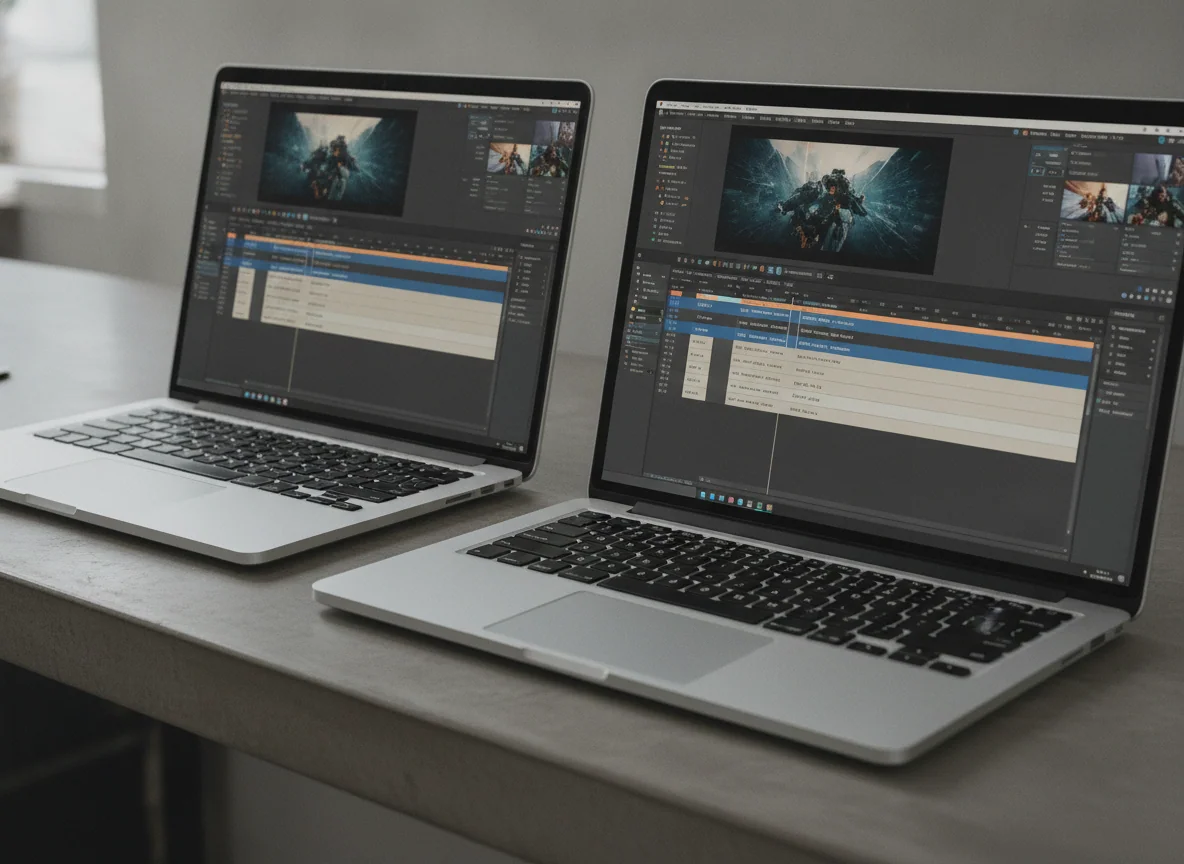
The Max pushes the familiar chassis harder
Light work can leave either MacBook quiet, and both preserve high performance away from an outlet. Sustained combined loads reveal a harsher difference. Testing of the exact M5 Max configuration measured fan noise as high as 53.9dB(A) in High Power mode, with combined package power falling from a brief peak near 114W to roughly 70W. The chassis can cool a heavily loaded CPU or GPU well, but simultaneous pressure forces both to share its thermal and power limits.
The exact M5 Max also lost battery charge during a deliberate simultaneous CPU and GPU stress test while connected to its supplied power adapter. A larger adapter did not eliminate the behavior, which points beyond a simple charger swap. This is an extreme workload rather than an everyday expectation, but a mobile workstation should not consume its battery reserve while plugged in and sustaining its maximum advertised components.
The M5 Pro review evidence found a milder version of the same problem, with a brief battery draw under maximum combined load before the machine settled and recharged. Neither result matters much to office work or an occasional export. It matters to buyers planning prolonged simulations, mixed renders, or other jobs capable of saturating CPU and GPU together, and it weakens the idea that the Max can replace an unlimited desktop merely because it benchmarks like one.
The products, after the workload test
The 16-inch M5 Pro is the workstation most professionals should choose.
Its 18-core CPU, 20-core GPU, excellent XDR display, and broad connectivity deliver the useful parts of the 16-inch Pro without charging for graphics resources that many workflows will leave idle.
The fixed 24GB of unified memory is a serious constraint for large local models, several virtual machines, dense container stacks, and projects whose memory needs will grow during ownership.
The 16-inch M5 Max is a specialist purchase for work that scales across its GPU.
Its 40-core GPU, much greater memory bandwidth, 48GB unified memory, and fast 2TB SSD can save substantial time in supported video, 3D, game-development, and creative-AI workflows.
The non-upgradeable 48GB memory can undermine demanding AI and development use, while extreme combined loads can produce loud fans and battery drain even with external power connected.
Choose by the queue you are waiting on
Buy the M5 Pro
Choose it when your longest waits come from compiling, exporting CPU-heavy jobs, processing photographs, managing moderate video projects, or running professional macOS applications that use the GPU without saturating forty cores. Confirm that the exact 24GB configuration has enough memory for the largest project you expect to complete, not merely the workload open today.
Buy the M5 Max
Choose it when repeated measurements show a GPU-bound application consuming billable time and when the complete working set remains comfortably below 48GB. The strongest candidates are sustained 8K or RAW video pipelines, complex GPU effects, supported 3D renderers, game-development tools, and local-AI applications proven to use the expanded GPU.
Choose neither exact configuration
Walk away from both when routine work dominates, portability matters more than sustained output, or memory pressure already approaches either machine’s fixed capacity. A MacBook Air may be the more rational computer for ordinary productivity, while memory-heavy professionals should configure a Pro or Max around capacity rather than accept the two retail pairings compared here.
Keep a recent Mac
Owners of a well-configured M4 Pro or M4 Max should upgrade only when a repeatable delay has a meaningful cost. Readers coming from the previous Pro generation can use our 16-inch M5 Pro and M4 Pro comparison, while anyone still choosing among the range can start with the best MacBooks for different workloads.
The final recommendation is deliberately lopsided. Buy the M5 Pro if 24GB is enough and your work does not live on the GPU. Buy this M5 Max only after a representative project proves that forty GPU cores will shorten the queue and that 48GB leaves safe headroom. If you cannot demonstrate both conditions, the Max badge is selling reassurance rather than useful performance.
Frequently Asked Questions
Is the M5 Max much faster than the M5 Pro?
The M5 Max can be dramatically faster in GPU-bound work, but their shared 18-core CPU makes the difference small in everyday use and many CPU-heavy applications.
Which chip is better for software development?
The M5 Pro is usually the better value for development because CPU performance is similar, although either exact configuration can become unsuitable when simulators, containers, virtual machines, and browser processes exceed its fixed memory.
Which configuration is better for video editing?
The M5 Pro is enough for many editors, while the M5 Max earns its place when high-resolution footage, complex effects, supported codecs, and repeated exports scale strongly with its larger GPU.
Is the 48GB M5 Max a good choice for local AI?
It is strong for smaller and midsize models that exploit its GPU, but very large models can consume most of the 48GB pool before context, macOS, and other applications are included.
Can either MacBook’s memory or SSD be upgraded later?
No, the unified memory and internal storage are permanently integrated, although external Thunderbolt storage can expand file capacity.
Do both models use the same display?
Yes, both configurations use the same 16.2-inch Liquid Retina XDR display with a 3456 × 2234 resolution and adaptive refresh up to 120Hz.
Does the M5 Max have better battery life?
No, both can last impressively during light work, but the M5 Max’s larger GPU can consume substantially more power when a demanding application uses it fully.
Should an M4 Max owner upgrade?
Usually not, unless a measured storage, GPU, AI, or application-specific bottleneck costs enough time to justify replacing a healthy machine.