The M5 Pro wins the benchmark, but the renewed M4 Pro can win the purchase
Choose the 16-inch M5 Pro for the safer long-term workstation purchase, choose the renewed M4 Pro only when the saving justifies its smaller SSD and unit-by-unit condition risk, and do not upgrade from a healthy M4 Pro unless the newer chip fixes a measured bottleneck.
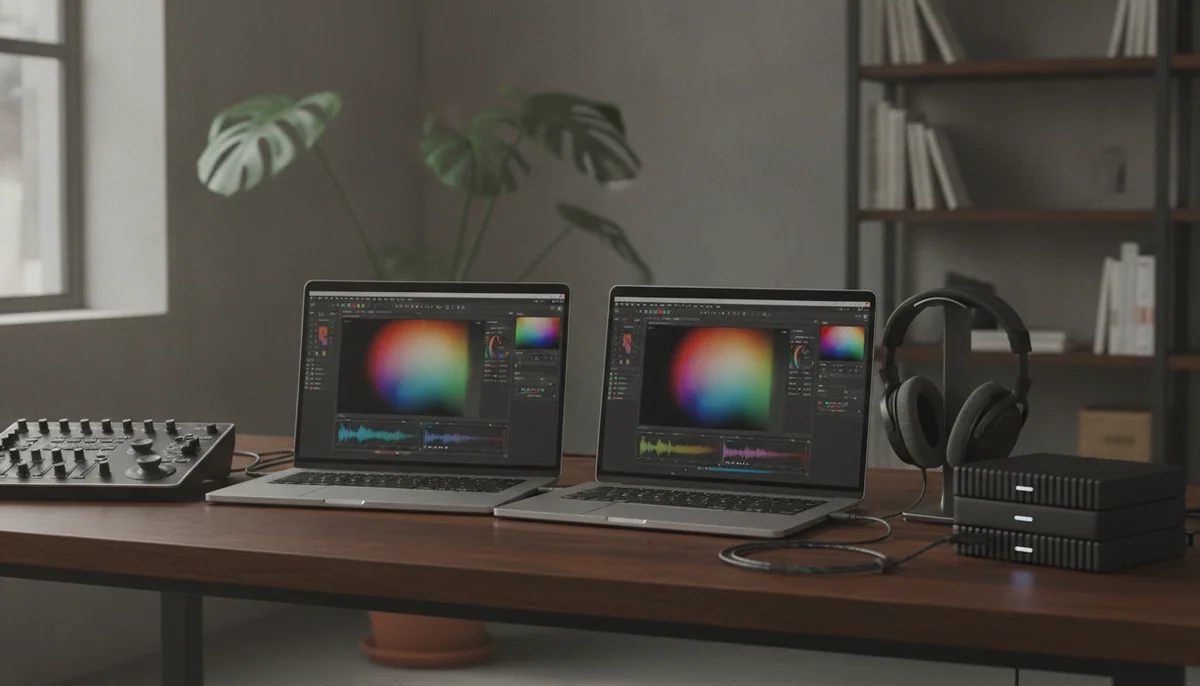

Apple MacBook Pro 16-inch M5 Pro
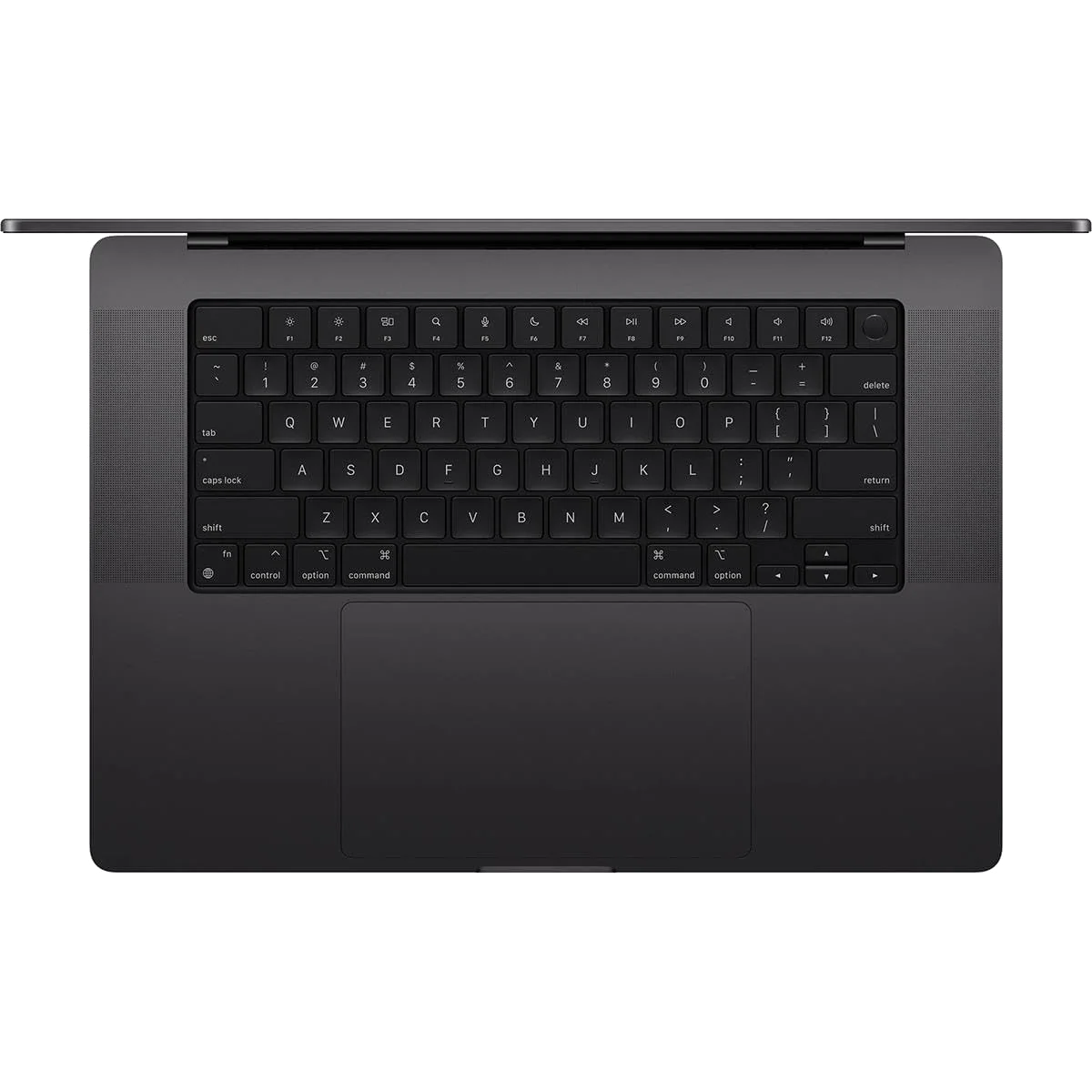
Apple 2024 MacBook Pro with
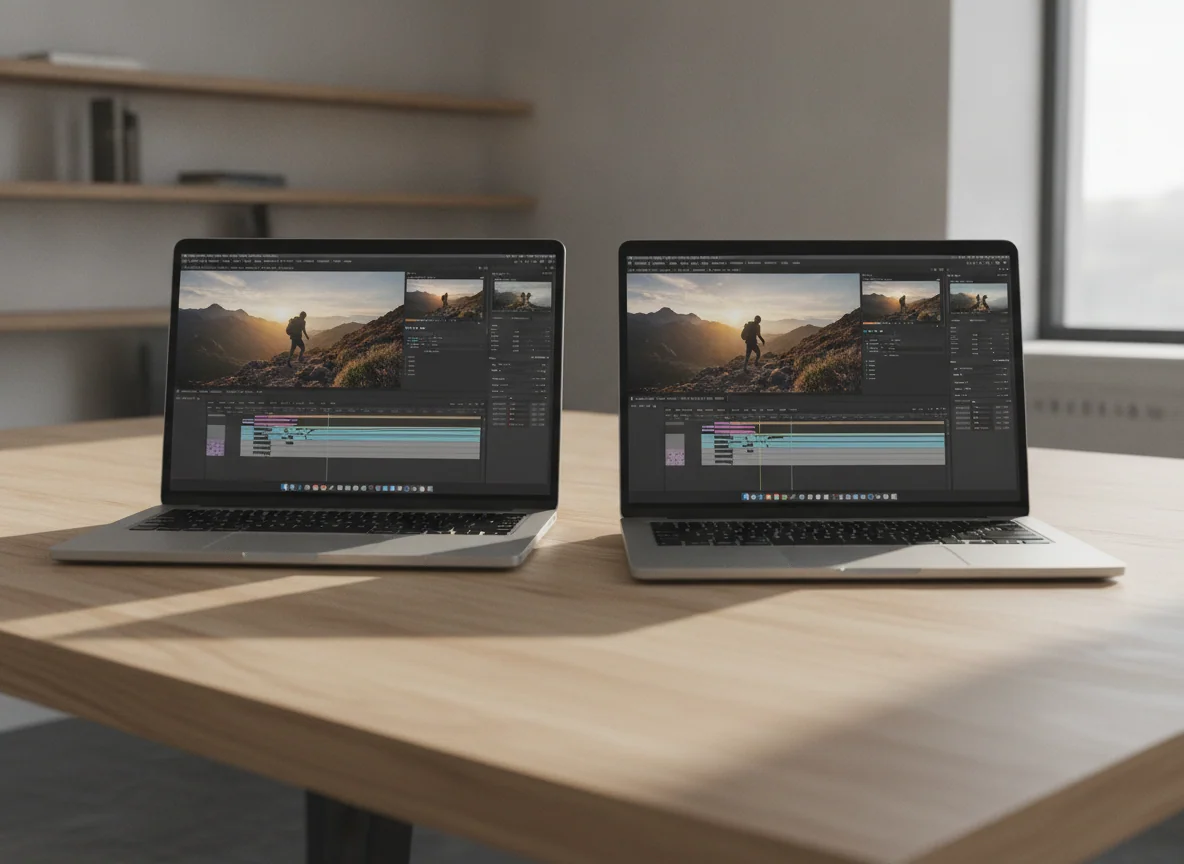
This is not a contest between a slow Mac and a fast one. Both machines pair 24GB of unified memory with the same large 16.2-inch XDR canvas, a substantial aluminum body, excellent speakers, a generous trackpad, and the ports expected of a professional MacBook. The real choice is whether faster sustained work, twice the internal storage, newer wireless hardware, and a conventional new-machine transaction are worth more than the potential saving on a renewed M4 Pro.
For a professional buying a primary workstation that must arrive ready for paid work, the M5 Pro is the cleaner recommendation. Its full 18-core CPU and 20-core GPU deliver a meaningful generational improvement, its 1TB SSD is easier to live with, and this configuration supports one more external display. It also avoids making battery condition, cosmetic wear, accessories, warranty status, and refurbishment quality part of the buying decision.
The renewed M4 Pro is not merely the consolation prize. It remains a formidable computer whose screen, battery endurance, unplugged performance, keyboard, speakers, and port selection are close enough to the newer model that many daily interactions will feel effectively the same. Its case becomes persuasive when the saving is substantial and the delivered unit passes inspection; without both conditions, the risk is doing all the work while the discount takes the credit.
Buy the M5 Pro if
This will be a revenue-producing machine, repeated exports or builds consume meaningful time, 1TB is the sensible internal baseline, or you want the least conditional route to a 16-inch MacBook Pro.
Buy the renewed M4 Pro if
Its total cost is meaningfully lower, 512GB fits a deliberate storage plan, and you can verify the seller protections and test the individual computer before the return window closes.
Keep your current M4 Pro if
It already completes your real projects on time, because the M5 Pro’s gains are substantial under sustained workloads but do not reinvent browsing, writing, calls, or ordinary application use.

Apple MacBook Pro 16-inch M5 Pro
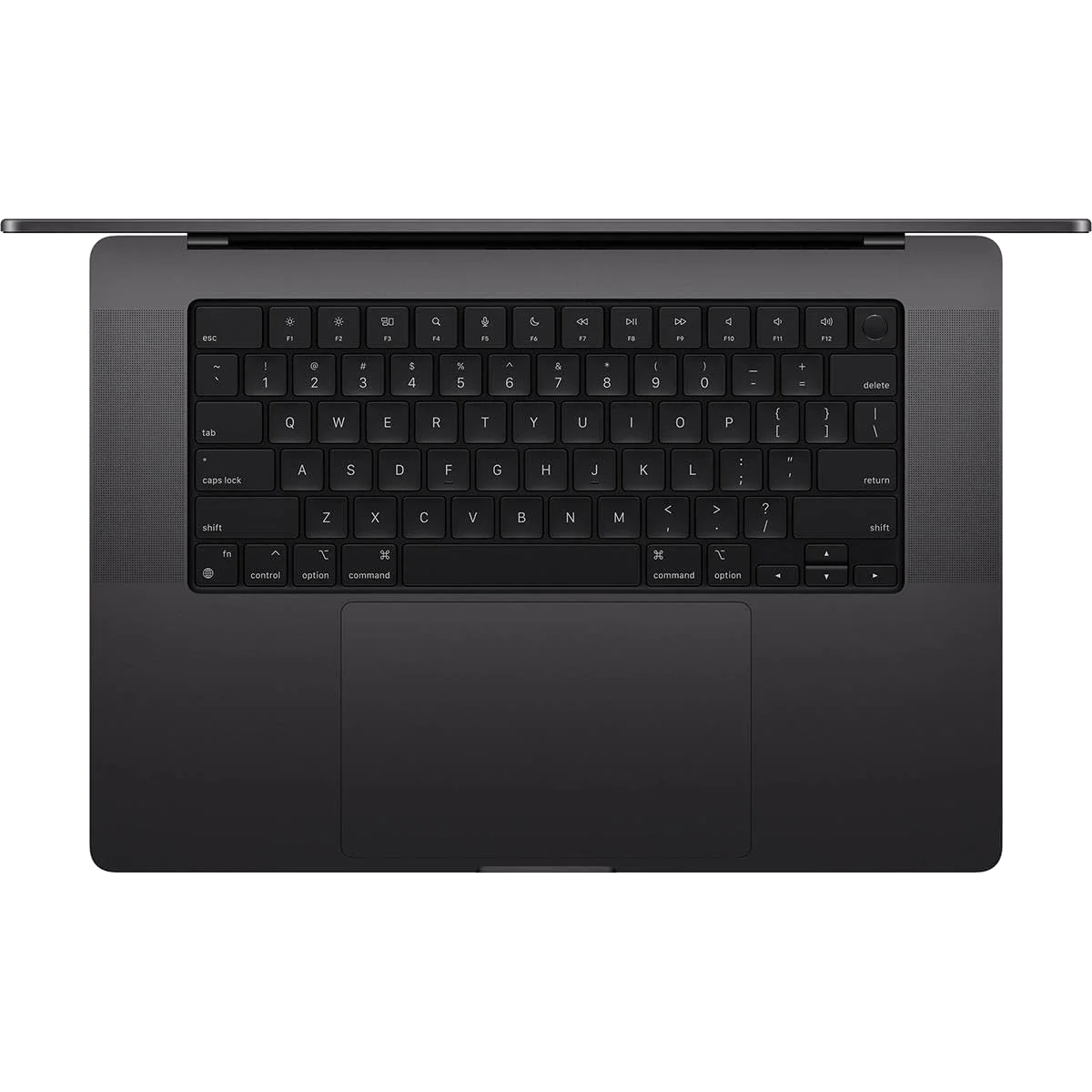
Apple 2024 MacBook Pro with
At a Glance
| Feature | Editor's Pick Apple MacBook Pro 16-inch M5 Pro | Apple 2024 MacBook Pro with |
|---|---|---|
| Price Range | — | $1,500–$3,000 |
| Finish | Space Black | — |
| Screen size | 16.2" | 16" |
| Check Price on Amazon | Check Price on Amazon |
The same workstation idea, with three differences that matter
Apple did not redesign the 16-inch MacBook Pro around the M5 Pro. The familiar enclosure still weighs about 4.7 pounds, the display still has a notch without Face ID, and the standard glossy mini-LED panel still trades OLED’s pixel-level blacks and fast response for excellent HDR brightness, color, resolution, and adaptive refresh up to 120Hz. Neither machine offers touch input, and neither becomes pleasant to carry merely because its performance is portable.
That continuity is important because it prevents the chip name from swallowing the comparison. An M4 Pro owner does not receive a lighter body, a new keyboard, a different trackpad, an OLED panel, or a transformed port arrangement by moving to M5 Pro. A first-time buyer, however, must still account for the newer model’s performance, storage, connectivity, and purchase condition.
| Decision point | 16-inch M5 Pro | 16-inch M4 Pro renewed | Who should care |
|---|---|---|---|
| Processor | Full 18-core CPU and 20-core GPU | M4 Pro, with the listing not identifying its core configuration | Editors, developers, researchers, and creators running sustained work |
| Unified memory | 24GB, not upgradeable | 24GB, not upgradeable | Buyers using large local models, virtual machines, containers, or complex media projects |
| Internal storage | 1TB | 512GB | Anyone keeping footage, photo libraries, samples, virtual machines, or models locally |
| External displays | Up to three in addition to the built-in display | Up to two in addition to the built-in display | People building multi-monitor workstations |
| Wireless | Wi-Fi 7 and Bluetooth 6 | An older wireless generation | Buyers with compatible infrastructure or a long ownership horizon |
| Purchase condition | Conventional new-machine listing | Renewed, with condition and coverage dependent on the delivered unit | Anyone who cannot tolerate inspection, return, or downtime risk |
The M5 Pro advantage is real, but workload decides its value
Independent testing of the full M5 Pro placed broad CPU performance roughly 20 percent ahead of M4 Pro, though the gap changes with the application. That is enough to matter when the machine repeatedly compiles a large codebase, exports video, processes substantial photo batches, or runs sustained local computation. Saving several minutes once is trivia; saving them across billable jobs every week is a purchasing argument.
The GPU story needs more restraint. The M5 Pro can produce large gains in some optimized creative applications and games, yet software support determines whether those cores become useful performance. Nvidia laptops remain stronger fits for CUDA, OptiX, extensive ray tracing, and the broad Windows game catalogue. A faster Mac GPU does not erase a platform mismatch.
Both generations retain a particularly useful professional trait: demanding work can run at full performance away from a wall socket. That makes either more credible as a mobile workstation than a laptop whose fastest discrete-GPU mode disappears when unplugged. Maximum output still drains the battery quickly, so “same performance” should not be mistaken for “same runtime.”
Twenty-four gigabytes creates the same ceiling on both
Matching memory capacity matters more than the generational badge for some buyers. Both exact configurations have 24GB of unified memory, and neither can be upgraded later. The M5 Pro moves data faster and accelerates more work, but it does not turn a fixed 24GB pool into a high-capacity local-AI or virtualization workstation.
Many development, photography, audio, and moderate video workflows fit comfortably within 24GB. Large local language models, several virtual machines, extensive container stacks, complex 8K projects, and growing scientific data can exceed it. Buyers should test or observe the largest representative project, not a quiet desktop, before assuming that either configuration has enough headroom.
If memory is the uncertain part of the decision, the site’s guide to choosing MacBook memory explains the baseline trade-offs. The crucial distinction here is that external storage can relieve a cramped SSD, while no dock or accessory can add unified memory.
One terabyte is convenience; 512GB is a plan
The M5 Pro’s 1TB SSD is the most broadly useful configuration advantage because it affects every project, cache, application, and local library. It does not remove the need for backup or external archival storage, but it postpones the moment when routine file management becomes a recurring chore.
The renewed M4 Pro’s 512GB drive can be enough for cloud-oriented work, college use, coding with moderate assets, and people who already keep large libraries elsewhere. It is constraining for video footage, RAW archives, orchestral samples, virtual machines, local models, or large games. Thunderbolt storage offers an effective escape route, but the buyer then owns another drive, cable, carry item, and backup decision.
Neither SSD is replaceable. Choose 512GB because the workflow already has a storage strategy, not because the machine’s other specifications are exciting enough to make capacity disappear.
The renewed M4 Pro must earn its saving at the door
The strongest evidence in favor of the older listing comes from its retained owner record. Buyers repeatedly described Excellent-condition machines with mint or near-mint cosmetics, original packaging and accessories, full reported battery health, and battery counts between six and ten cycles. Those are unusually encouraging outcomes for a renewed computer.
They are not transferable guarantees. “Renewed” is not the same as Apple Certified Refurbished, and the next unit can differ in battery wear, finish, accessories, warranty status, seller history, or previous management. A favorable average cannot inspect the computer that arrives at your address.
Inspect before migrating
- Confirm the M4 Pro chip, 24GB memory, 512GB SSD, 16-inch display, QWERTY English keyboard, and Space Black finish in System Information.
- Check battery condition, maximum capacity, and cycle count without treating earlier buyers’ single-digit results as a promised threshold.
- Verify the serial number, remaining Apple coverage, seller warranty, and return terms.
- Confirm that Activation Lock, organizational enrollment, and mobile-device-management profiles are absent.
- Inspect the display, coating, lid, edges, underside, keyboard, trackpad, and ports under strong light.
- Test MagSafe and USB-C charging, HDMI, SDXC, every Thunderbolt port, Wi-Fi, Bluetooth, speakers, microphones, camera, Touch ID, sleep, and wake.
- Run the actual export, build, render, or other sustained task the machine is being bought to perform.
- Erase and reinstall macOS before transferring sensitive data, then establish a real backup.
Return the computer if its identity, battery, management status, display, ports, charging behavior, or coverage does not match the transaction. A renewed bargain stops being a bargain as soon as it asks the buyer to rationalize an undisclosed compromise.
The M5 Pro is safer, not flawless
Choosing the newer model removes refurbishment uncertainty, but it does not remove hardware drawbacks. The machine and its 140W adapter create a heavy travel package, the dark finish shows handling marks readily, and 24GB remains permanent. Under an extreme simultaneous CPU and GPU load, testing found that the bundled adapter could briefly fall short of demand and let the computer draw a small amount from its battery while connected.
That power behavior is a genuine engineering fault, although the available evidence concerns an unusually severe combined workload rather than ordinary editing, compiling, browsing, or office use. High Power mode can also make the system much louder without providing a meaningful GPU or gaming benefit, so the automatic power profile is the sensible default for most work.
The M4 Pro carries fewer transaction guarantees and no lighter bag
The renewed model shares the fundamental physical compromises of the newer machine. It is heavy, glossy, non-upgradeable, and large enough to crowd travel bags and small tables. Its mini-LED panel can show blooming around bright objects on dark backgrounds, while slower pixel response makes it less convincing for fast-motion gaming than the 120Hz label suggests.
Laboratory testing still found excellent productivity performance and exceptionally long light-use battery endurance on the 16-inch M4 Pro platform, but those results assume a healthy machine. The battery inside a renewed unit must be judged on arrival rather than inferred from the model family’s best test.
Which 16-inch MacBook Pro should you actually buy?
The 16-inch M5 Pro is the better primary workstation for demanding work that cannot afford a conditional purchase.
Its faster full M5 Pro, 1TB SSD, newer wireless system, and support for three external displays make it the stronger long-term configuration.
It is heavy, non-upgradeable, limited to 24GB in this configuration, and its 140W adapter can briefly borrow from the battery under an extreme combined load.
The renewed 16-inch M4 Pro is the value choice for buyers willing to inspect the exact machine they receive.
It preserves most of the 16-inch MacBook Pro experience and ample professional performance, so a substantial saving can outweigh the M5 Pro’s incremental advantages.
Its 512GB SSD is restrictive for asset-heavy work, while battery condition, cosmetics, accessories, warranty, and seller quality can vary by unit.
Video editors and photographers
Choose the M5 Pro when exports, effects, batch processing, or a large local media library already create delays. The faster processor and larger internal drive serve the work directly. The renewed M4 Pro remains sensible for lighter timelines and external-drive workflows, provided its display and battery pass inspection.
Developers and technical users
The M5 Pro is easier to justify for repeated large builds, local computation, and three-display desks. Either machine can handle substantial professional development, but 24GB is the shared constraint for large virtual machines, many containers, and memory-intensive local models. Our MacBook guide for programming covers the wider range when a 16-inch workstation may be excessive.
Students and general productivity buyers
Buy neither merely for browsing, documents, research, calls, or occasional creative work. Those tasks rarely exploit sustained Pro-chip performance enough to compensate for the size and weight. The best MacBooks for students are a better starting point for buyers who need portability more often than workstation throughput.
Current M4 Pro owners
Keep the existing machine unless a measured M5 Pro improvement changes delivery time, workload capacity, external-display support, wireless performance, or storage friction enough to matter. The surrounding computer is too similar for an upgrade based on novelty alone.
Frequent travelers
A 16-inch screen can replace a desk monitor, but it also turns every commute into a tax on the shoulder. If the laptop is usually docked after the journey, start with the site’s guide to choosing a MacBook screen size before committing to either large model.
The bottom line
The 16-inch M5 Pro is the better computer and the safer purchase. The renewed M4 Pro can be the better value, but only because a large enough saving can compensate for its 512GB drive and the burden of verifying the individual unit. Existing M4 Pro owners should usually keep what they have; buyers without a sustained professional workload should step down from both.
Frequently Asked Questions
Is the 16-inch M5 Pro much faster than the 16-inch M4 Pro?
The full M5 Pro is roughly 20 percent faster in broad CPU testing, but the practical gain ranges from negligible in everyday use to valuable in repeated sustained work.
Should an M4 Pro owner upgrade to the M5 Pro?
Usually not, unless the newer processor, larger SSD, additional external-display support, or wireless upgrade resolves a specific and measurable limitation.
Is the renewed M4 Pro safe to buy?
It can be a sound purchase when seller protections are clear and the delivered machine passes identity, battery, display, port, management, warranty, and sustained-load checks.
Is 24GB of unified memory enough in either model?
It is enough for many development, photography, audio, and moderate video workflows, but large local models, several virtual machines, complex 8K projects, and growing data sets may need more.
Is the M5 Pro’s 1TB SSD worth choosing over 512GB?
Yes for asset-heavy or self-contained workflows, while 512GB remains workable for buyers who deliberately keep large libraries on external or network storage.
Which model is better for gaming?
The M5 Pro offers the stronger GPU, but neither is the best gaming-first purchase because macOS has a smaller catalogue and lacks the broad Nvidia ecosystem available on Windows.
Which model is better for travel?
Neither has a portability advantage because both use the heavy 16-inch design, so frequent travelers should consider a smaller MacBook Pro or MacBook Air.
Does the renewed M4 Pro include the same warranty as a new MacBook?
Not necessarily, because remaining Apple coverage, seller warranty, AppleCare eligibility, and accessories can vary with the individual renewed unit.