MacBook Air or MacBook Pro: most people should buy the Air.
Buy a MacBook Air for study, office work, coding and occasional creative projects; choose a MacBook Pro only when long heavy workloads, an excellent HDR display or professional ports justify carrying more computer.
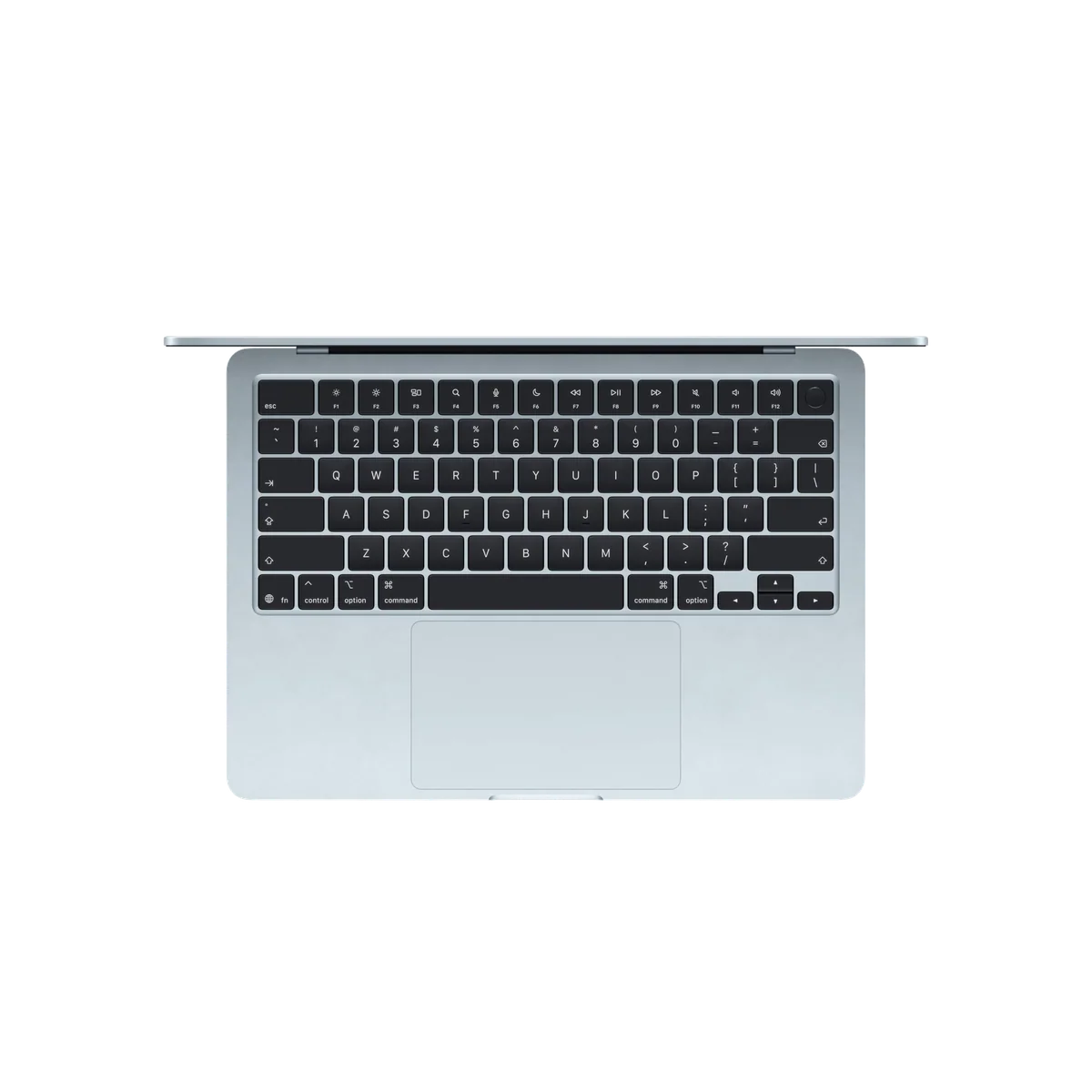
Apple MacBook Air 13-inch M5
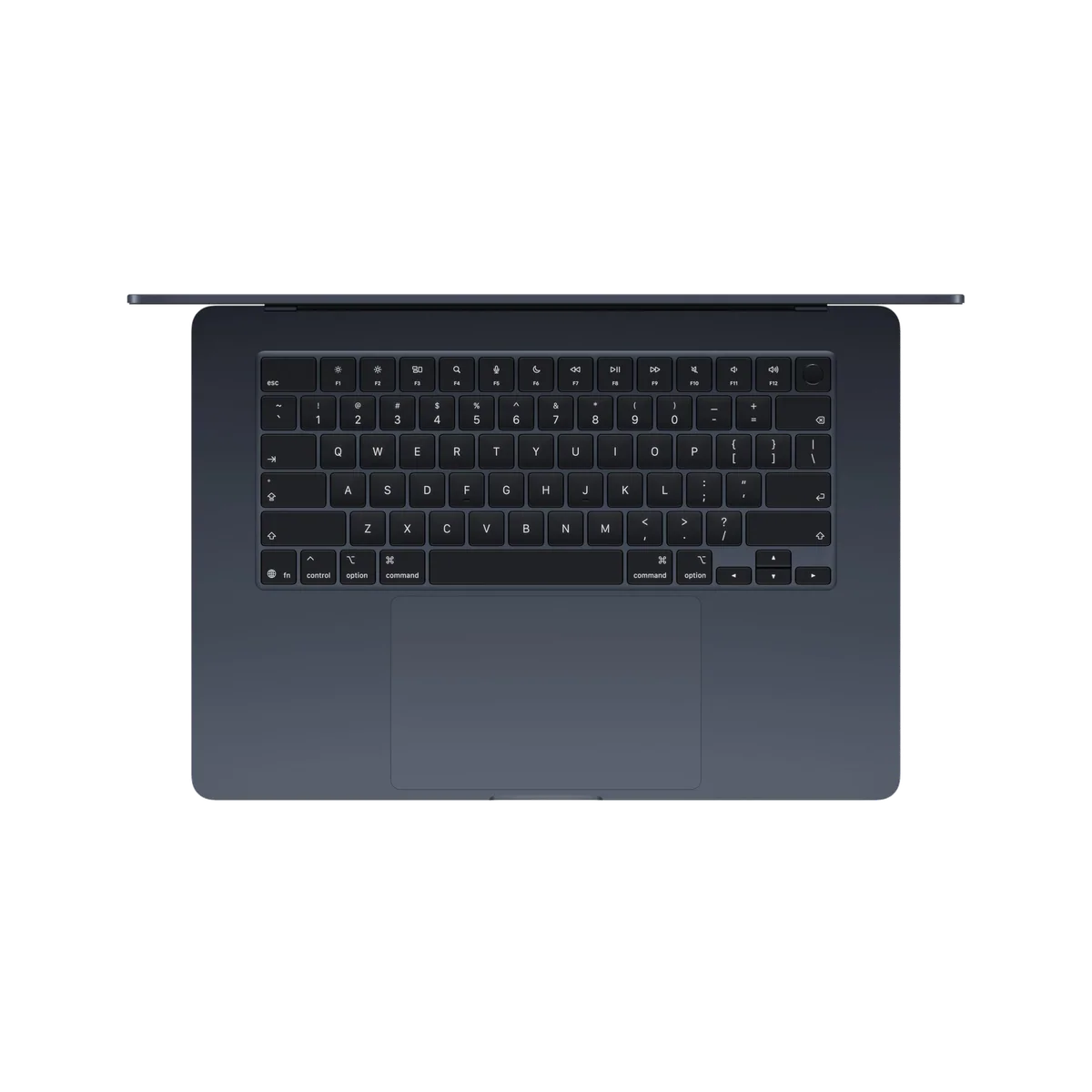
Apple MacBook Air 15-inch M5
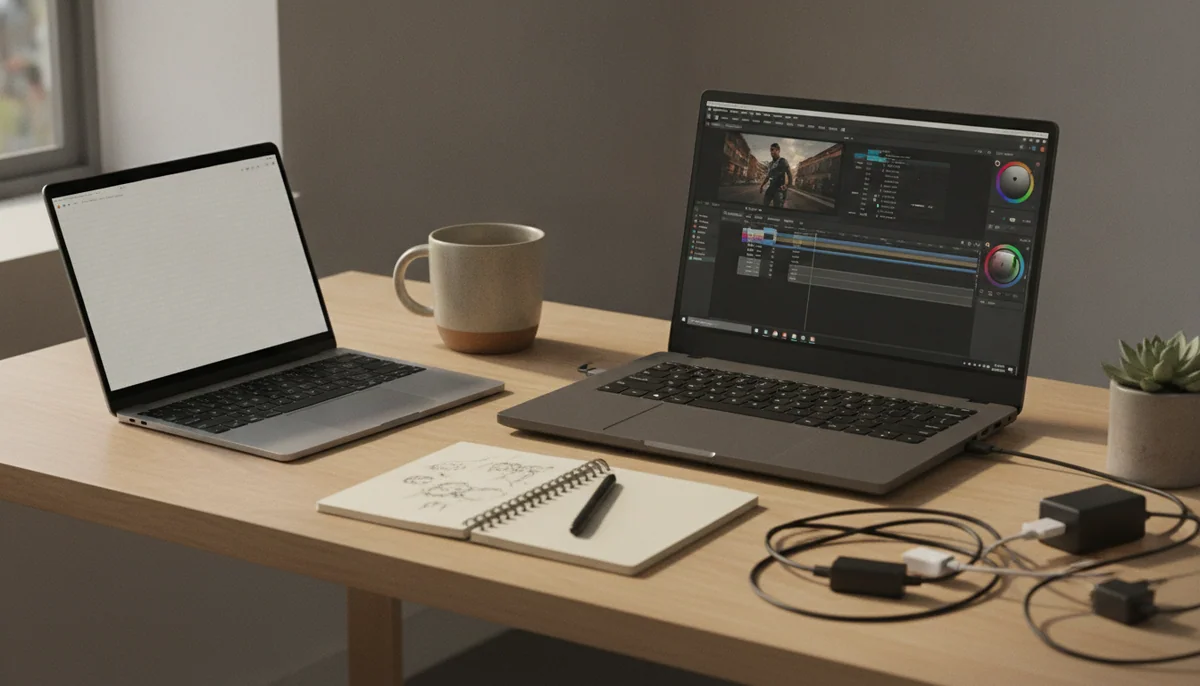
Apple makes this comparison look like a ladder: Air below Pro, smaller number below larger number, and higher specification above lower specification. That is the wrong mental model. The Air and Pro are different tools, and paying to move upward can make a laptop less suitable if the result spends its life opening documents, joining calls and travelling between desks.
The 13-inch MacBook Air M5 is the best default here. It combines 16GB of memory, a 512GB SSD, excellent everyday speed, long battery life and a silent 2.7-pound body. The 15-inch Air provides essentially the same proposition with a larger workspace and better speakers. Both have a serious weakness: their otherwise sharp and colorful IPS displays remain at 60Hz, with no proper HDR presentation and none of the deep contrast supplied by the Pro’s mini-LED panel.
The MacBook Pro answers that complaint decisively. Its Liquid Retina XDR display can refresh at up to 120Hz, produce far stronger HDR highlights and deliver much deeper blacks. The Pro also adds active cooling, HDMI, an SDXC card reader and a third Thunderbolt connection. Those are meaningful improvements, not decorative specification bumps. They are also easy to overbuy.
A fan does not make email faster. An SD card slot does not improve a dissertation. A 1,600-nit HDR peak does not rescue a spreadsheet, and the 16-inch M5 Pro’s enormous sustained performance will not make browser-based work feel proportionately better than it does on an Air. Buy the hardware that removes a bottleneck, not the badge that suggests you might become the sort of person who has one.
Start with the Air
Choose an Air when your working day consists mainly of browsers, documents, research, communication, coding, photo editing and occasional video or music projects. Pick the 13-inch version for frequent travel and constrained tables, or the 15-inch version when the built-in screen will serve as your main workspace.
Move to the Pro for a named reason
Choose a Pro when you regularly wait for long renders, large builds or sustained local processing, or when 120Hz motion, HDR, SDXC and HDMI are requirements rather than attractive extras. If you cannot name the task that needs those features, you probably do not need the Pro.
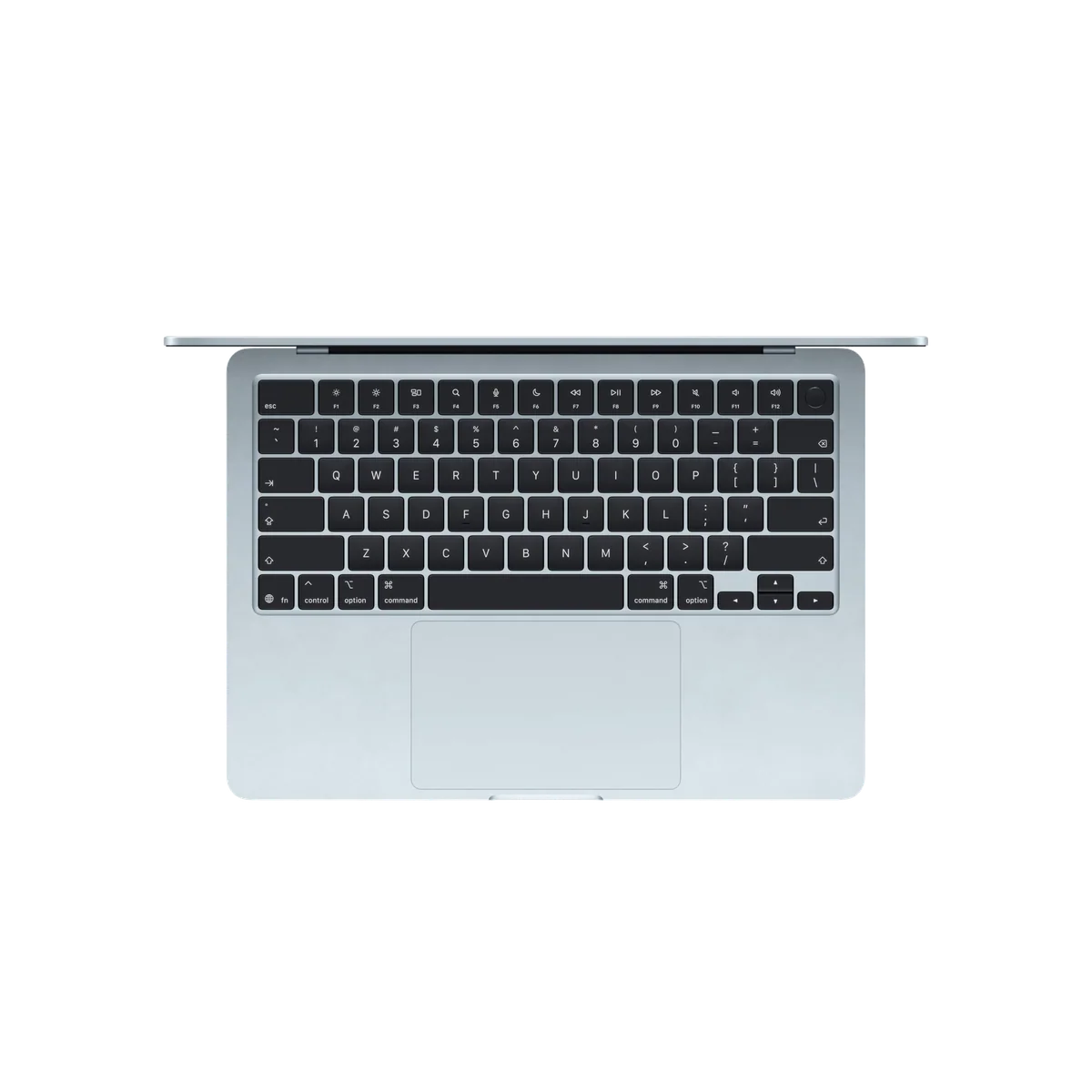
Apple MacBook Air 13-inch M5
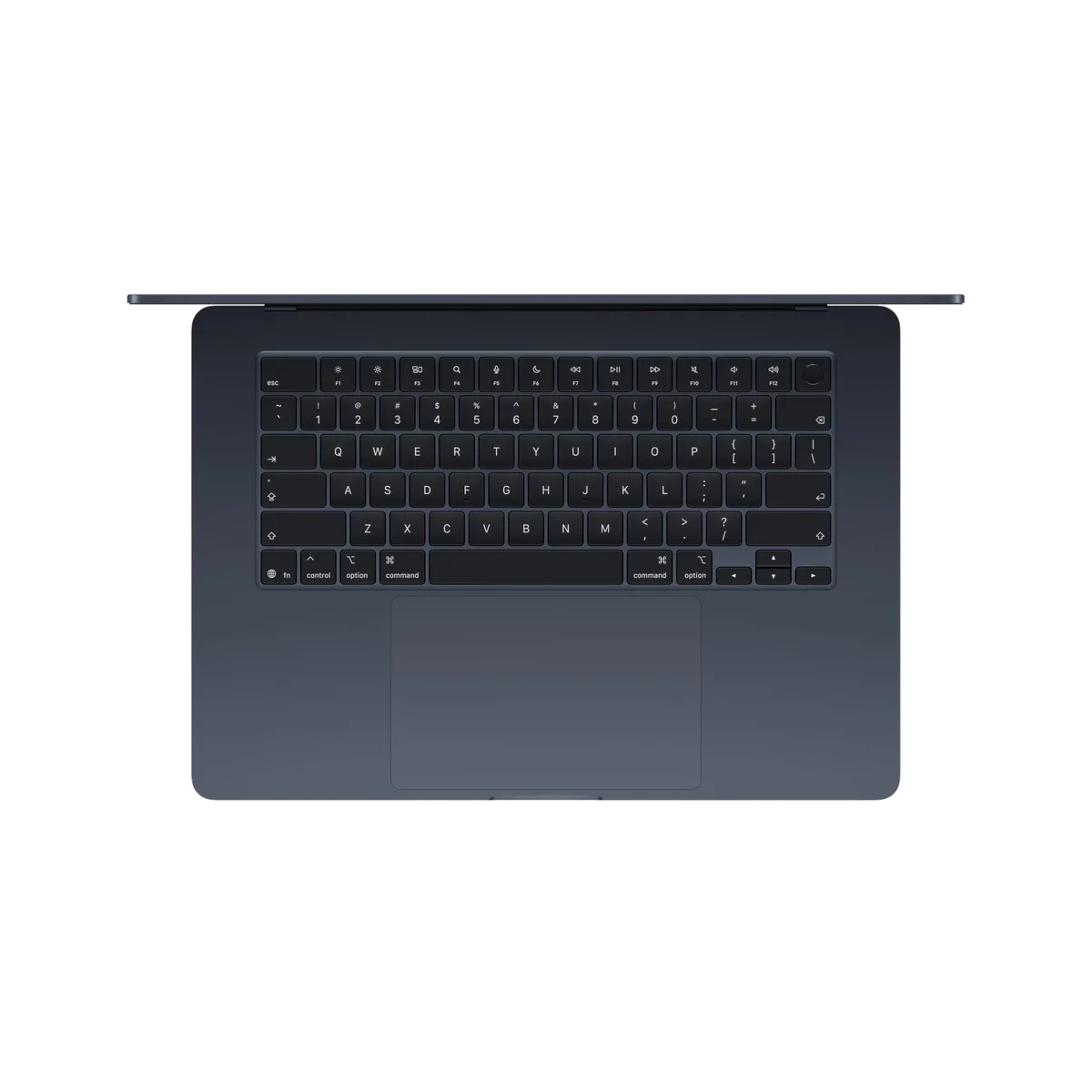
Apple MacBook Air 15-inch M5
At a Glance
| Feature | Apple MacBook Air 13-inch M5 | Apple MacBook Air 15-inch M5 |
|---|---|---|
| Price Range | — | — |
| Finish | Sky Blue | Midnight |
| Screen size | 13" | 15" |
| Check Price on Amazon | Check Price on Amazon |
The difference is not speed; it is what happens after the first few minutes
Every M5 machine on this page is fast during ordinary use. The Air launches applications quickly, handles large browser sessions and has ample performance for mainstream coding and creative work. Short processor tasks can approach the base 14-inch Pro closely enough that buying by benchmark rank alone produces a poor decision.
The split appears when a workload stays heavy. The Air is fanless, so it remains completely silent but must reduce performance as heat builds during prolonged CPU and GPU work. That affects repeated video exports, long code compiles, bulk photo processing, sustained 3D rendering, demanding games and extended local-AI jobs. An occasional heavy task is not a reason to reject the Air; an entire working day built from those tasks is.
The Pro uses active cooling to preserve more of its speed. The standard 14-inch M5 model suits moderate professional work, while the 16-inch M5 Pro is built for substantially heavier parallel workloads. That distinction matters because “MacBook Pro” describes a chassis family, not one level of performance. The base M5 and M5 Pro chips are not interchangeable, and readers deciding between them should use the site’s dedicated M5 and M5 Pro MacBook comparison.
| Decision point | MacBook Air | MacBook Pro |
|---|---|---|
| Best use | Study, office work, coding, travel and intermittent creative jobs | Sustained editing, rendering, compiling and color-critical production |
| Cooling | Fanless, silent and slower under prolonged maximum load | Actively cooled for stronger sustained performance |
| Display | Sharp 60Hz IPS panel without proper HDR | Up to 120Hz mini-LED XDR with much stronger contrast and HDR |
| Connections | MagSafe, two Thunderbolt 4 ports and a headphone jack | MagSafe, three Thunderbolt ports, HDMI, SDXC and a headphone jack |
| Carrying burden | Best for regular travel, especially in the 13-inch size | Heavier, with the 16-inch model functioning more like a movable desktop |
| Main buying risk | Accepting an outdated display and too few ports | Paying for workstation hardware that remains idle |

The screen is the Pro’s most persuasive everyday advantage
Performance depends on the workload, but the display difference is visible whenever the lid is open. The Air’s panel is crisp, bright enough for ordinary indoor use and suitable for general visual work. Its 60Hz refresh makes scrolling and animation less fluid, conventional IPS contrast leaves dark scenes looking gray beside the Pro, and HDR content cannot show the highlight intensity available on the XDR panel.
The Pro’s adaptive refresh reaches 120Hz, and its mini-LED backlight produces brighter HDR highlights and deeper blacks. Photographers, video editors and designers gain a more capable built-in reference surface, while everyone benefits from smoother motion. It is not flawless: local dimming can create halos around bright objects on dark backgrounds, the notch remains, and neither family offers touch input.
This difference can justify the 14-inch Pro even when the processor is not essential. Someone who spends every working hour reading and manipulating visual material may reasonably value the better panel more than extra portability. Someone who works docked to an excellent external monitor receives far less benefit, because the expensive internal display may spend most of the day closed.
Readers who know they are sensitive to refresh rate should settle that before choosing an Air; the site’s guide to whether a 60Hz display is good enough explains why prior devices and workload matter more than a blanket verdict.
Ports decide the comparison faster than processor charts
Both Air models provide MagSafe, a headphone jack and two Thunderbolt 4 ports, with both data ports positioned on the left. They can drive two external displays, but cameras, memory cards, projectors, wired networks and older USB accessories often require a dock or adapter. A neat desk can absorb that inconvenience; frequent presentations and media ingestion turn it into daily friction.
The 14-inch Pro adds a third Thunderbolt 4 port, HDMI and an SDXC slot. The 16-inch M5 Pro moves to Thunderbolt 5 and can support as many as three external displays. That makes the Pro a cleaner choice for photographers, editors, musicians and developers with elaborate desks, although neither Pro restores USB-A or Ethernet.
Do not pay the Pro premium merely to avoid buying one hub. Do pay it when adapters would sit in the path of paid work, when high-speed external storage is central to the workflow, or when equipment must connect reliably in changing locations. The distinction is not whether a dongle looks inelegant; it is whether missing connections consume time.
Four MacBooks, four defensible jobs
The 13-inch MacBook Air M5 is the best MacBook for most mobile workers.
Its 16GB memory, 512GB storage, silent operation and 2.7-pound body make it the strongest balance of capability and portability in this comparison.
The 60Hz SDR display, two left-side Thunderbolt ports and fanless performance ceiling make the premium positioning harder to forgive.
This is the model to buy for lectures, libraries, trains, client visits and any working day in which the computer moves more often than it renders. Its smaller screen is not inherently inadequate, but people who live in wide spreadsheets, long timelines or side-by-side documents should decide whether carrying less is worth seeing less. The site’s 13-inch and 15-inch MacBook Air comparison treats that choice as a question of workspace rather than speed.
The 15-inch MacBook Air M5 is the sensible big-screen choice for desk-centered work.
It provides a roomy 15.3-inch canvas, stronger six-speaker audio and the same excellent mainstream M5 experience without moving into workstation weight.
Its broad footprint travels less gracefully, the Midnight finish attracts fingerprints and the large display is still limited to 60Hz IPS technology.
The 15-inch Air is especially convincing when it will be the only screen. Research beside a document, an IDE beside a browser and wide spreadsheet columns all benefit from the added area. It becomes less rational when it spends most days connected to an external monitor, since the 13-inch Air can run the same desktop arrangement while occupying less bag space.
The 14-inch MacBook Pro M5 is for buyers who need Pro hardware more than a Pro-tier chip.
Its 120Hz XDR display, 1TB SSD, active cooling, excellent speakers, HDMI and SDXC slot create a compact creative workstation for moderate professional workloads.
The fixed 16GB memory leaves little margin for ambitious future projects, while the standard M5 sits awkwardly between cheaper Air models and faster Pro-tier configurations.
This is the nuanced option. A photographer, designer, DJ or developer can value the chassis, display and ports without needing an M5 Pro processor. The problem is that its soldered 16GB memory cannot expand if larger projects, virtual machines or local models arrive later. Before ordering, reproduce the heaviest normal working hour on the current computer and inspect memory pressure rather than trusting the word “Pro.”

The 16-inch MacBook Pro M5 Pro is a workstation for people who can turn its speed into finished work.
Its 18-core CPU, 20-core GPU, 24GB unified memory, large XDR display and Thunderbolt 5 connectivity suit sustained macOS production away from a permanent desk.
The 4.7-pound chassis is burdensome, its memory and storage cannot be upgraded, and 24GB can constrain large local models, virtual machines and complex media projects.
The 16-inch Pro earns its place when the internal display replaces a desktop monitor and long builds, exports or processing jobs already cost money. It is excessive for ordinary computing and awkward for daily casual travel. Buyers who need its performance but not its graphics capacity should also resist an automatic move to M5 Max; the site’s M5 Pro and M5 Max comparison separates CPU-bound work from jobs that can exploit more GPU cores and memory.
Memory is permanent, so configure for the real workload
None of these machines allows a later memory or internal-storage upgrade. External storage can rescue a crowded SSD, but no accessory can add unified memory. Sixteen gigabytes is a sound starting point for mainstream study, office work, coding, photo editing and moderate creative projects. It becomes a questionable long-term choice when several virtual machines, large sample libraries, complex timelines, heavy container stacks or local AI models must remain open together.
The 16-inch model’s 24GB is more capable, not limitless. Its CPU and GPU share that pool with macOS and every active application. Professionals should size memory against the largest credible project during the ownership period, not the calm average of a browser-and-email morning. The site’s guide to choosing MacBook memory provides a more detailed workload check.
Storage follows a different rule. The Air listings here begin at 512GB, while both Pro listings include 1TB. Media libraries can consume either quickly, but fast external drives provide a practical escape route. Choose more internal storage for mobility and convenience; choose more memory when the workload genuinely needs it.

Apple MacBook Air 13-inch M5
Apple MacBook Air 15-inch M5
Choose by the work, then choose the size
Students and general professionals
Start with the 13-inch Air. It is the least troublesome machine to carry, remains silent in a classroom or meeting and has enough performance for research, writing, presentations, calls and substantial multitasking. Students with specialized media, engineering or development requirements should confirm application compatibility and memory needs through the site’s MacBook recommendations for students.
Programmers and developers
The Air is enough for web development, application work and moderate local tooling, particularly when builds are intermittent. Choose a Pro when long compiles, multiple virtual machines, large container stacks or several external displays are ordinary rather than occasional. The dedicated MacBook guide for programming separates portability from workloads that benefit from cooling and additional memory.
Photographers, musicians and video creators
An Air can handle photo work, music projects and occasional video editing, but the Pro earns its keep through XDR, sustained speed, SDXC, HDMI and stronger connectivity. The 14-inch base M5 suits moderate mobile production that fits in 16GB; recurring long exports, heavier effects and larger projects point toward M5 Pro and more carefully chosen memory. Readers focused on timelines and exports should continue to the MacBook recommendations for video editing.
Travelers who want a large screen
The 15-inch Air is the compromise, not the 16-inch Pro. It gives documents and spreadsheets more room while remaining much lighter than Apple’s largest workstation. Frequent airplane trays, crowded cafés and daily transit still favor the 13-inch Air, so decide with the places where the lid will open rather than the display viewed in isolation.
The final call
Most readers should buy the 13-inch MacBook Air M5, or the 15-inch version when its larger workspace will be used every day. Accept that both Airs have a dated 60Hz display and sparse connections; those are real compromises, not footnotes.
Move to the 14-inch Pro when its XDR panel, active cooling and built-in ports solve a present need. Move to the 16-inch M5 Pro only when sustained professional work and a desktop-sized internal canvas justify the weight, fixed configuration and far greater capability. A Pro bought without a Pro workload is not future-proofing; it is extra hardware to carry while doing Air work.
Recent M3 and M4 owners should usually keep their current machines unless memory, storage, battery condition or measured performance has become an obstacle. Buyers still surveying Apple’s whole laptop range can use the best MacBooks guide to compare the remaining sensible routes.
Frequently Asked Questions
Is a MacBook Air powerful enough for professional work?
Yes, it is powerful enough for many writing, office, coding, photo, music and occasional video workloads, but sustained heavy processing and memory-intensive projects favor a MacBook Pro.
Is the MacBook Pro display noticeably better?
Yes, its adaptive refresh up to 120Hz, mini-LED contrast and genuine HDR capability are clear improvements over the Air’s 60Hz IPS display.
Does the MacBook Pro have better battery life than the Air?
Both families can comfortably cover a normal workday, while exact endurance depends more on size, brightness and workload than on the Air or Pro name.
Should a student buy a MacBook Air or MacBook Pro?
Most students should buy the 13-inch Air, while courses involving recurring 3D work, complex video, large development environments or color-critical production can justify a Pro.
Which MacBook is better for video editing?
The Air is capable of occasional and moderate editing, but a Pro is better for repeated long exports, demanding effects, HDR work and workflows that depend on SD cards or HDMI.
Is the 15-inch Air better than the 14-inch Pro?
The 15-inch Air is better for a large, silent everyday workspace, while the 14-inch Pro is better for display quality, sustained performance and built-in connectivity.
Can memory or storage be upgraded after purchase?
No, unified memory and internal storage are fixed, although external drives can expand file capacity later.
Is the 16-inch MacBook Pro too heavy for travel?
It can travel, but its roughly 4.7-pound chassis and large charger make it better suited to planned moves between work locations than casual daily carrying.
Do ordinary users benefit from an M5 Pro chip?
Usually not, because browsers, documents, calls and light creative applications rarely exploit the sustained multicore and GPU performance that makes M5 Pro worthwhile.
Should an M4 MacBook owner upgrade?
Usually not, unless the current machine has a specific memory, storage, battery, connectivity or performance limitation that disrupts real work.