The Fire HD 10 beats the Galaxy Tab A8, but only inside Amazon’s garden
Buy the Fire HD 10 for streaming, reading and shared family use, but skip both tablets if unrestricted Google Play access matters because the Galaxy Tab A8 is now too slow and old to be the sensible escape route.
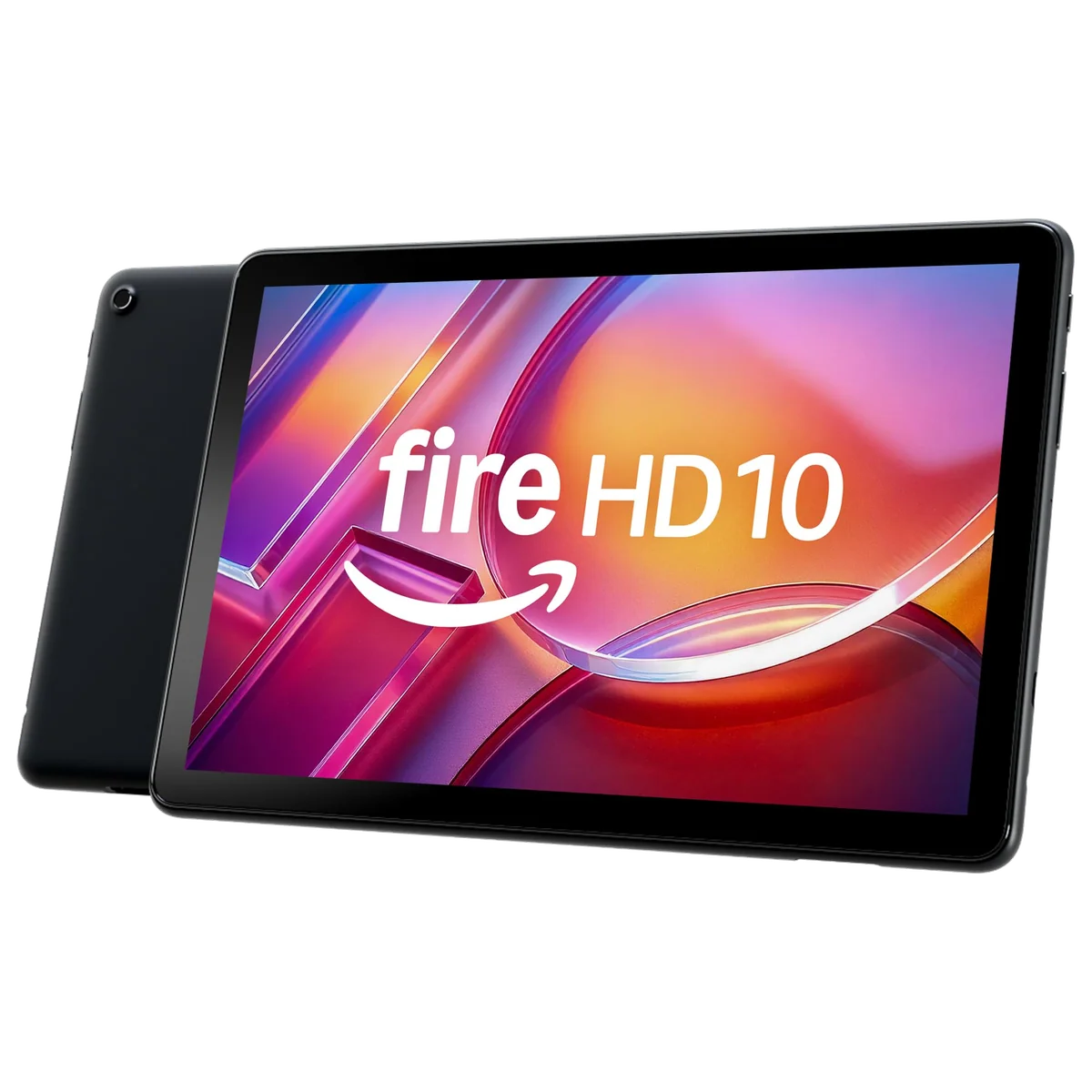
Amazon Fire HD 10 2023
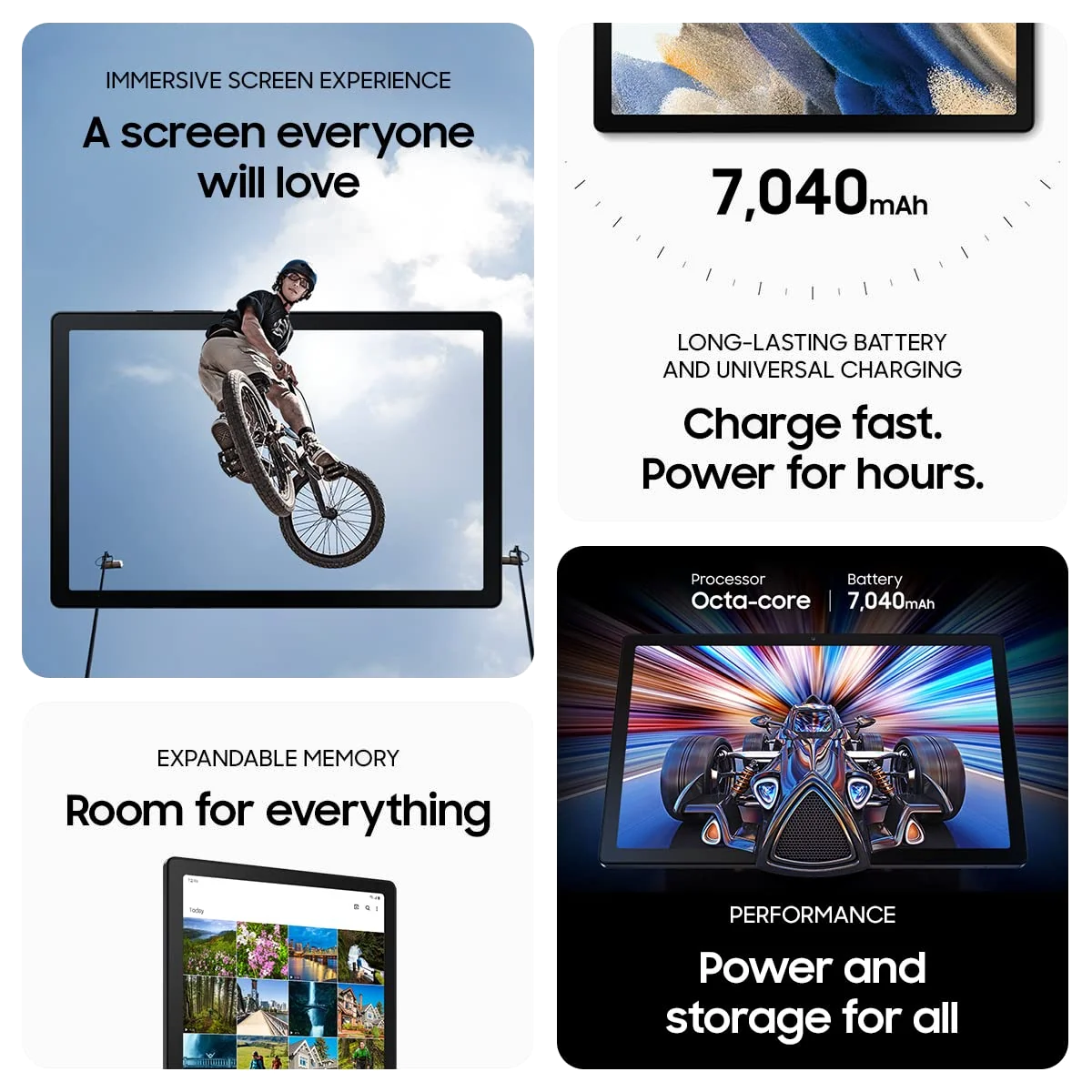
Samsung Galaxy Tab A8 10.5”
This contest has an awkward winner. The Amazon Fire HD 10 is newer, carries more RAM in the compared configuration and makes a convincing low-demand entertainment tablet, yet it deliberately limits the apps you can install. The Samsung Galaxy Tab A8 offers the conventional Android experience that the Fire withholds, but this particular 32GB model has only 3GB of RAM, little usable internal space and no major Android upgrades left.
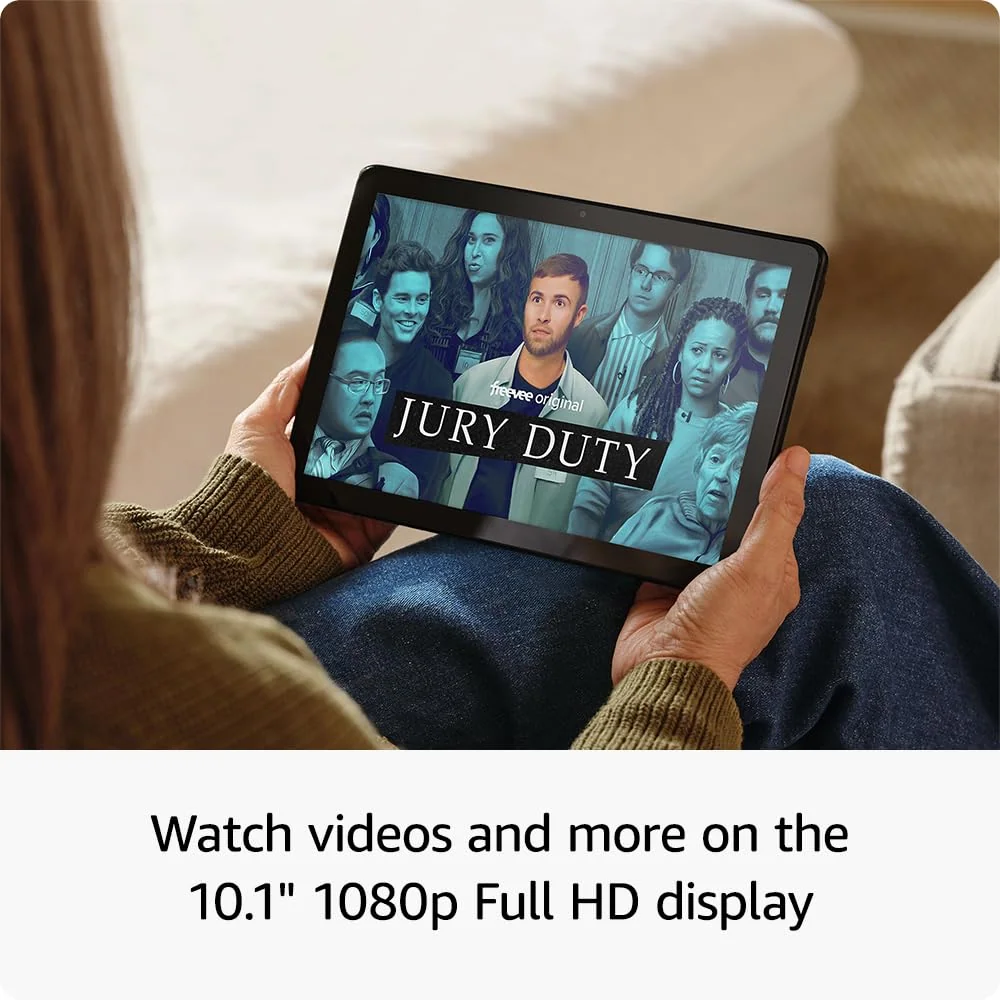
That makes the Fire the better purchase for most people choosing strictly between these two. Its 10.1-inch Full HD display, useful family profiles, microSD expansion and strong active-use battery life suit films, books, browsing and supported casual apps. The drawback is not hidden in a footnote: Fire OS uses Amazon’s Appstore rather than offering official Google Play access, so an essential app can turn an apparent bargain into the wrong device.
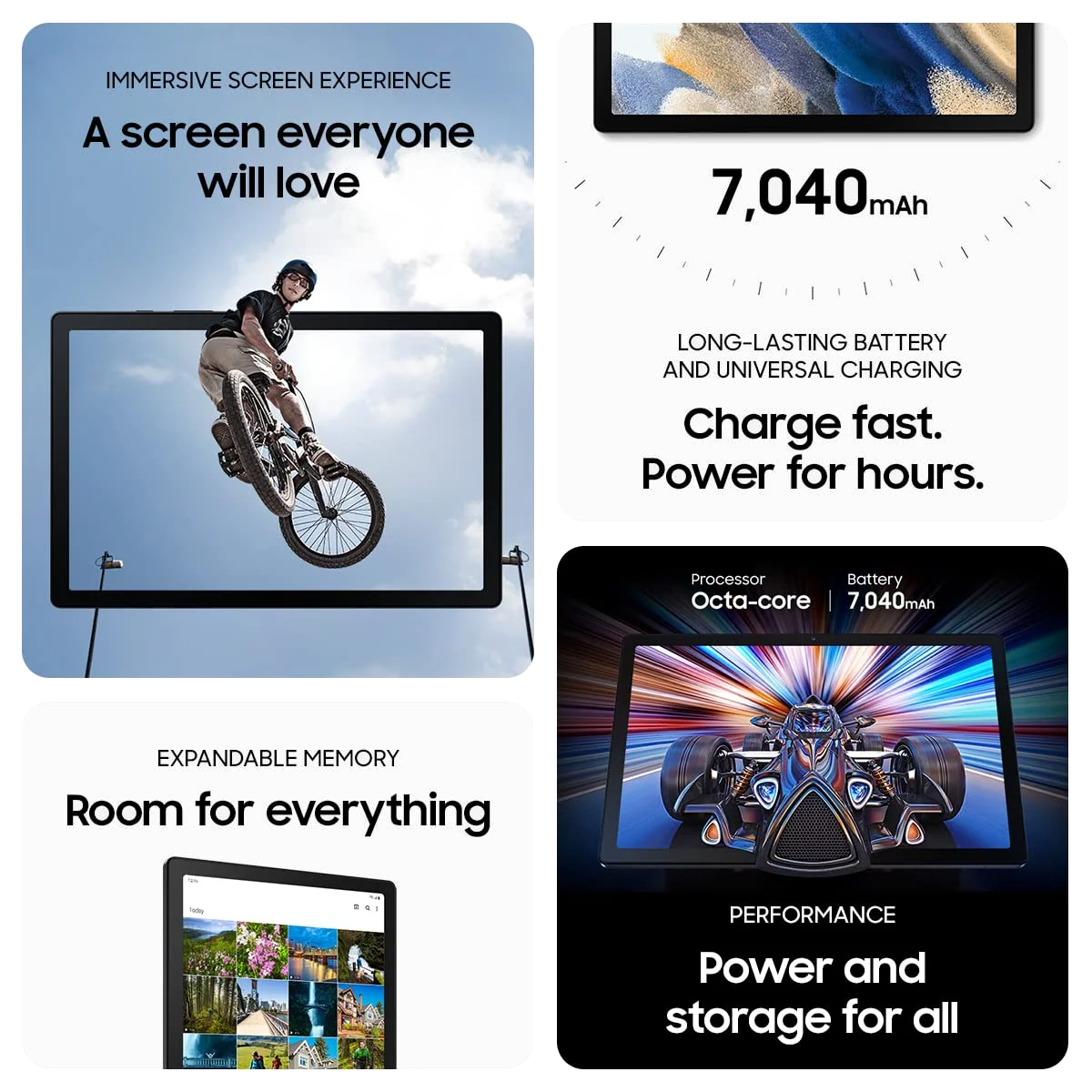
The Tab A8 does not win merely by being less restrictive. Its Google Play catalog, metal body, four speakers and slightly larger 10.5-inch screen remain appealing, but everyday pauses around waking, launching and switching apps undermine the freedom that Android provides. A broad app library is less comforting when the hardware makes using it feel laborious.
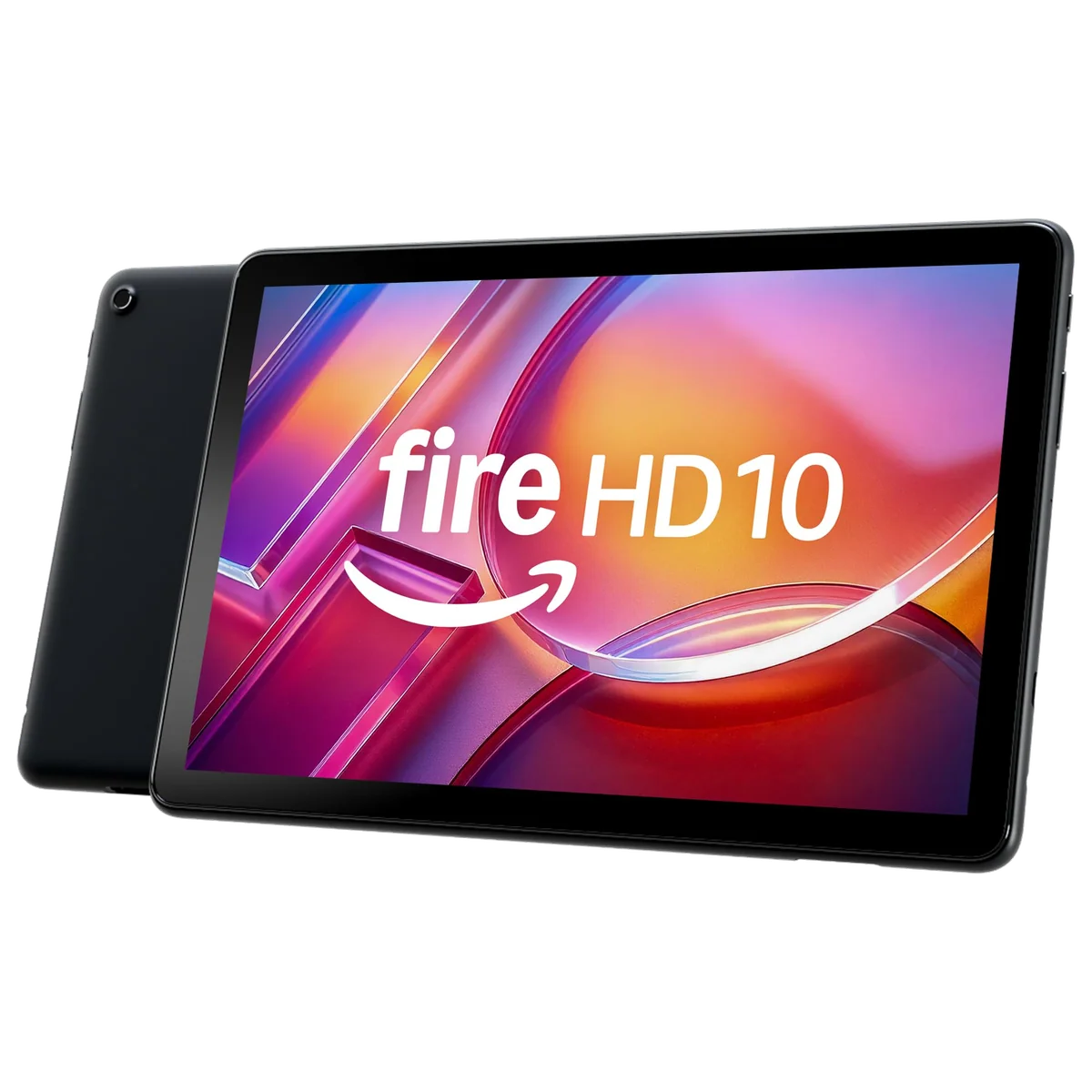
Amazon Fire HD 10 2023
Samsung Galaxy Tab A8 10.5”
At a Glance
| Feature | Editor's Pick Amazon Fire HD 10 2023 | Samsung Galaxy Tab A8 10.5” |
|---|---|---|
| Price Range | — | $200–$500 |
| Finish | Lilac | — |
| Screen size | 10.1" | 10.5" |
| Check Price on Amazon | Check Price on Amazon |
The Fire wins the purchase, while the Galaxy wins a narrower argument
Amazon built the Fire HD 10 around consumption. Its 1920 × 1200 display has the right proportions for widescreen video, enough resolution for clean text and a practical amount of space for comics, magazines and web pages. It is an ordinary 60Hz LCD rather than a premium panel, but that is a reasonable compromise in a tablet meant to live beside a sofa, in a kitchen or on an airplane tray.
Samsung’s 1920 × 1200 display is half an inch larger and serves the same indoor-media role. Full HD streaming support and symmetrical bezels help it work well as a portable television, while the quad-speaker system gives films and dialogue a wider presentation than the Fire’s stereo pair. The A8 is the more convincing speaker dock of the two, although its glossy, moderately bright LCD is poorly suited to direct sunlight and offers neither HDR nor a high refresh rate.
| Decision point | Fire HD 10 | Galaxy Tab A8 32GB |
|---|---|---|
| Software | Fire OS with Amazon’s Appstore | Conventional Android with Google Play |
| Compared configuration | 4GB RAM and 32GB storage | 3GB RAM and 32GB storage |
| Display | 10.1-inch, 1920 × 1200 LCD | 10.5-inch, 1920 × 1200 LCD |
| Audio | Stereo speakers and headphone jack | Quad speakers and headphone jack |
| Expandable storage | microSD support up to 1TB | microSD support up to 1TB |
| Active pen | Optional USI 2.0 stylus support | No S Pen support |
| Best role | Amazon-centered entertainment and family sharing | Continuing service as an existing media tablet |
| Main reason to avoid it | Restricted app availability | Aging 3GB hardware and exhausted major upgrades |
Four gigabytes beats three when neither processor is ambitious
The compared Fire HD 10 listing includes 4GB of RAM, while the base Galaxy Tab A8 combines 3GB with 32GB of storage. That single gigabyte does not make the Fire powerful, but it gives Amazon’s tablet more room for ordinary browsing, reading, video and simple split-screen use. There are no supplied target-specific benchmarks that justify turning this advantage into a numerical performance claim, so the honest conclusion is modest rather than miraculous.
The A8’s lowest-capacity version aged particularly badly because its larger 64GB and 128GB siblings generally paired their extra storage with 4GB of RAM. On the 3GB model, background apps can reload, launches can hesitate and navigation can feel delayed even when video playback or a settled reading app works normally. Owners have reported both satisfactory light use and conspicuous lag, but the configuration difference explains much of that disagreement.
Neither tablet belongs in a demanding gaming, creative-work or laptop-replacement conversation. The Fire’s optional pressure-sensitive stylus is useful for annotations and simple handwriting, yet its modest hardware and software catalog limit serious art or productivity. The A8 supports basic capacitive styluses but lacks the digitizer required for Samsung’s S Pen, and its 3GB of RAM places a low ceiling over split-screen work.
The app-store difference is decisive, not decorative
Fire OS is derived from Android, but Amazon places its own store, services and recommendations at the center. Prime Video, Kindle, Audible and Alexa are natural fits, and several familiar entertainment or Microsoft apps may be available. Other streaming services, library apps, communication tools, games and Google services can be absent, regionally restricted or offered through a browser experience instead of the standard Android application.
Unofficial Google Play installation guides do not erase this disadvantage. Sideloading can introduce compatibility, maintenance, privacy and security questions, while future updates can disturb a setup that worked yesterday. Anyone considering the Fire should check every essential app first and read the site’s explanation of Google Play and missing Fire tablet apps rather than treating a workaround as a guaranteed feature.
The Galaxy Tab A8 provides normal Google Play access, which is its clearest victory. It is the safer environment for Google services, regional apps and software that never reached Amazon’s store. That advantage matters enough to disqualify the Fire for some buyers, but it does not make the A8 a good new purchase because a broader catalog cannot repair aging performance or restore future major Android upgrades.
Both batteries outlast their patience-testing chargers
The Fire HD 10 is advertised for up to 13 hours, and contemporary independent testing of the original 3GB version reached 12 hours and 39 minutes under controlled conditions. Real endurance changes with brightness, games, wireless activity and background tasks, but the evidence supports calling it a strong active-use tablet. Charging can take roughly four hours, so it is better prepared for a long session than for a quick refill before leaving home.
The Tab A8 also offers enough endurance for hours of video, reading or intermittent household use. Its “fast charging” label deserves skepticism, however, because the tablet supports only 15W and commonly shipped with a slower adapter. Full charging often takes four to five hours with the supplied equipment, which makes overnight charging the sensible routine rather than an admission of defeat.
The Tab A8’s age overturns what would once have been a close decision
Samsung released the Galaxy Tab A8 generation in early 2022 with Android 11, and it eventually reached Android 14. Its final major Android upgrade arrived in 2024, although the supplied evidence does not establish one universal security-support end date. The important point is narrower: a buyer today would be starting with old hardware whose major operating-system upgrade path is already exhausted.
Existing owners do not need to discard an A8 that still handles video, recipes, PDFs, children’s content or music. Continued usefulness and current buying merit are different judgments. A working household screen can remain worth using long after it stops being wise to purchase.
The Fire HD 10 is the better buy for uncomplicated entertainment.
Its Full HD screen, 4GB configuration, expandable storage and family profiles make it the stronger choice for supported streaming, Kindle reading and casual household use.
Its restricted Amazon Appstore can exclude essential software, and unofficial Google Play workarounds do not provide the certainty of conventional Android.
The Galaxy Tab A8 is better kept than bought.
Its Google Play access, sturdy metal body, wide display and quad speakers still serve an existing owner who needs a basic media screen.
The 3GB and 32GB configuration feels cramped and hesitant, charges slowly and has no major Android upgrades left.
Amazon Fire HD 10 2023
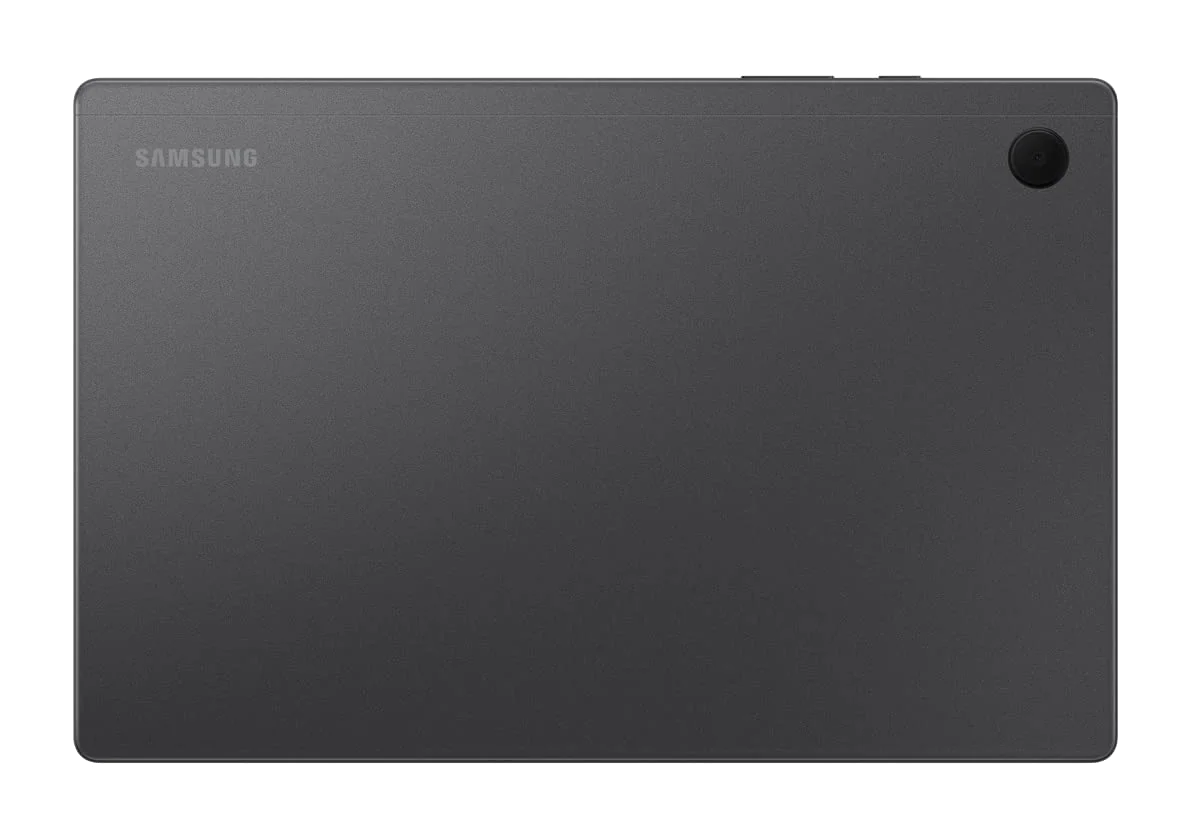
Samsung Galaxy Tab A8 10.5”
Choose by the compromise you can actually live with
Buy the Fire HD 10 if Amazon already supplies the entertainment
The strongest match uses Kindle, Prime Video, Audible or Alexa and wants a large screen for reading, shows, browsing and family profiles. It also makes sense for downloaded media because the microSD slot can relieve the pressure on its 32GB internal storage. Check the app list before ordering, then stop trying to turn it into a work tablet.
Keep the Tab A8 if its current job remains small
An A8 already in the house can continue showing recipes, films, PDFs, children’s apps or video calls without creating an urgent replacement problem. Add a microSD card for media, charge it overnight and avoid loading it with ambitious multitasking. Its sturdy chassis and capable speakers are more valuable in continued service than they are as reasons to buy old stock.
Buy neither if Google Play is essential
The Fire’s missing official Play Store is a fundamental mismatch, but choosing an aging A8 simply to escape Amazon trades a software restriction for slow hardware and limited remaining support. A newer Galaxy is the cleaner answer. The Galaxy Tab A11+ review examines Samsung’s current budget alternative, while the best cheap tablets guide compares the broader field.
Look elsewhere for school, art or laptop duties
Neither model has the performance, accessory foundation or software headroom for serious productivity. The Fire supports an optional active stylus but remains constrained by Fire OS, while the A8 lacks S Pen support and Samsung DeX. Students and keyboard-first buyers should use the guides to the best tablets for students and best laptop-replacement tablets instead.
The Fire HD 10 wins because it remains competent at the narrow job it was built to do, while the Galaxy Tab A8’s freedom now sits on hardware too old and constrained to recommend as a new purchase. Buy the Fire only after confirming your apps; otherwise, move forward to a newer Android tablet rather than backward to the A8.
Frequently Asked Questions
Which tablet is faster for everyday use?
The compared Fire HD 10 is the safer performer because it has 4GB of RAM, while the 3GB Galaxy Tab A8 is prone to hesitation around app launches, waking and multitasking.
Does either tablet include Google Play?
The Galaxy Tab A8 includes conventional Google Play access, while the Fire HD 10 officially relies on Amazon’s Appstore.
Which one is better for watching films?
The Fire HD 10 is the better overall purchase for supported streaming, although the Galaxy Tab A8 counters with a slightly larger display and stronger quad-speaker arrangement.
Which tablet is better for children?
The Fire HD 10 has particularly useful adult and child profiles, while the A8 offers Samsung Kids and broader Google Play access but is harder to recommend as a new long-term purchase.
Can both tablets use a microSD card?
Yes, both support microSD expansion up to 1TB for compatible media and files, but a card does not add RAM or guarantee that every app can move from internal storage.
Which one is better for handwritten notes?
The Fire HD 10 is the better of these two because it supports an optional USI 2.0 pressure-sensitive stylus, while the Galaxy Tab A8 does not support Samsung’s S Pen.
Should an existing Galaxy Tab A8 owner replace it with a Fire HD 10?
Not automatically, because an A8 that still handles its limited role remains useful and moving to the Fire would sacrifice official Google Play access.
Can either tablet replace a laptop?
No, both can manage light typing and split-screen tasks with accessories, but their performance and software limitations make them poor laptop replacements.