Galaxy Tab A11+ or renewed Tab A9+: the newer Samsung is worth the step up
Buy the Galaxy Tab A11+ unless the renewed Tab A9+ is substantially cheaper, easily returnable and destined for little more than video, reading and one light app at a time.
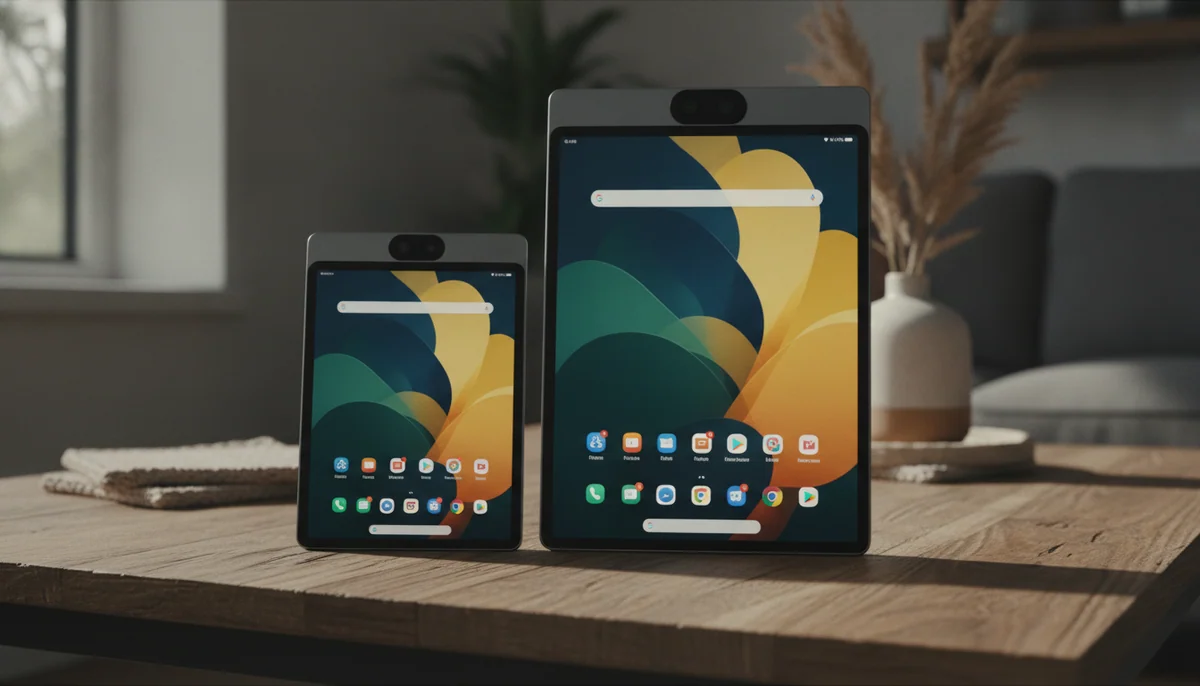

Samsung Galaxy Tab A11 Plus
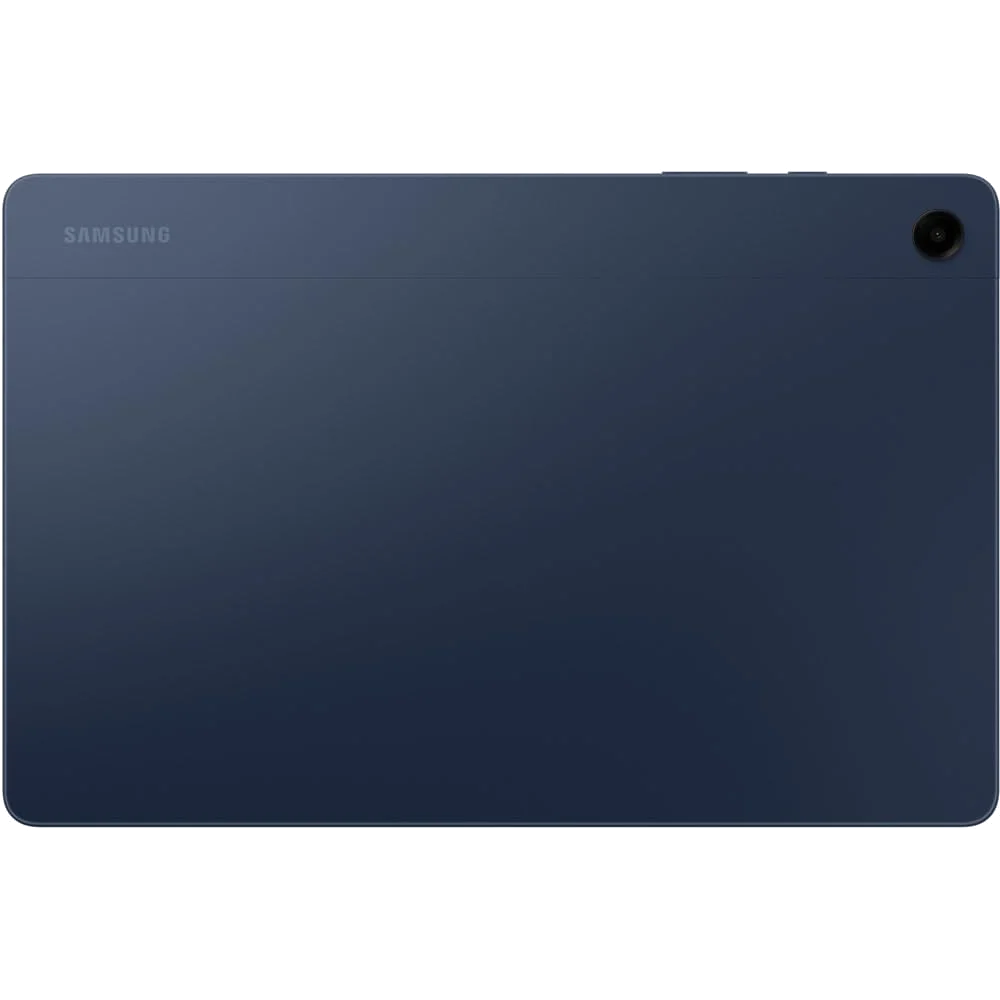
Samsung Galaxy Tab A9+ 11”
These tablets look close enough to make the older model seem like the clever bargain. Both put an 11-inch, 1920 × 1200 screen, refresh up to 90Hz, four speakers, a headphone jack and expandable storage into a slim Samsung body. The difference is that the Galaxy Tab A11+ gives everyday Android enough memory, storage and processing headroom to remain pleasant, while this particular Galaxy Tab A9+ pairs the weaker 4GB/64GB configuration with the uncertainty of a renewed unit.
The A11+ is not a clean sweep. Its TFT display has washed-out color, limited off-axis contrast and reflective glass, so buyers who care most about picture quality should not mistake “newer” for “premium.” It also lacks active S Pen support and wired video output. The A9+ shares those workflow limits, then adds slower charging, less room for apps and a meaningful risk that the renewed tablet arriving at the door will need to go straight back.
That makes the decision less about whether the two screens can play the same show and more about how much friction surrounds the show. The A9+ can still be a satisfying media slate when a healthy example lands in the box. The A11+ is the one to choose when the tablet must serve the whole household without turning memory management, storage cleanup and condition checks into family chores.

Samsung Galaxy Tab A11 Plus
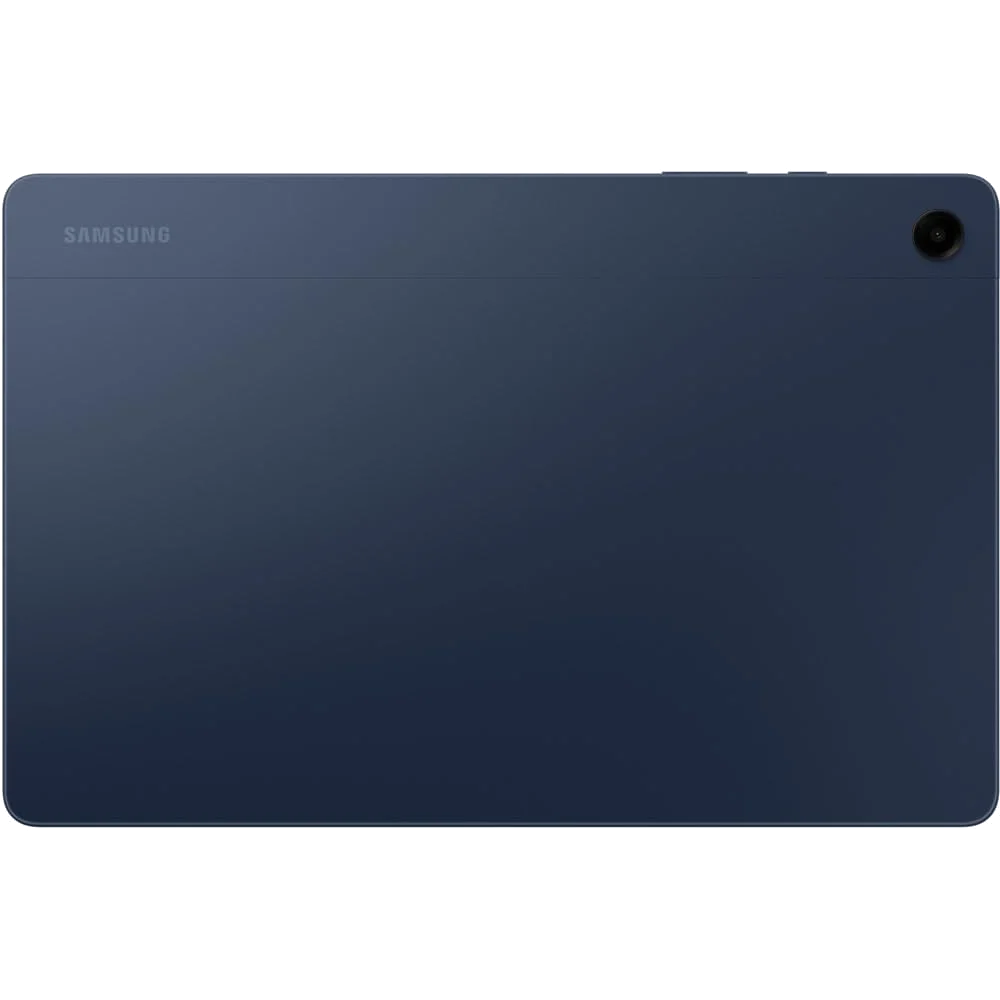
Samsung Galaxy Tab A9+ 11”
At a Glance
| Feature | Editor's Pick Samsung Galaxy Tab A11 Plus | Samsung Galaxy Tab A9+ 11” |
|---|---|---|
| Price Range | — | Under $200 |
| Finish | Gray | — |
| Screen size | 11" | 11" |
| Check Price on Amazon | Check Price on Amazon |
The resemblance ends when the apps start piling up
Samsung’s current model combines 6GB of RAM and 128GB of internal storage with a substantially faster MediaTek platform. Browsing, streaming, email, school portals and two-app multitasking generally remain responsive, and casual games fit its abilities well. Several heavy applications can still cause pauses or reloads, but the ordinary experience no longer feels constrained by budget hardware at every turn.
The renewed A9+ uses a Snapdragon 695 with 4GB of RAM. That processor remains competent for focused everyday work, and testing of the base configuration found browsing, social media and streaming broadly smooth. Four gigabytes leaves much less margin, however: background apps reload sooner, games can restart after switching away and DeX cannot manufacture memory the hardware does not have.
| Decision point | Galaxy Tab A11+ | Galaxy Tab A9+ renewed |
|---|---|---|
| Configuration here | 6GB RAM and 128GB storage | 4GB RAM and 64GB storage |
| Everyday performance | Responsive, with comfortable two-app multitasking | Capable when used lightly, with earlier app reloads |
| Expandable storage | Yes, for media and documents | Yes, for media and documents |
| Maximum charging rate | 25W with suitable equipment | 15W |
| Active S Pen support | No | No |
| Wired USB-C video | No | No |
| Condition | New retail listing | Renewed listing with unit-to-unit risk |

Storage expansion helps movies, not crowded app drawers
The A11+ starts with twice the advertised internal capacity, although Android and preinstalled software mean the full 128GB is never available to the owner. Its microSD slot is valuable for downloaded films, music, photographs, PDFs and documents. It does not turn removable storage into equally fast internal space for every application.
That distinction hurts the 64GB A9+ more. Roughly 41GB to 48GB may remain after the system takes its share, so a few large games can crowd the device quickly. A microSD card can make it an excellent portable video library or sheet-music reader, but it cannot make the base configuration behave like the roomier 128GB version. Our guide to choosing tablet storage and using microSD sensibly explains where expansion helps and where it does not.
Both screens are smooth, but neither is the reason to upgrade
Each tablet uses an 11-inch TFT LCD with a 16:10 shape and refresh up to 90Hz. The format works well for widescreen video, and the faster refresh makes scrolling look more fluid than it does on a basic 60Hz panel. Quad speakers give both tablets broad, loud audio, while the headphone jack remains useful for travel and shared rooms.
The A9+ has the more defensible display relative to its age and intended cost: it is bright enough indoors, reasonably contrasty for its class and agreeable when viewed head-on. It becomes reflective and washed out outdoors, its factory color leans cool, and sharp viewing angles darken the image. The A11+ retains much the same fundamental weakness despite being the successor. Independent reviews repeatedly found dull or inaccurate color and narrow viewing angles, which is a disappointing place for Samsung to stand still.
Choose the A11+ for what happens behind the glass, not because the glass suddenly became excellent. If display quality is the purchase rather than a tolerable compromise, the right move is to compare stronger options in our best tablets guide instead of forcing a winner from this pair.
The renewed label changes the burden of proof
A satisfactory renewed A9+ is entirely possible. Owners of this exact listing describe pristine tablets, healthy batteries and dependable use for video, piano music and photo storage. The same retained review set includes tablets that would not power on, units with serious charging trouble and damaged packaging. The sample cannot establish a failure rate, but it establishes enough risk to make return protection part of the product rather than a checkout detail.
The A11+ avoids that refurbishment lottery and carries the stronger long-term case. Samsung promises seven years of operating-system and security support, while the 2023 A9+ is much further through its own support life. A long policy cannot guarantee that the A11+ will feel quick in its final year, but its 6GB of memory and newer chipset give it a more credible route there.

Neither tablet is a digital notebook or a wired desktop
Both tablets support split-screen apps, and Samsung’s software makes browser-plus-email or video-plus-document layouts genuinely useful. DeX can arrange work in desktop-style windows on the tablet itself. Neither USB-C port sends wired video to an external monitor, so a USB-C-to-HDMI cable will not complete the promised little desk setup.
Neither model supports an active S Pen digitizer, pressure sensitivity or dependable palm rejection. A generic capacitive stylus merely imitates a finger. Students can read course material and type assignments on either tablet, but anyone planning to handwrite lectures or annotate PDFs should first read our guide to active stylus support and avoid buying the wrong kind of screen.
The Galaxy Tab A11+ is the sensible everyday choice for families, streaming and light work.
Its 6GB of memory, 128GB of storage, responsive chipset and seven-year support promise justify choosing it over this base renewed A9+.
The washed-out TFT display, absent S Pen support and lack of wired monitor output keep it from being an all-purpose recommendation.
The renewed Galaxy Tab A9+ is a conditional bargain for simple indoor entertainment.
A healthy unit still delivers smooth 90Hz navigation, loud speakers, microSD media storage and enough performance for focused everyday tasks.
The 4GB/64GB configuration, 15W charging and documented risk of receiving a defective renewed unit make the saving carry real work.

Samsung Galaxy Tab A11 Plus
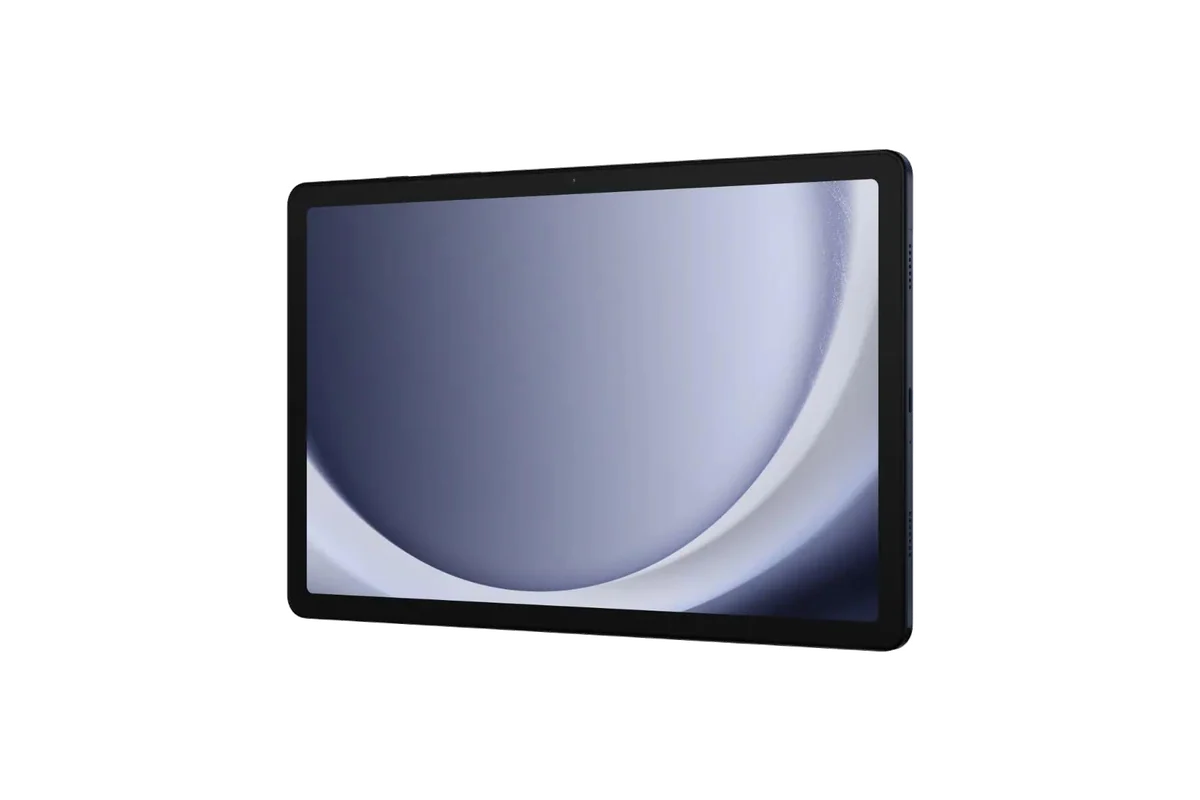
Samsung Galaxy Tab A9+ 11”
Buy for the job, not the matching silhouettes
Choose the Galaxy Tab A11+ when
- Several people will share the tablet for browsing, video, school portals and children’s apps.
- You want enough internal storage for a useful collection of apps before adding a microSD card.
- Two-app multitasking needs to feel routine rather than precarious.
- Long software support matters more than rich display color.
- You would rather avoid inspecting, troubleshooting and possibly returning a renewed device.
Choose the renewed Galaxy Tab A9+ only when
- Its saving over the A11+ is large enough to compensate for lower memory, storage and charging speed.
- The intended work is mostly streaming, reading, sheet music, web browsing or one light app at a time.
- Large media files can live on microSD while the internal storage remains reserved for apps.
- The seller provides uncomplicated returns and you can test the unit immediately.
- You accept that the tablet has less useful software life ahead of it.
Skip both for handwritten study, serious drawing, demanding games, color-sensitive work or a desk built around a wired external display. Buyers seeking a tablet primarily for school should compare purpose-built choices in our student tablet guide, while families choosing by budget rather than brand will find a broader field in our cheap tablet recommendations.
The final call
The Galaxy Tab A11+ wins because it removes the older base model’s most persistent forms of friction without abandoning Samsung’s useful speakers, expandable storage and family software. Its screen is still a conspicuous compromise, but the renewed A9+ asks buyers to accept that same class of display alongside half the storage, less memory, much slower charging and unpredictable condition. Buy the A11+ for a household tablet that should remain useful; buy this A9+ only when the discount is unmistakable and its narrow media role is already settled.
Frequently Asked Questions
Is the Galaxy Tab A11+ much faster than the Galaxy Tab A9+?
Yes, the A11+ has a substantially stronger chipset and this configuration also provides 6GB of memory instead of 4GB, so apps open more readily and multitasking has more breathing room.
Do both tablets have the same screen size?
Yes, both use an 11-inch, 1920 × 1200 TFT display with refresh up to 90Hz and a video-friendly 16:10 shape.
Can either tablet use a Samsung S Pen?
No, neither tablet has the active digitizer, pressure sensitivity or palm rejection required for proper S Pen handwriting.
Can either tablet connect to a monitor through USB-C?
No, neither model provides wired video output through its USB-C port, although compatible wireless casting may be possible.
Is 64GB enough on the renewed Galaxy Tab A9+?
It can be enough for streaming, reading and a modest app collection when media lives on microSD, but it is restrictive for large games and long-term general use.
Is a renewed Galaxy Tab A9+ safe to buy?
It is a reasonable gamble only with straightforward return rights and immediate testing because buyers of this exact listing received both pristine units and tablets that would not start or charge correctly.
Which tablet is better for children?
The Galaxy Tab A11+ is the better family choice because its additional memory, larger internal storage, newer processor and longer support runway leave more room for changing apps and needs.
Which tablet is better for watching movies?
Both provide an 11-inch widescreen display, loud quad speakers, a headphone jack and expandable media storage, but the A11+ is easier to recommend because it avoids the renewed A9+ listing’s condition risk.