The iPad Pro 13-inch M5 wins this comparison, but Samsung wins the bigger-screen argument
The iPad Pro 13-inch M5 is the better purchase from these two listings because it pairs exceptional hardware with a normal supported ownership path, while this particular Galaxy Tab S11 Ultra is an imported Wi-Fi model that most U.S. buyers should reject despite its larger screen, included S Pen and expandable storage.
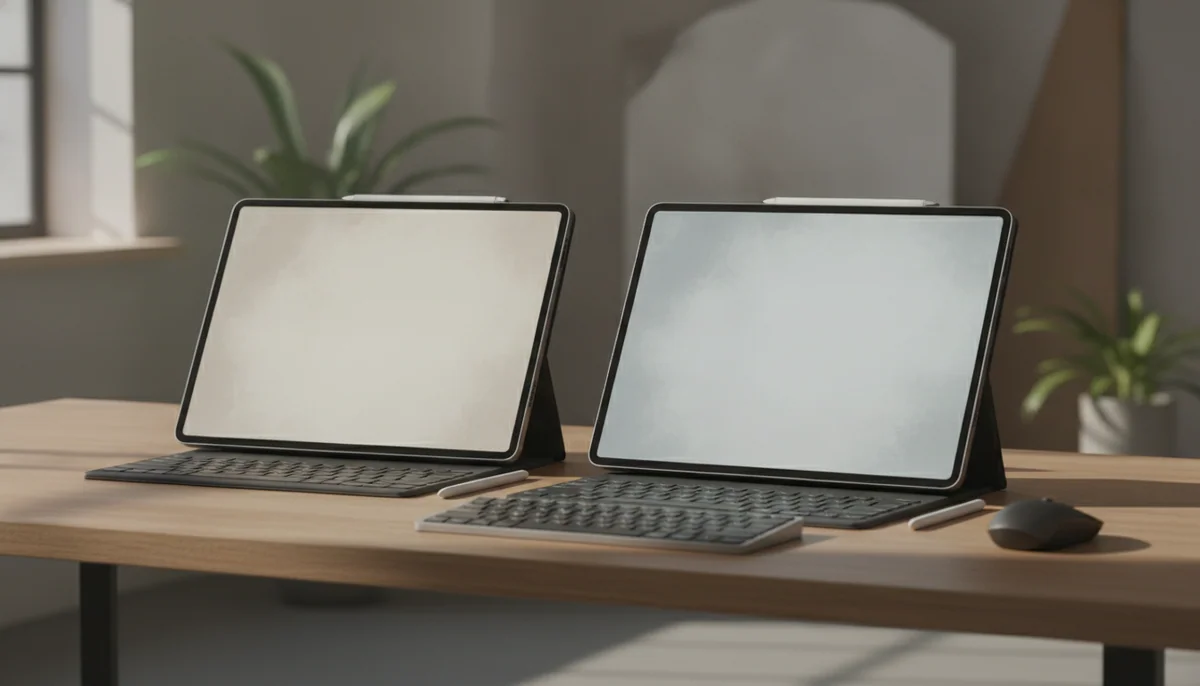
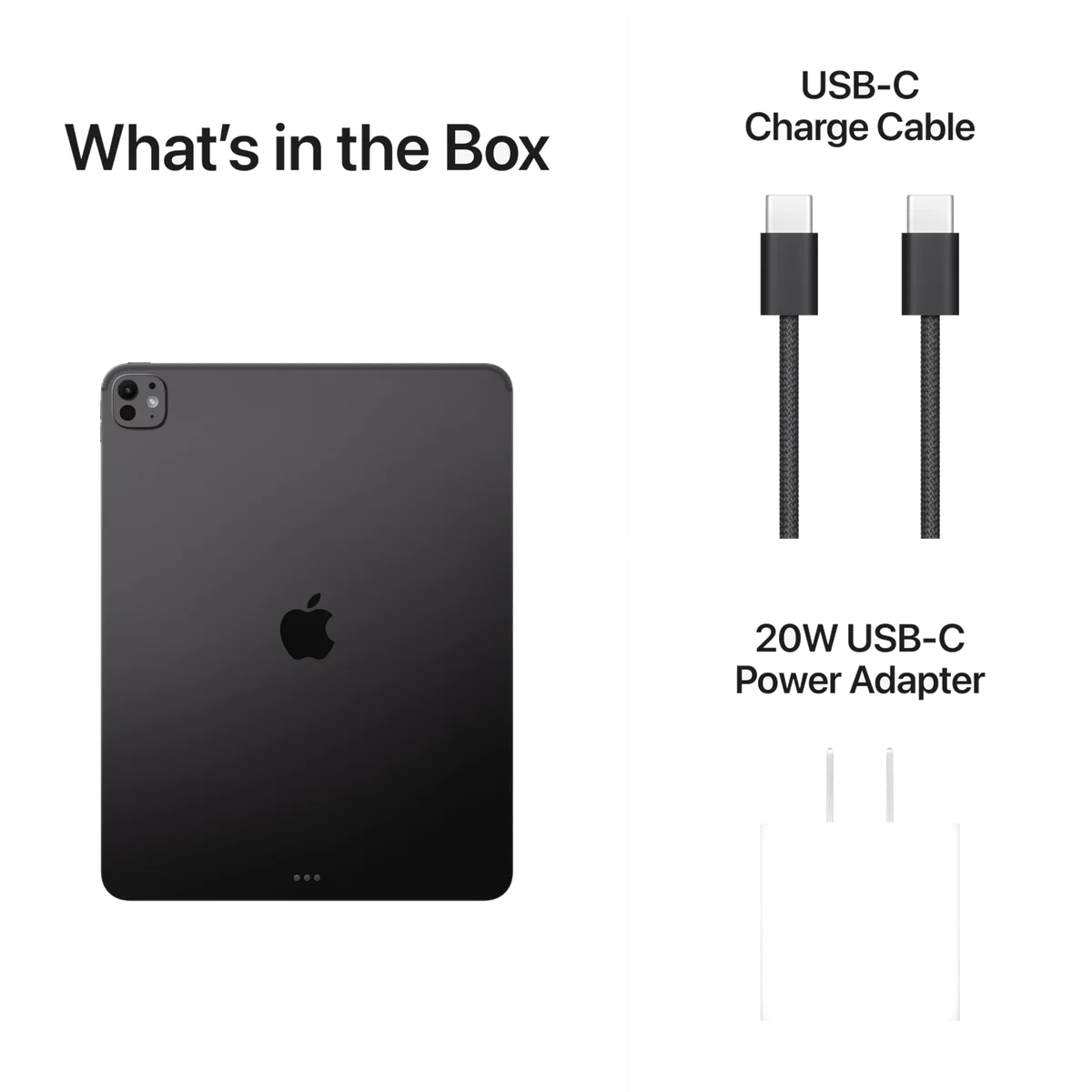
Apple iPad Pro 13-inch M5
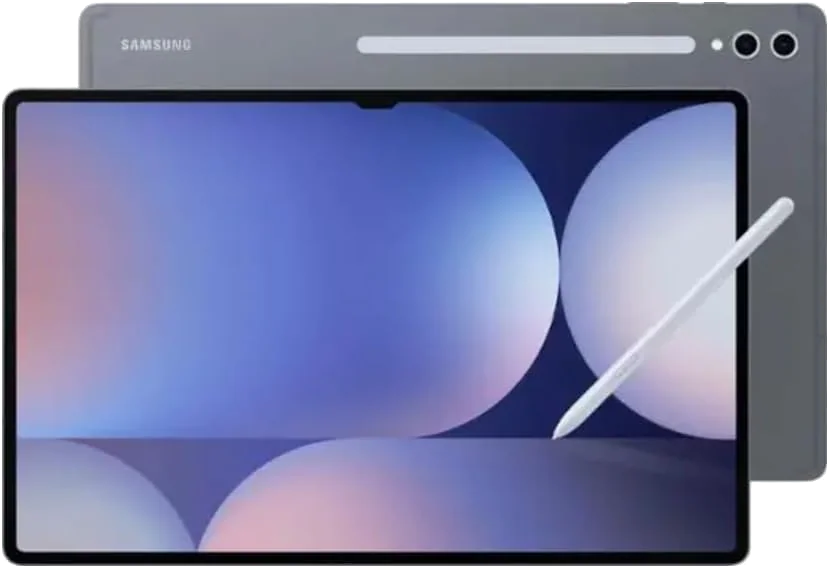
Samsung Galaxy Tab S11 Ultra
This is not a routine contest between Apple and Samsung. The hardware comparison is close enough to be interesting, but the buying comparison is lopsided by one line in the Samsung listing: “NO Warranty in the USA.” Buyers also report reaching setup and finding no United States option in the country list. Some selected another country and continued in English; others returned the tablet immediately.
That turns an appealing Android flagship into an import decision. The Galaxy Tab S11 Ultra can be the more useful machine for films, large PDFs, handwritten notes, multi-app layouts and expandable local storage. None of those strengths restores domestic warranty coverage or makes a foreign-region setup equivalent to buying the supported local model.
The iPad has its own warning label, only this one concerns usefulness rather than provenance. Its M5 processor supplies extraordinary performance, but iPadOS still cannot run every desktop application, plugin, utility or development workflow available on macOS or Windows. Add the keyboard and Pencil needed for some professional setups, and the wonderfully thin tablet becomes a heavier, more elaborate computer that can still encounter a software wall.
Apple therefore wins this matchup without earning a universal recommendation. Buy the iPad if a demanding, touch-first workflow already fits iPadOS and benefits from its 13-inch OLED canvas. If neither statement is true, compare the more rational options in our best tablets guide rather than treating a flagship badge as a reason to spend.
At a Glance
| Feature | Apple iPad Pro 13-inch M5 | Samsung Galaxy Tab S11 Ultra |
|---|---|---|
| Price Range | — | $1,000–$1,500 |
| Finish | Space Black | — |
| Screen size | 13" | 14.6" |
| Check Price on Amazon | Check Price on Amazon |
The decisive difference appears before the first benchmark
B0FWD1MS82 is a Space Black, Wi-Fi-only iPad Pro with 256GB of storage. This base M5 configuration has 12GB of unified memory and a nine-core CPU, not the 16GB of memory and ten-core CPU reserved for the 1TB and 2TB versions. It retains the defining hardware: the tandem-OLED display, ProMotion, Face ID, four speakers, Thunderbolt and support for Apple Pencil Pro.
B0FQKSCX2D is a gray, Wi-Fi-only Galaxy Tab S11 Ultra with 256GB of storage, 12GB of memory and an included S Pen. Its model code is SM-X930NZSAGTO. There is no independent cellular connection, no official keyboard indicated as included and, according to the listing, no warranty in the United States.
Apple’s obstacle: You must establish that iPadOS can complete the work before paying for M5 performance.
Samsung’s obstacle: You must knowingly accept an imported model, alternative-region setup and absent U.S. warranty before its hardware advantages matter.
The supported choice for demanding creative work
The iPad Pro 13-inch M5 earns the win with superior processing headroom, an exceptional OLED display and a stronger range of optimized professional tablet applications.
Its power is poor value when iPadOS cannot complete the workflow or when the separately sold keyboard and Pencil are required to make the setup useful.
The specialist import for an enormous Android canvas
The Galaxy Tab S11 Ultra is compelling for films, large documents, S Pen work, flexible multitasking and microSD expansion when the buyer deliberately wants this non-U.S. model.
This exact listing has no U.S. warranty and may require choosing another country during setup because the United States is absent.
Two spectacular OLED screens built for different material
Apple’s 13-inch Ultra Retina XDR display has a 2752 × 2064 resolution and a page-like aspect ratio. Samsung’s 14.6-inch Dynamic AMOLED 2X panel has a 2960 × 1848 resolution and a wider 16:10 shape. Both offer adaptive refresh rates reaching 120Hz, deep OLED blacks and high HDR brightness, but the dimensions determine which one feels larger in practice.
The iPad makes better use of its area for documents, drawing canvases, portrait pages and workspaces with tool palettes. Its squarer shape also gives stacked windows more vertical room. Widescreen films leave substantial bars above and below the picture, so its 13-inch diagonal does not translate into a 13-inch cinematic image.
Samsung’s wider display is the obvious winner for video. It also creates an unusually roomy surface for timelines, sheet music, blueprints and side-by-side applications. The extra 1.6 inches are meaningful, not a rounding error, yet the reward appears mainly when the tablet is resting on a desk, stand or lap.
Neither base configuration has a matte display. The iPad’s glossy glass can show bright windows and overhead lights, and nano-texture glass is unavailable at 256GB. Samsung applies an anti-reflective treatment that helps in bright rooms without eliminating reflections.
Samsung’s larger display carries a small-text caveat
A credible minority of Tab S11 Ultra owners reports magenta edging, visible color separation or soft-looking small text, particularly in dark mode. Other owners do not notice the effect. The disagreement is plausible because viewing distance, theme, eyesight and sensitivity to the OLED subpixel pattern all change how the panel appears.
This concern matters more to someone buying a giant screen for code, ebooks, dense websites or PDFs than to someone buying it for films. Inspect light and dark text at your normal reading distance as soon as an S11 Ultra arrives. The iPad is the safer display choice when crisp small type is central, while Samsung remains the more immersive video screen.
| Display trait | iPad Pro 13-inch M5 | Galaxy Tab S11 Ultra |
|---|---|---|
| Size and shape | 13 inches with a document-friendly, roughly 4:3 shape | 14.6 inches with a video-friendly 16:10 shape |
| Resolution | 2752 × 2064 | 2960 × 1848 |
| Refresh behavior | ProMotion up to 120Hz | Adaptive refresh up to 120Hz |
| Reflections | Glossy glass on this 256GB configuration | Anti-reflective treatment, but not a matte surface |
| Best material | Documents, illustration, photographs and tool-heavy creative apps | Films, broad timelines, large PDFs and multi-app layouts |
| Specific concern | Wide films use less of the panel than the diagonal suggests | Some users perceive colored fringes or softness around small text |
Apple brings more power; Samsung gives more room to ordinary apps
The M5 is comfortably ahead in CPU benchmarks. Reported Geekbench 6 results for the iPad reached 4,130 in single-core and 15,402 in multi-core performance, placing it ahead of the Galaxy Tab S11 Ultra and the previous M4 iPad Pro in the same comparison. The iPad also has meaningful headroom for demanding games, 3D design, local AI work and large creative projects.
Samsung’s Dimensity 9400+ is not slow. It is capable of smooth mainstream gaming, several simultaneous applications and demanding Android work without making performance the obvious weakness. The distinction is that Apple offers the higher ceiling, while Samsung’s enormous display and windowing tools can make routine multitasking feel more expansive before either processor is seriously challenged.
Peak speed also needs proportion. Apple’s thin, fanless enclosure cannot hold maximum performance indefinitely, and most buyers will never approach the M5’s limits. Web browsing, streaming, email and casual note-taking do not become professional workloads merely because a professional chip completes them with contemptuous ease.
The relevant question is not which processor wins. It is which platform contains the complete version of the software you need. Apple has the advantage in optimized professional creative applications and raw compute capacity. Samsung has the advantage in Android file handling, multi-app flexibility and Galaxy phone integration, but some Android applications still stretch a phone interface across the giant screen or enforce an awkward orientation.
Neither tablet becomes a laptop through optimism
iPadOS has flexible windows, tiling, menu bars, remembered placement and improved background behavior. Those changes finally make the 13-inch canvas more convincing for several documents at once. Desktop plugins, a conventional terminal, native Xcode, full system utilities and some professional export workflows remain absent or compromised.
Samsung supports three-app layouts, floating windows, saved app combinations and external monitors. Galaxy phone owners can also benefit from Quick Share, clipboard continuity, synced notes and relayed calls or messages. The desktop experience remains inconsistent across applications and displays, so its laptop-like appearance should not be confused with full Windows or macOS compatibility.
Write down every required application, plugin, peripheral, file operation and export format before choosing. Verify the exact tablet version rather than assuming a familiar app name means desktop parity. If the list ends with several compromises, the answer may be a computer, which our laptop versus tablet comparison addresses directly.
The pen contest favors Samsung on value and Apple on capability
The Galaxy Tab S11 Ultra includes its redesigned S Pen. It requires no charging for ordinary writing, supports low-latency input throughout the interface and works particularly well with Samsung Notes. Buyers can annotate and sketch immediately without adding a separate stylus to the basic package.
Samsung removed Bluetooth from this generation of S Pen. Previous owners may lose remote controls for actions such as playback, page turning, screenshots and application shortcuts. First-time buyers may not miss those features, but this is a genuine regression rather than a harmless redesign.
The exposed magnetic attachment also deserves distrust during travel. A reported owner experience involved the pen being knocked loose, lost and eventually found damaged in a parking space. Use a case with enclosed pen storage or assign it a secure pocket instead of relying on the tablet’s edge.
Apple Pencil Pro is sold separately, but it offers pressure sensitivity, squeeze controls, barrel roll, haptic feedback, magnetic charging and Find My support. For illustration and sophisticated creative tools, that feature set and the iPad’s application library form the stronger system. The cheaper USB-C Apple Pencil also works, though it gives up pressure sensitivity and several Pro interactions.
Samsung wins if the goal is capable handwriting and annotation without another purchase. Apple wins if the stylus is a professional instrument and the required creative application exists on iPadOS. Buyers still deciding what pen input changes can consult our guide to whether an active stylus is worth having.
Samsung owns storage flexibility; Apple owns the faster port
Both configurations begin with 256GB, but Samsung supports microSD expansion for large media libraries, archives and projects that do not need to live on the fastest internal storage. Apple provides no memory-card slot, so buyers must choose sufficient internal capacity at purchase or depend on external and cloud storage.
Apple counters with a Thunderbolt 4 and USB4-capable USB-C port, a material advantage for fast drives, docks and demanding display workflows. Samsung lists USB 3.2 Gen 1. Both support Wi-Fi 7, and both models compared here require Wi-Fi or a separate hotspot away from a network.
| Decision | Winner | Reason |
|---|---|---|
| Professional processing | iPad Pro | M5 provides substantially more CPU headroom |
| Film viewing | Galaxy Tab | The wider 14.6-inch panel uses more of its area for video |
| Drawing system | iPad Pro | Pencil Pro features and optimized creative apps justify the separate purchase for serious work |
| Included handwriting | Galaxy Tab | The capable S Pen is supplied with the tablet |
| Expandable storage | Galaxy Tab | microSD support lets local capacity grow later |
| High-speed wired work | iPad Pro | Thunderbolt 4 and USB4 exceed Samsung’s listed USB connection |
| Normal U.S. ownership from these listings | iPad Pro | The Samsung offer explicitly lacks a U.S. warranty and may present a foreign-region setup |
Both are thin; neither is a relaxed handheld tablet
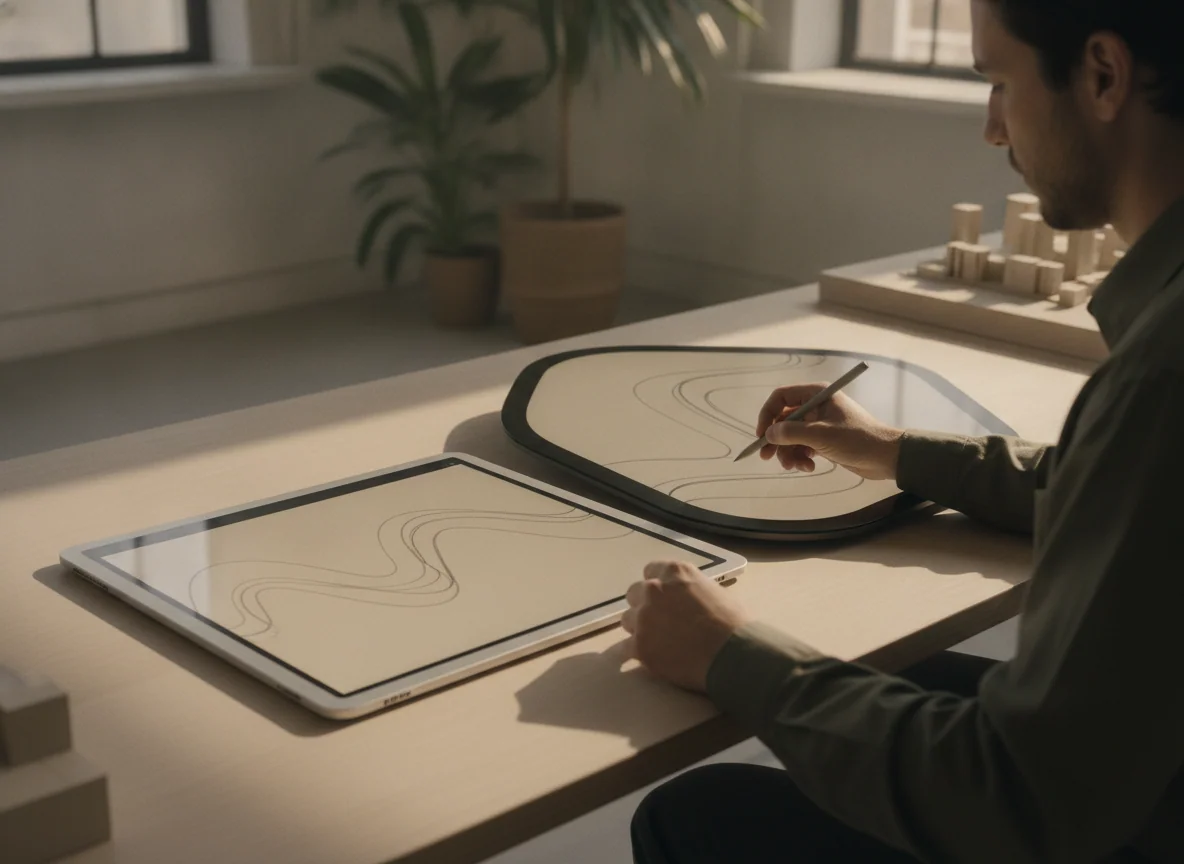
The bare iPad weighs about 582g and measures 5.1mm thick. The Samsung is approximately 694g and 5.1mm thick. Both are remarkable engineering objects, but their mass does not describe the leverage produced by a large sheet of glass extending away from the hand.
Apple is easier to carry and somewhat less tiring to reposition. Samsung behaves more like a detachable laptop display, particularly in portrait orientation. Either one is best when supported by a desk, stand, keyboard or cushion, and both become awkward for prolonged one-handed reading.
The Galaxy Tab’s extra area should be treated as a workstation feature, not free screen. It rewards people who routinely divide the panel between references, notes and communication. It punishes commuters, bed readers and anyone expecting the casual handling of a conventional tablet.
Apple’s smaller body is not compact either. Buyers who want M5 performance without committing to a desk-oriented 13-inch slab should read our 11-inch versus 13-inch iPad Pro comparison, while uncertain shoppers can start with the broader guide to choosing the right tablet size.
Accessories expose the true shape of each purchase
Neither product card represents a complete laptop-style setup. Apple’s Magic Keyboard and Pencil are separate purchases. Samsung includes the S Pen but not the official keyboard indicated for this configuration.
Apple’s current Magic Keyboard adds a near-full-size backlit keyboard, function row, aluminum palm rest and haptic trackpad. It also adds substantial weight, creates a laptop-like package and provides a charging-only USB-C port, leaving data accessories connected to the iPad itself.
Samsung’s lighter Book Cover Keyboard Slim uses one fixed viewing angle and lacks a trackpad and backlighting. Its more capable Pro Keyboard adds an adjustable hinge, illuminated keys and a trackpad, but the combined package approaches ordinary laptop weight. Older Tab S10 Ultra keyboard covers should not be assumed compatible because the connector arrangement changed.
Compare the total system you will carry, not the beautiful bare tablet photographed at its thinnest. A keyboard, protective case, pen storage and charger can erase much of either design’s apparent simplicity.
Battery claims need a workload attached
Controlled iPad results varied from more than 15 hours of browsing to under eight hours of gaming, with video playback between those figures. The defensible promise is a mixed-use day, while bright HDR work, games, rendering and constant keyboard use can make daily charging necessary.
Samsung’s 11,600mAh battery is marketed with a video maximum produced under narrow laboratory conditions. Independent tests varied substantially, while retained owners described approximately a day of heavy use or two days of lighter home use. The honest conclusion is good endurance, not a universal hour count.
Samsung supports charging up to 45W, but a power adapter is not indicated as included. Apple’s actual charging performance also depends on a suitable adapter. Neither tablet should be chosen on a single battery headline because panel brightness, radios, games, external displays and keyboard use can materially alter the result.
Strengths and drawbacks
iPad Pro 13-inch M5 strengths
iPad Pro 13-inch M5 drawbacks
Galaxy Tab S11 Ultra strengths
Galaxy Tab S11 Ultra drawbacks
Buy by workflow, then reject the wrong listing
Choose the iPad Pro for a proven iPad-first workflow
The strongest cases are illustration, photo editing, 3D design, document review and mobile production in a mature iPad application. The combination of M5 performance, Pencil Pro, Thunderbolt and the page-like OLED display is difficult to match when touch is part of the work rather than an occasional convenience.
Confirm every required application and accessory before buying. If the iPad will mostly stream video, browse the web or handle ordinary office work, the 13-inch iPad Air versus iPad Pro comparison explains why the Air is usually the more defensible large-screen Apple choice.
Consider this Galaxy Tab only as a deliberate import
Its ideal owner wants the largest premium Android workspace, accepts Wi-Fi-only connectivity, uses the included S Pen, values microSD expansion and expects the tablet to spend most of its life on a surface. That owner must also accept the listing’s explicit lack of U.S. warranty and the possibility of choosing another setup country.
A properly supported local Galaxy Tab S11 Ultra could win for Android-centered media, notes and multi-app work, but that product is not among the offers this page can send you to. The distinction is the point: excellent hardware does not redeem unsuitable purchase terms.
Choose neither for vague laptop replacement
A giant display and keyboard can reproduce a laptop’s posture without reproducing its software. If your work requires native desktop development, specialized peripherals, advanced plugins or full Windows and macOS applications, buy a computer instead of paying flagship-tablet money to negotiate around missing tools.
Readers whose work genuinely fits a tablet can compare the strongest candidates in our guide to tablets that can replace a laptop.
The final rule is blunt: buy the iPad Pro when its specific creative advantages justify its excess, consider the Samsung only when you intentionally accept this imported listing’s support risk, and choose neither when the plan begins and ends with wanting the most impressive screen.
Frequently Asked Questions
Which tablet is better for drawing?
The iPad Pro is the stronger professional drawing platform because of Pencil Pro and its optimized creative applications, while Samsung includes a capable S Pen for less specialized sketching and annotation.
Which tablet is better for watching films?
The Galaxy Tab S11 Ultra is better for films because its wider 14.6-inch display uses more of the panel for cinematic video.
Does this Galaxy Tab S11 Ultra have a U.S. warranty?
No, the B0FQKSCX2D listing explicitly states that this imported model has no warranty in the United States.
Can this Galaxy Tab S11 Ultra use cellular data?
No, this SM-X930 listing is Wi-Fi-only and needs Wi-Fi or a separate hotspot for internet access away from a network.
Is an S Pen included with the Galaxy Tab S11 Ultra?
Yes, an S Pen is included, but this generation lacks Bluetooth remote functions and its exposed magnetic storage is not secure enough for careless travel.
Is an Apple Pencil included with the iPad Pro?
No, Apple Pencil Pro and Apple Pencil USB-C are sold separately from this iPad Pro configuration.
Which tablet is easier to hold?
The iPad Pro is lighter and smaller, but both tablets are large enough to become tiring during prolonged unsupported use.
Which tablet offers expandable storage?
The Galaxy Tab S11 Ultra supports microSD expansion, while the iPad Pro relies on its fixed internal capacity plus cloud or external storage.
Can either tablet fully replace a laptop?
Either can replace a laptop for a compatible tablet-first workflow, but neither is a safe substitute when complete Windows or macOS applications and system tools are essential.
Should most buyers choose the iPad Pro 13-inch M5?
No, most buyers should choose a less extravagant tablet unless the iPad’s OLED canvas, professional app support, Pencil workflow or Thunderbolt connection directly improves work they already do.
Ready to Choose?
Sources (6)
- Amazon listings and customer reviews — Apple Ipad Pro 13 and Samsung Galaxy Tab S11
- Owner reports across r/GalaxyTab threads
- Owner and reviewer video, 1 channel
- Phonearena — Article — www.phonearena.com
- Samsung — Article — www.samsung.com
- Androidcentral — Article — forums.androidcentral.com