ThinkPad T14 Gen 6 beats Dell Latitude 5420, but this reseller configuration needs scrutiny
Choose the ThinkPad T14 Gen 6 for its stronger work experience, larger capacity and better keyboard, but avoid this particular reseller-upgraded listing unless its memory, SSD and split warranty are verified before purchase.
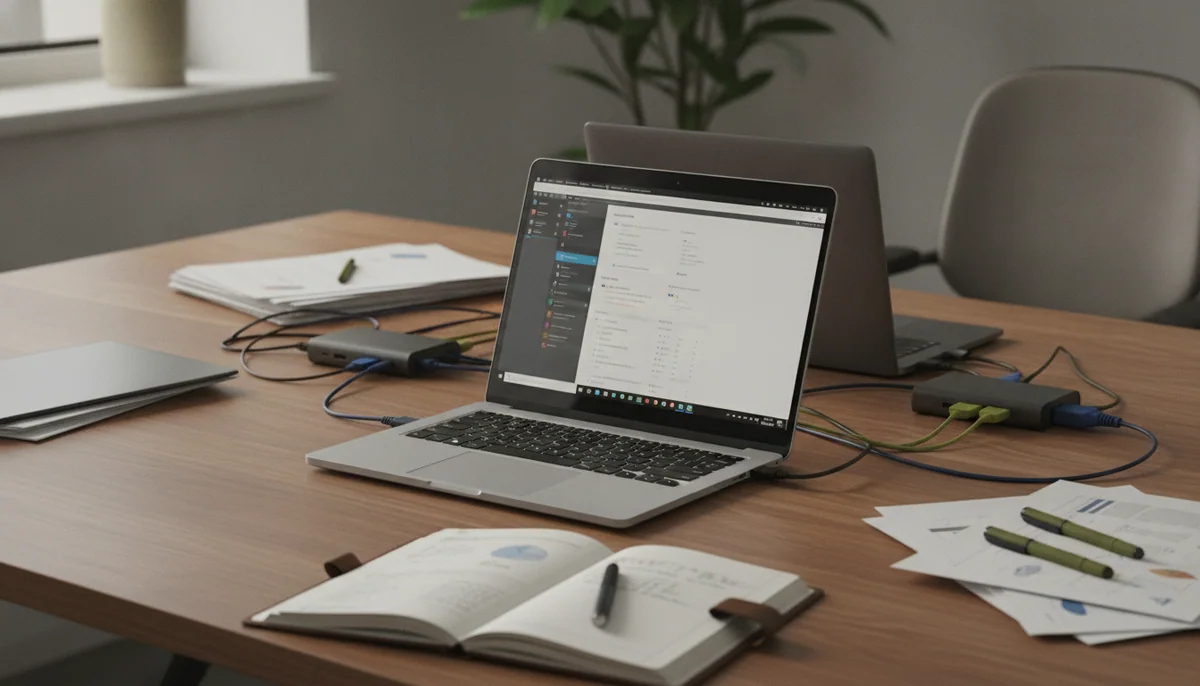
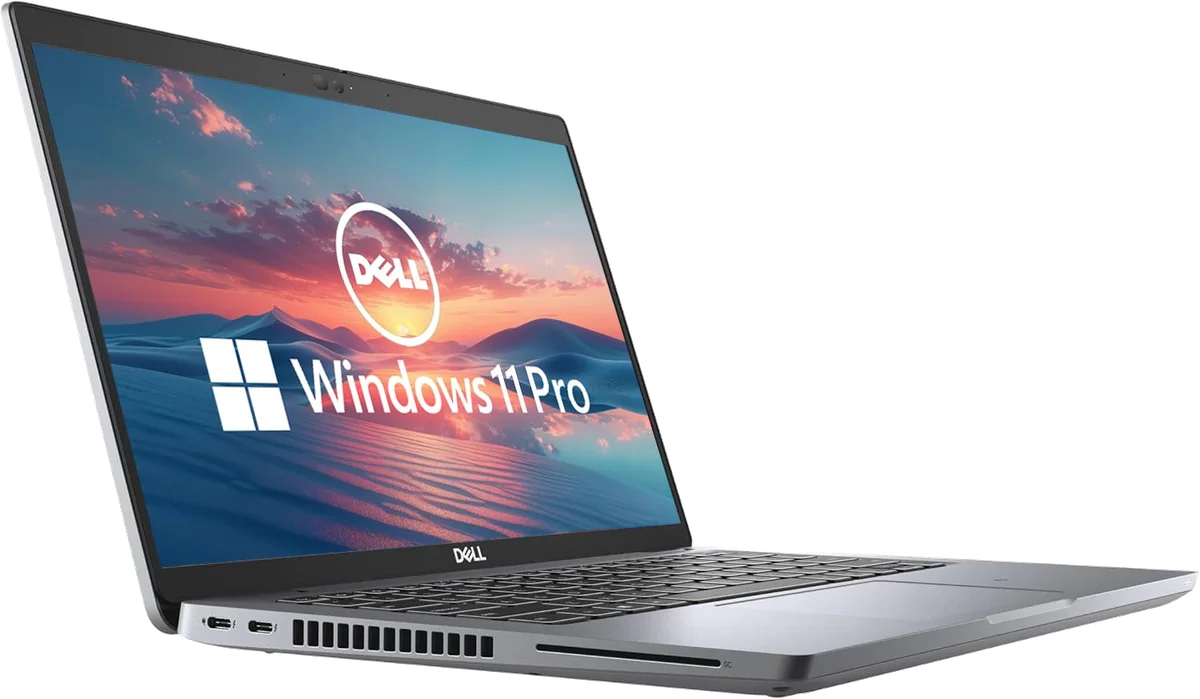
Dell Latitude 5420 renewed
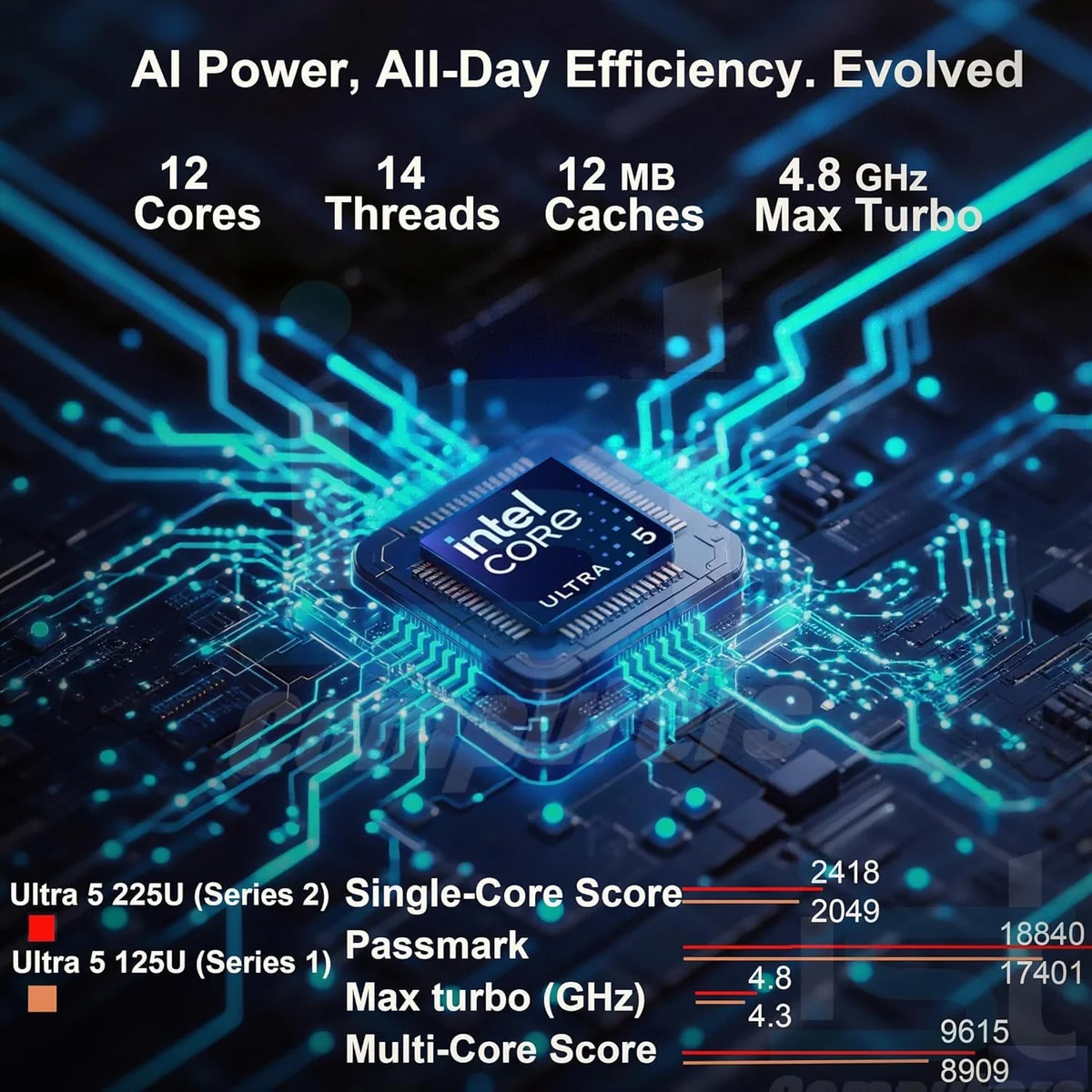
Lenovo ThinkPad T14 Gen 6
These are not contemporary rivals separated by a logo preference. The Dell Latitude 5420 is a renewed 2021 business laptop with an 11th-generation Core i5, 16GB of memory and a small 256GB SSD. The Lenovo ThinkPad T14 Gen 6 is a current-generation machine with a Core Ultra 5 225U, 32GB of DDR5 memory and a 1TB SSD installed by a reseller. Lenovo wins the useful comparison, but neither exact listing deserves an automatic yes.
The ThinkPad is the better machine for sustained office work, programming, large spreadsheets, frequent video calls and long typing sessions. Its 16:10 display fits more vertical material, its keyboard is substantially better, its webcam is sharper, and its fourfold storage capacity removes the Dell’s most immediate upgrade pressure. The Latitude remains capable of documents, research, mainstream coding and desk-based work, yet age and refurbishment make the condition of the individual unit more important than its specification sheet.
The buying trap changes sides rather than disappearing. Dell buyers face uncertain battery wear, cooling neglect, cosmetic repair and a short recorded protection period. Lenovo buyers face an opened and resealed configuration whose RAM and SSD were not necessarily installed by Lenovo, plus a base display with weak color reproduction. One is a condition lottery; the other is an integration and warranty question.
Pick the ThinkPad
Choose it when the laptop will be a primary work tool and you value a superb keyboard, 32GB of memory, 1TB of storage, better conferencing hardware and current business-laptop performance. First obtain the installed memory and SSD details, confirm Lenovo’s serial-based warranty, and accept that the 400-nit panel is built for legibility rather than accurate color.
Consider the Latitude only at the budget end
Choose it only when the cost difference is substantial, your workload is ordinary, and the return policy leaves enough time to test battery health, thermals, ports, storage and Windows enrollment. It makes more sense attached to a monitor, mouse and charger than relied upon as an all-day mobile computer.
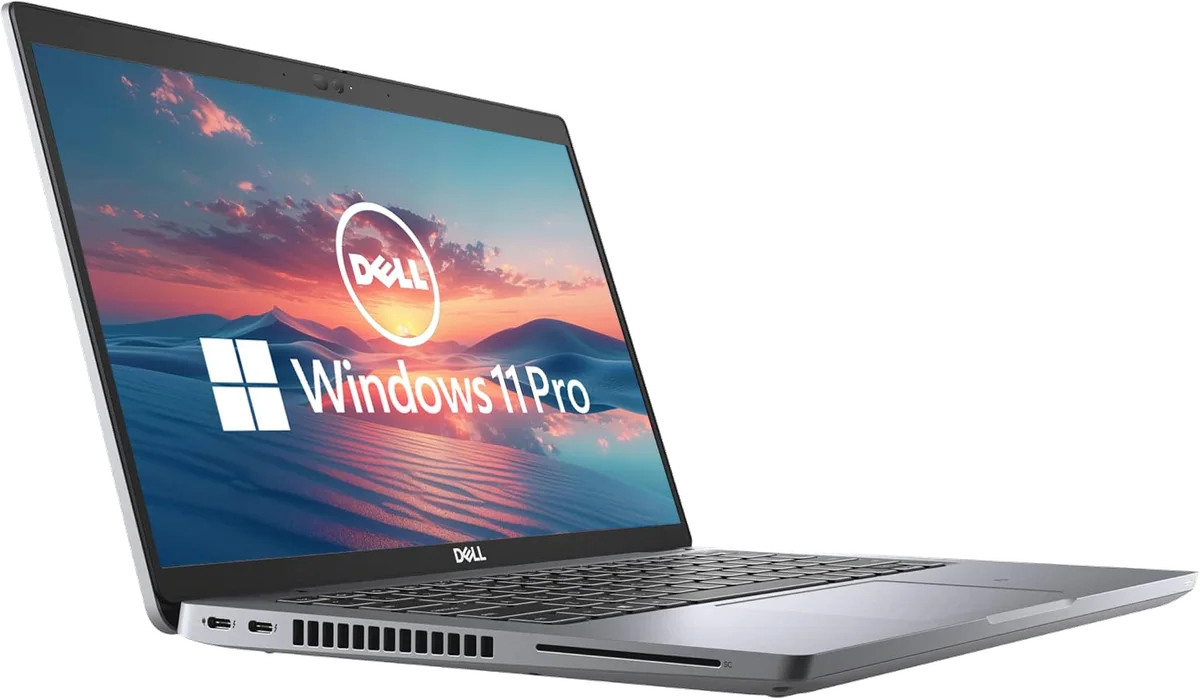
Dell Latitude 5420 renewed
Lenovo ThinkPad T14 Gen 6
At a Glance
| Feature | Dell Latitude 5420 renewed | Editor's Pick Lenovo ThinkPad T14 Gen 6 |
|---|---|---|
| Price Range | — | $1,500–$3,000 |
| Finish | Gray | — |
| Screen size | 14" | 14" |
| Check Price on Amazon | Check Price on Amazon |
The newer ThinkPad wins where a work laptop earns its keep
Processor names make this contest sound closer than it is. Dell’s Core i5-1145G7 remains competent for browser-heavy productivity, Office applications, online meetings and mainstream development, especially with 16GB of RAM. Independent testing of a closely related Latitude configuration found good sustained CPU behavior when the cooling system was healthy, although its integrated graphics were weak for games.
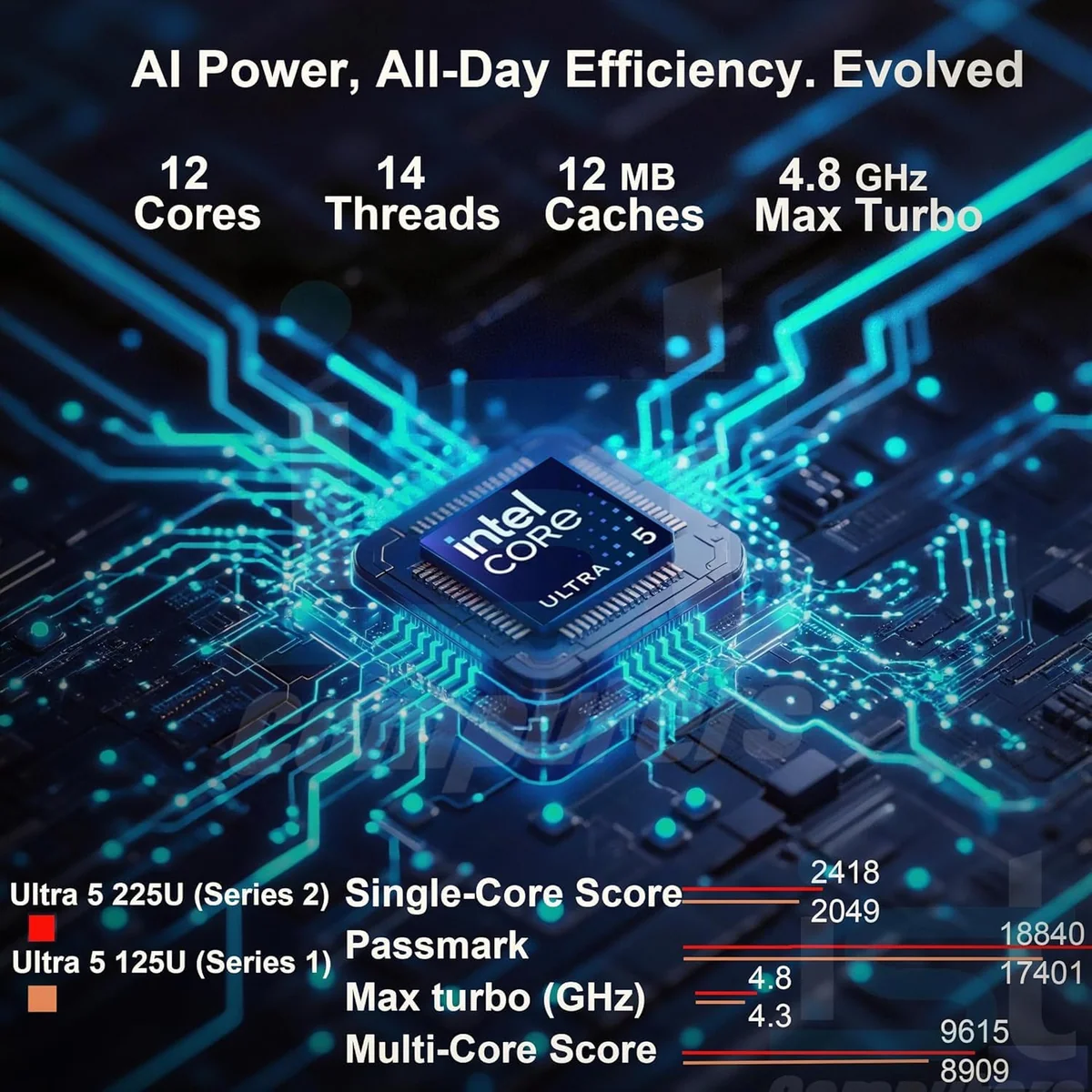
The ThinkPad’s Core Ultra 5 225U is the stronger foundation for a primary computer. In an independently tested T14 Gen 6 with the same processor, it delivered responsive everyday performance, handled CPU-intensive work well and remained well controlled thermally. The Amazon listing incorrectly describes the chip as having 12 cores; Intel’s design has ten physical cores and twelve threads, but that catalogue mistake does not change its practical advantage over the older Dell.
Memory and storage widen the gap. Sixteen gigabytes is still enough for ordinary office work and modest coding, but the ThinkPad’s 32GB gives containers, virtual machines, large projects and aggressive browser use more room. Its 1TB SSD is also far easier to live with than the Latitude’s 256GB drive. The Dell’s storage can be replaced, but buying a laptop and immediately planning surgery is not the same convenience as having usable capacity from day one.
| Priority | Dell Latitude 5420 | Lenovo ThinkPad T14 Gen 6 | Advantage |
|---|---|---|---|
| Everyday performance | Still capable for routine productivity and mainstream development | Newer platform with more headroom for demanding professional multitasking | ThinkPad |
| Memory | 16GB DDR4, replaceable through two SODIMM slots | 32GB DDR5 in this reseller configuration, with replaceable memory on the 225U platform | ThinkPad |
| Storage | 256GB SSD, replaceable but cramped | 1TB SSD installed by the reseller | ThinkPad |
| Typing | Serviceable keyboard with optional features that vary by unit | Excellent keyboard, separated arrow keys and a TrackPoint with physical buttons | ThinkPad |
| Internal display | 14-inch 1920×1080 panel of variable quality | 14-inch 1920×1200 matte panel that is brighter but still low-gamut | ThinkPad for layout and brightness, neither for color work |
| Purchase risk | Age, battery wear and inconsistent refurbishment | Reseller-installed parts and divided warranty responsibility | Different risks, both require inspection |
The keyboard is not a sentimental ThinkPad victory
Lenovo’s advantage at the desk is concrete. The T14’s keyboard has a rigid deck, crisp response, sensible key grouping and 1.5mm travel, while the red TrackPoint retains three physical buttons. Its mechanical plastic touchpad is merely adequate, not luxurious, but the complete input system is much better suited to someone who writes, codes or manipulates spreadsheets for hours.
The Latitude’s input hardware is the weakest part of an otherwise practical design. Its half-height arrow keys are less comfortable, and the clickpad has drawn sustained criticism for its feel and sensitivity. An external mouse makes that problem disappear at a fixed desk; it does not help a commuter working from a narrow table.
Neither internal screen belongs in a color-critical workflow
The ThinkPad’s 1920×1200 resolution and 16:10 shape are better for documents and code than the Dell’s 1920×1080 format. Its base panel also reached 444 nits in testing, which is substantially more useful in a bright office than the dim Latitude panels found in independent evaluations. The catch is color: the tested ThinkPad covered only 62% of sRGB and looked muted.
Dell does not rescue the creative-work argument. Tested Full HD Latitude panels were dim and covered only a little over half of sRGB, while renewed machines can arrive with different original or replacement panels. Both laptops can drive an accurate external monitor, but neither exact listing should be selected for photography, illustration, brand work or video grading on its built-in display.
The ThinkPad offers stronger mobility, not a universal runtime promise
The 225U ThinkPad achieved excellent endurance in a controlled local-video test with wireless networking and keyboard lighting disabled. That establishes strong efficiency potential, not a guaranteed workday figure for calls, cloud applications and high display brightness. Even with that qualification, it is much easier to trust than the renewed Dell, whose remaining battery capacity is unknowable before the individual unit arrives.
Exact-listing Latitude reports ranged from healthy endurance to two or three hours, sudden discharge below 50% and complete dependence on the charger. Those accounts do not establish a failure rate, but they do establish that the model name cannot answer the battery question. A Windows battery report and a long unplugged trial are mandatory, not optional housekeeping.
Ports and repair access keep both machines relevant
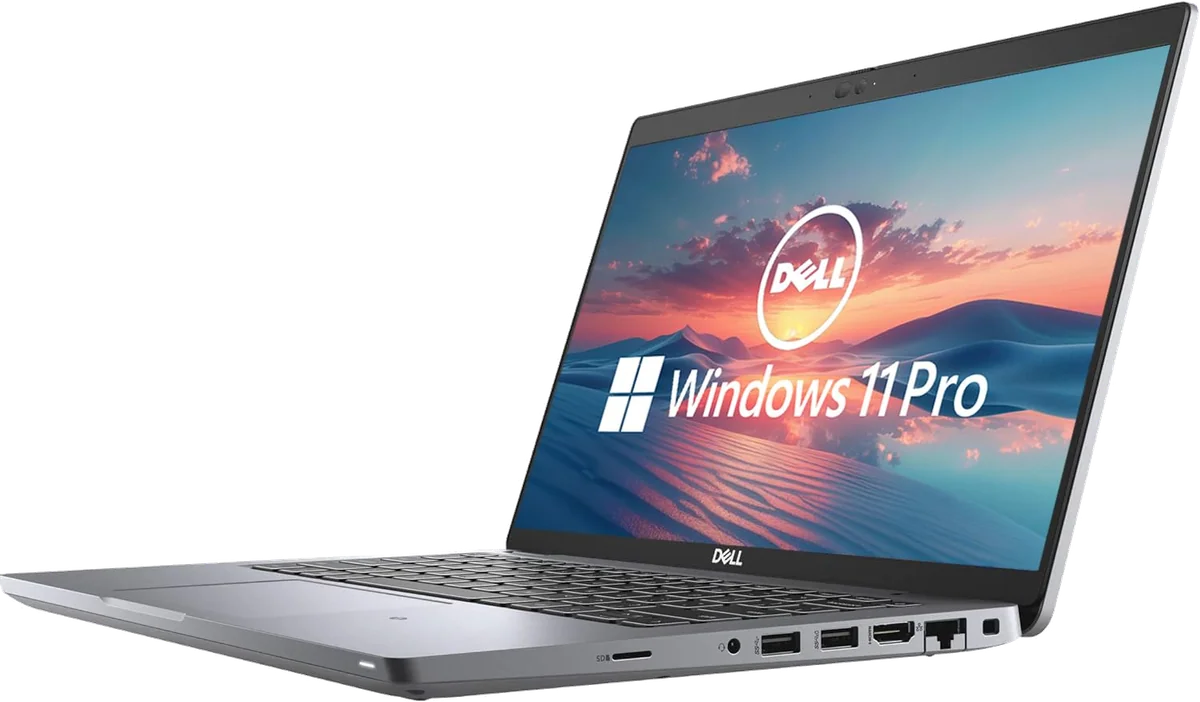
Neither laptop accepts the modern idea that every peripheral should require a dongle. Both provide two Thunderbolt 4 ports, two USB-A ports, HDMI, Ethernet and a headset connection. Dell adds microSD, while Lenovo brings Wi-Fi 6E and a much better 5MP infrared webcam in this configuration. Both charge through USB-C, although the ThinkPad places its two USB-C connections on the same side.
Repair access is another shared strength. The Latitude exposes two SODIMM slots, one replaceable M.2 SSD, its battery and its Wi-Fi module. The 225U version of the ThinkPad also preserves replaceable memory, along with a replaceable SSD, battery and keyboard. That distinction matters because Lunar Lake versions sold under the same T14 Gen 6 family use on-package memory and cannot offer the same upgrade path.
Dell’s accessibility is most valuable as damage control. A tired battery or cramped drive can be replaced, but accessible components do not make a motherboard failure cheap. Lenovo’s access is more useful as a long-term ownership feature, provided the reseller-installed memory and SSD begin life correctly matched and stable.
The exact listings, judged rather than idealized
The ThinkPad is our winner as a laptop, yet the buying action belongs to the exact configuration being sold. The Dell has already accumulated wear that cannot be inferred from the word “renewed,” while the Lenovo has been opened so another company can install unspecified memory and storage. Each card below carries the drawback that must be accepted before proceeding.
The Latitude is the conditional budget choice for desk-based work.
Its capable Core i5, 16GB of replaceable memory, strong port selection and serviceable internals can still support office work, study and mainstream programming.
Battery collapse, inconsistent refurbishment, a cramped 256GB SSD and later hardware failures make the individual unit a serious gamble.
The ThinkPad is the better primary work laptop for heavy typists and demanding multitaskers.
Its newer processor, 32GB of memory, 1TB SSD, excellent keyboard, taller display and modern conferencing hardware make it the decisive overall winner.
The low-gamut panel and reseller-installed components require written configuration details, warranty verification and immediate stability testing.
Dell Latitude 5420 renewed
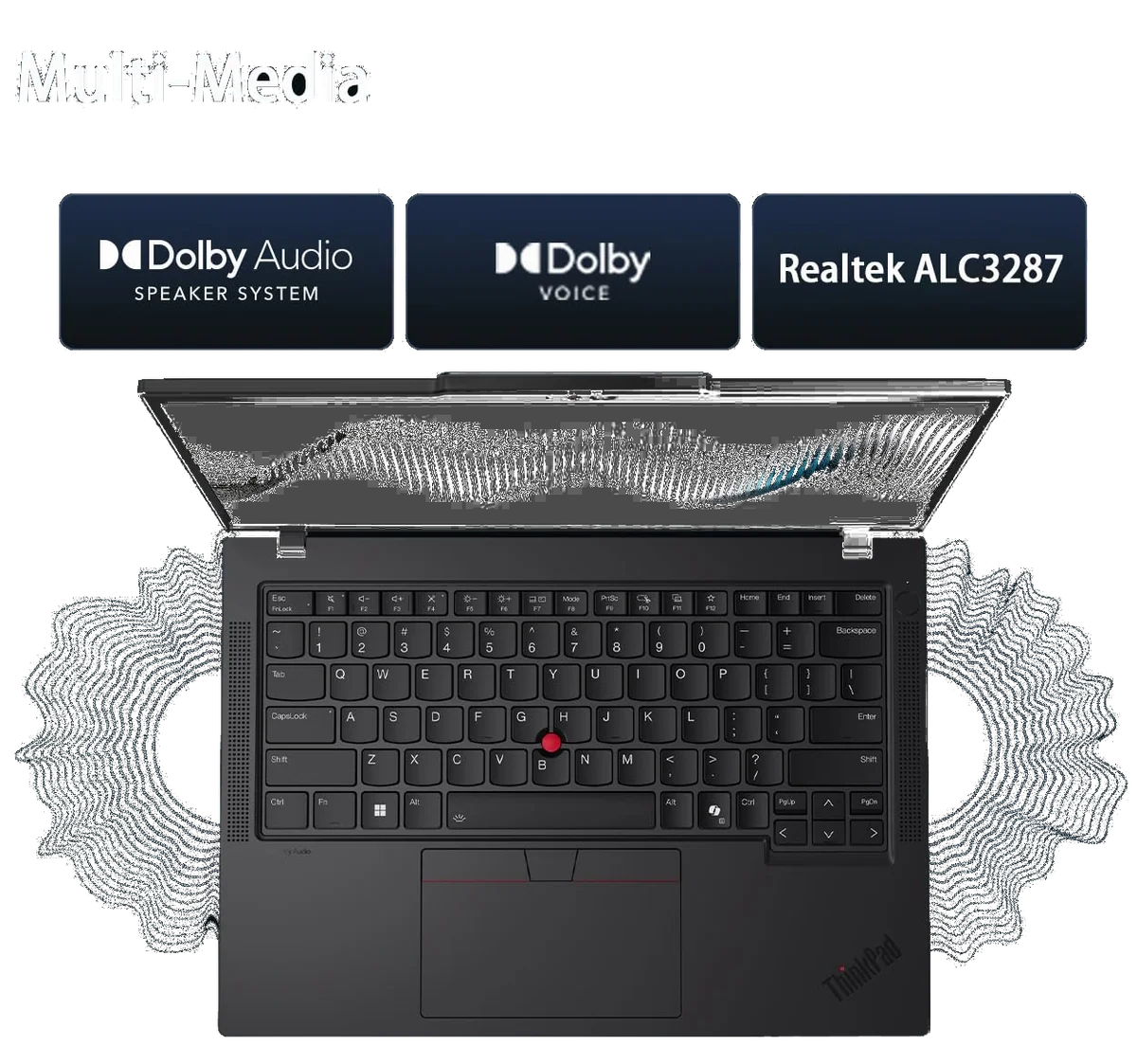
Lenovo ThinkPad T14 Gen 6
Buy for the job, then inspect for the risk
Frequent typists and programmers
Take the ThinkPad. Its keyboard, separated arrow keys, 32GB of memory and larger SSD improve the parts of the day that repeat thousands of times. The Dell remains workable for mainstream coding, particularly with an external keyboard and monitor, but its smaller drive can become restrictive once development tools, repositories, containers and virtual machines accumulate.
Fixed-desk office users
The Latitude has its narrowest credible victory here. A charger, external display and mouse neutralize its battery, panel and touchpad disadvantages, leaving a competent processor, useful memory and excellent connectivity. That only works if the renewed unit passes diagnostics and is inexpensive enough to justify accepting older hardware.
Traveling professionals
The ThinkPad is the safer choice because its platform has demonstrated strong endurance potential and its webcam is better equipped for calls. It is portable rather than exceptionally light, and buyers seeking the thinnest possible machine will not find either contestant ideal.
Designers, photographers and video editors
Avoid both internal displays for color-critical work. The ThinkPad has enough memory and CPU performance for moderate creative applications, but this 400-nit panel cannot represent a broad enough color range faithfully. A different T14 configuration with the 500-nit, 100% sRGB option is a more coherent purchase than compensating later with wishful calibration.
A short arrival checklist for either machine
- Confirm the promised processor, memory capacity, storage capacity, native display resolution and Windows 11 Pro activation.
- Run the manufacturer’s full diagnostics, an extended memory test and a sustained workload long enough to expose instability or abnormal heat.
- Test sleep, wake, lid-close behavior, both Thunderbolt ports, both USB-A ports, HDMI, Ethernet, Wi-Fi, audio, camera, microphone and every key.
- Look up warranty coverage by serial number and save the seller’s written explanation of any separate component warranty.
- Use the laptop intensively while return remains easy rather than treating a successful first boot as proof of health.
Add Dell-specific checks for battery capacity, SSD health, BIOS passwords, organizational enrollment, the correct USB-C charger and any optional feature the seller promised. Add Lenovo-specific checks for the manufacturer, part number and speed of each memory module, the exact SSD model, display identity and which company handles a fault that could involve either upgraded parts or the motherboard.
If neither risk profile suits you, broaden the search rather than forcing a choice between these two listings. The Specs & Screens guide to computers and tablets for students covers other study-oriented options, while our laptop and tablet comparison helps buyers who are not yet certain that a conventional notebook is the right form.
Frequently Asked Questions
Which laptop is better for programming?
The ThinkPad T14 Gen 6 is better for programming because its newer processor, 32GB of memory, 1TB SSD and stronger keyboard leave more room for large projects, containers and virtual machines.
Is the renewed Dell still fast enough for office work?
Yes, a healthy Latitude 5420 with the Core i5-1145G7 and 16GB of RAM remains capable of documents, spreadsheets, browser multitasking, meetings and mainstream business applications.
Does the ThinkPad have the better screen?
The ThinkPad has the brighter and more useful 16:10 screen, but its low-gamut 400-nit panel is still unsuitable for work that depends on accurate color.
Which one is easier to upgrade?
Both provide useful internal access, although the Dell exposes replaceable memory, storage, battery and Wi-Fi while the 225U ThinkPad combines replaceable memory with a replaceable SSD, battery and keyboard.
Can either laptop handle modern games?
Neither is a sensible modern gaming purchase because both rely on modest integrated graphics intended primarily for productivity and multiple displays.
Why is the ThinkPad listing risky if the laptop is new?
The seller says it opens and reseals the machine to install memory and storage, creating uncertainty about component identity, assembly quality and which warranty covers an ambiguous failure.