The iPad 11-inch is the better tablet, but Samsung wins on storage freedom
Buy the iPad 11-inch for the better all-round experience, unless expandable storage, Samsung parental controls or Android flexibility matter enough to accept the Galaxy Tab A11+’s visibly weaker display.
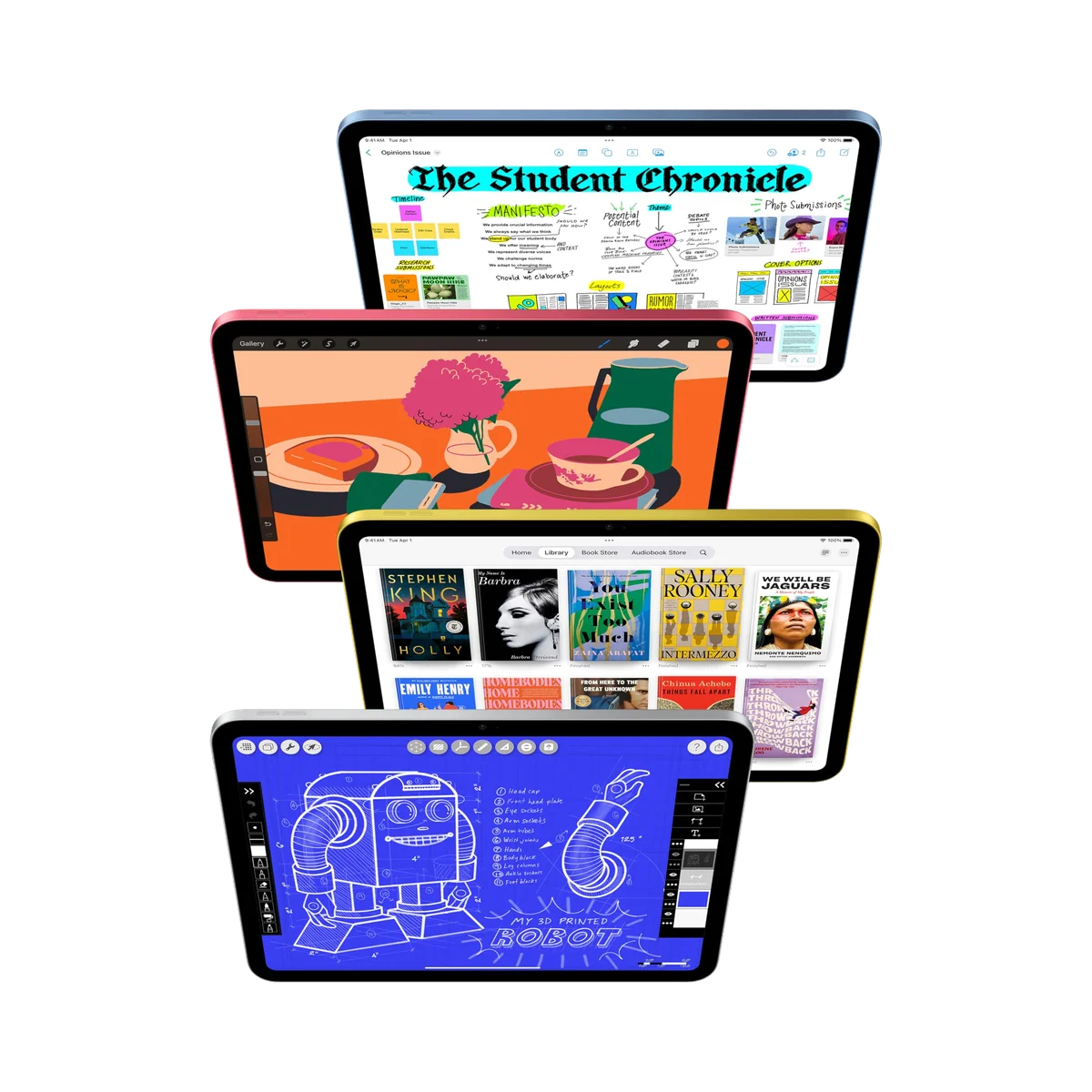
IPad 11-inch a16
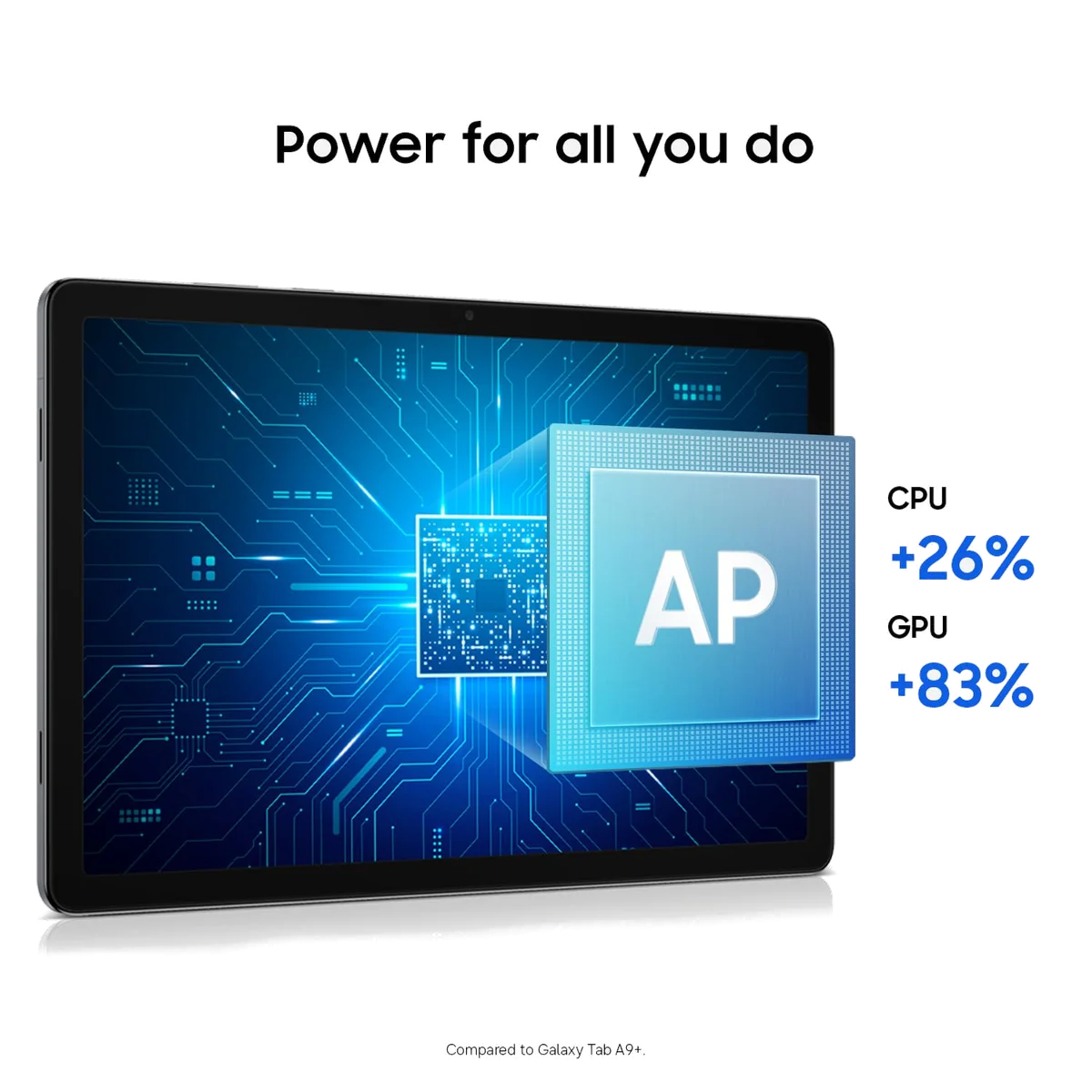
Samsung Galaxy Tab A11 Plus
This contest is decided by the part of a tablet nobody can avoid: the screen. Samsung surrounds its 11-inch panel with capable hardware, smooth everyday performance, four speakers, a microSD slot and unusually long software support. Unfortunately, the Galaxy Tab A11+ displays all of that through a reflective TFT panel with washed-out color and narrow viewing angles. Apple’s basic iPad is not flawless, but its sharper-looking color, stronger processing headroom and richer tablet app library make it the safer purchase for most people.
The iPad has its own visible compromise. Its glossy 60Hz display is non-laminated, catches reflections and lacks the premium Pencil experience offered by an iPad Air. It also has no microSD slot, cannot run Apple Intelligence and charges slowly. Those limitations matter, but they interfere with fewer ordinary uses than Samsung’s weak off-axis picture does.
Choose Samsung when the tablet will hold a large offline film collection, move among family members, pair naturally with Galaxy devices or remain in service long enough for its seven-year update policy to earn its keep. Choose Apple for schoolwork, demanding apps, games, drawing with an active stylus, longer creative headroom and a screen that looks better before anyone even opens an app.
Most people should choose the iPad
The A16 iPad is the more convincing complete tablet because its performance ceiling is much higher, its display is more dependable and its software library is especially strong for creative and tablet-specific work. Its 128GB starting capacity also removes the cramped-storage problem that weakened older entry-level iPads.
Samsung has three compelling exceptions
The Galaxy Tab A11+ deserves the purchase when microSD expansion, a standard headphone jack or Samsung’s family controls carries more weight than color quality, active-pen support and heavy-app performance. It is not the consolation prize; it is the specialist choice for a different set of constraints.
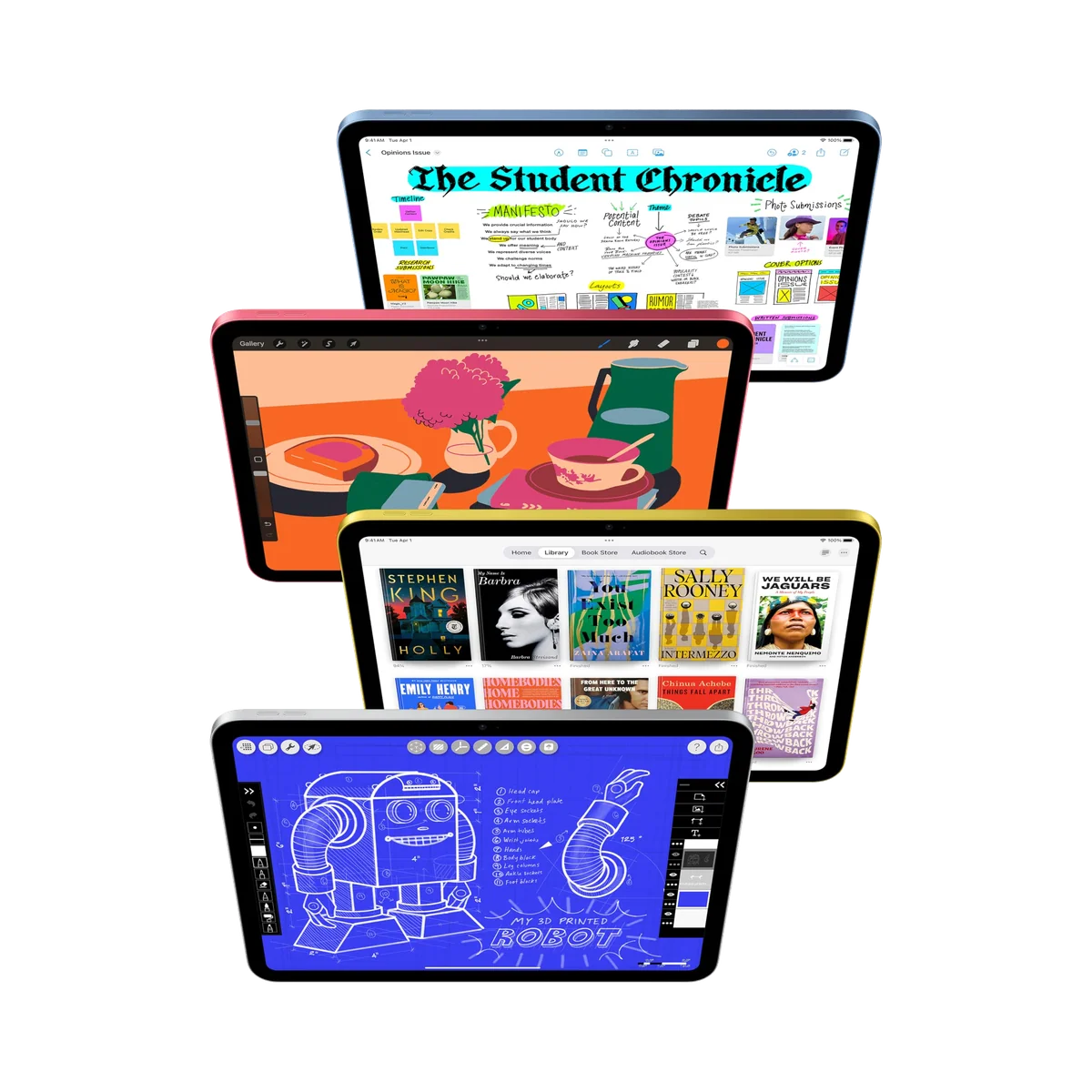
IPad 11-inch a16
Samsung Galaxy Tab A11 Plus
At a Glance
| Feature | Editor's Pick IPad 11-inch a16 | Samsung Galaxy Tab A11 Plus |
|---|---|---|
| Price Range | — | — |
| Finish | Blue | Gray |
| Screen size | 11" | 11" |
| Check Price on Amazon | Check Price on Amazon |
The screen turns a close specification sheet into a clear decision
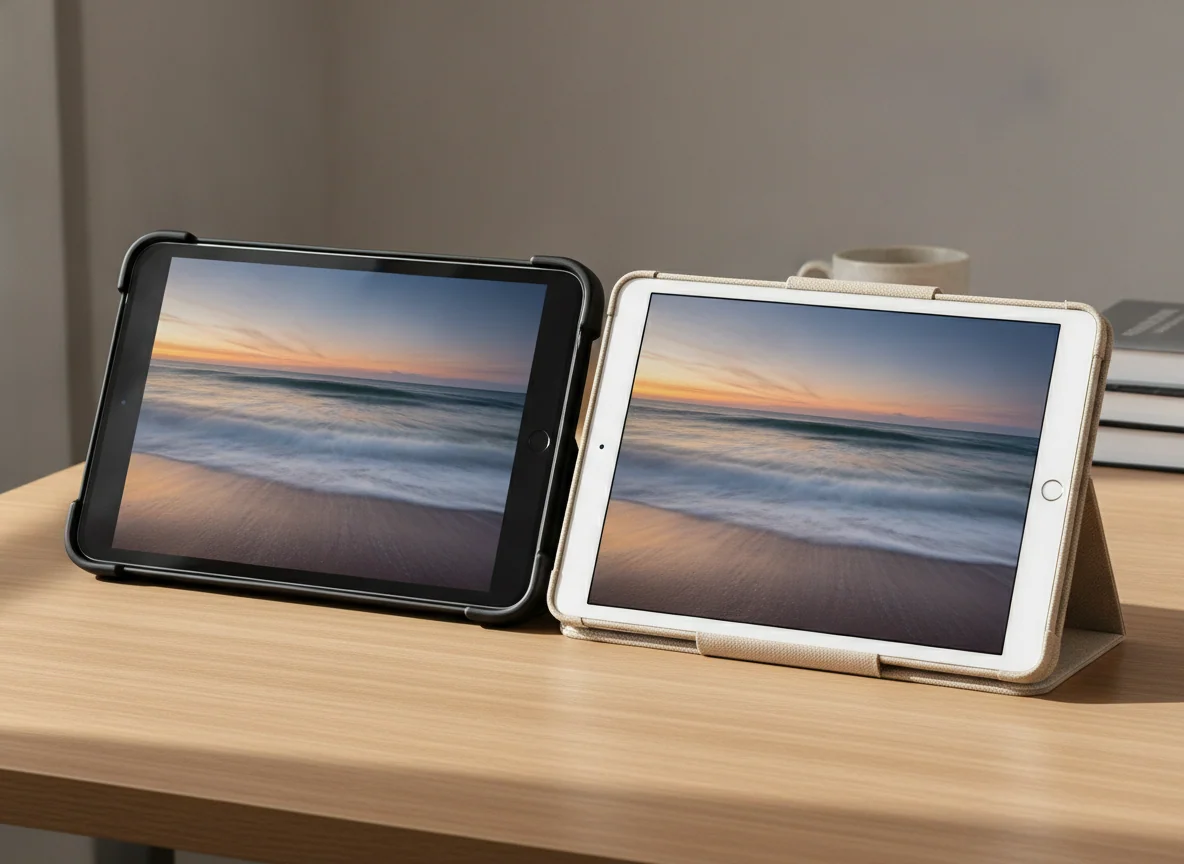
Both products are sold as 11-inch tablets, but their displays pursue different strengths. The Galaxy Tab A11+ uses a 1920 × 1200, 16:10 TFT panel that can refresh at up to 90Hz. The iPad uses a 2360 × 1640 Liquid Retina LCD at 60Hz. Samsung therefore makes scrolling and interface motion look smoother, while Apple supplies the higher pixel density and the more credible color presentation.
Samsung’s refresh-rate advantage is real, not decorative. Web pages, menus and supported animation move with greater fluidity than they do on the 60Hz iPad. Motion is only one component of display quality, however. Independent assessments repeatedly found the Galaxy panel cool, flat or washed out, with brightness and contrast deteriorating when viewed from an angle. That becomes awkward when two children share a video or the tablet sits on a kitchen counter rather than directly in front of one viewer.
The iPad’s panel is easier to recommend, but it should not be mistaken for the display from an Air or Pro. Bright windows remain visible in the glass, the screen is not laminated to the cover and precise Pencil work can expose the small apparent gap between the tip and the pixels. Its 60Hz motion also looks merely conventional beside Samsung’s 90Hz interface. Apple wins this round because the picture is better balanced, not because the basic iPad has a premium screen.
| Display concern | iPad 11-inch | Galaxy Tab A11+ | Winner |
|---|---|---|---|
| Resolution | 2360 × 1640 | 1920 × 1200 | iPad |
| Refresh rate | 60Hz | Up to 90Hz | Samsung |
| Color and viewing angles | Better balanced, though reflective | Washed out and weaker off-axis | iPad |
| Active stylus use | USB-C Apple Pencil support | No active S Pen support | iPad |
| Shared video viewing | More consistent from the side | Narrower useful viewing position | iPad |
The iPad has much more performance than routine work requires
The A16 processor gives Apple the decisive advantage in demanding games, creative applications, exports and long-term performance headroom. Browsing, streaming, email and school portals do not need all of that power, but the surplus becomes useful when the workload grows. The iPad can move from casual use into photo editing, more ambitious games and light video work without immediately exposing its entry-level position.
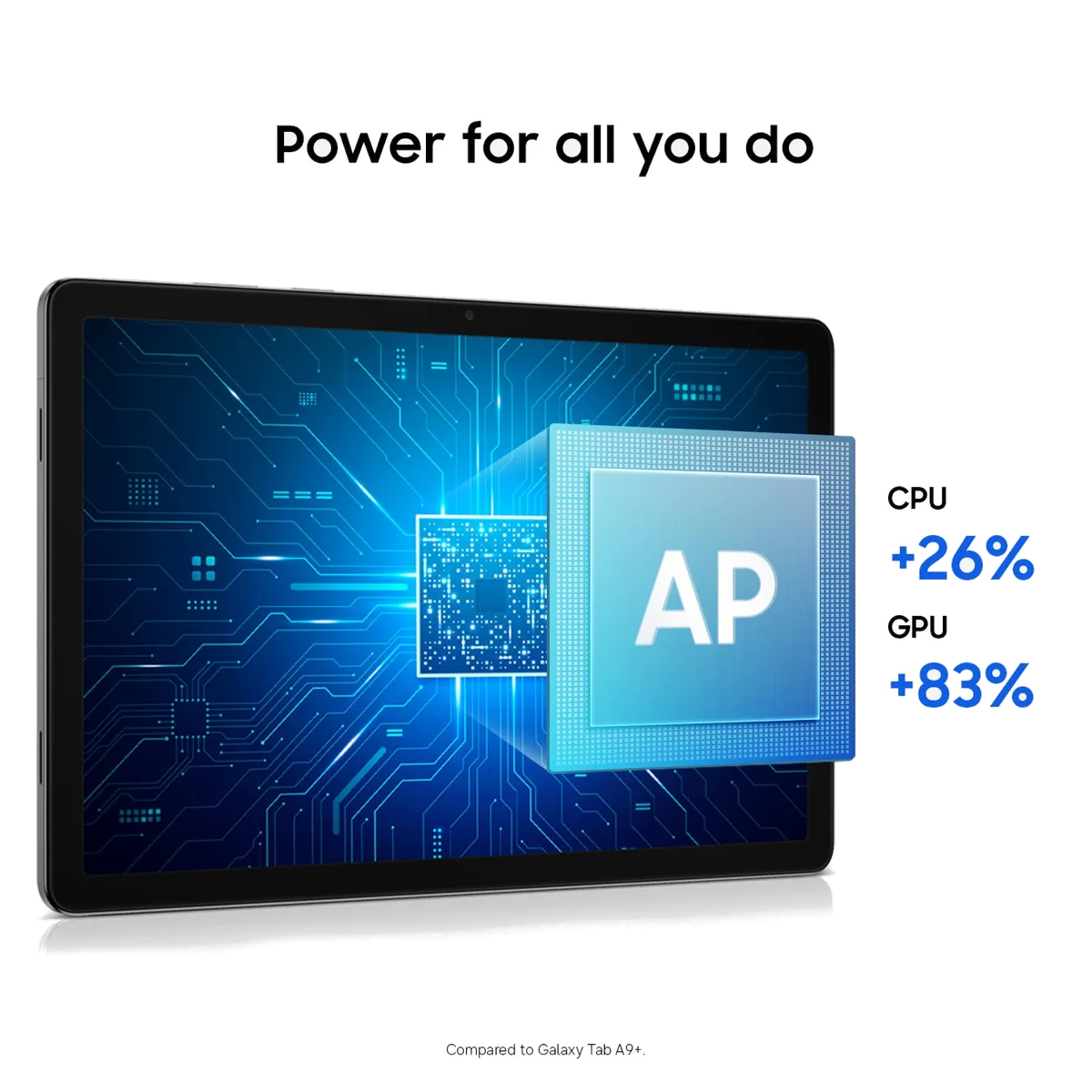
Samsung’s MediaTek processor and 6GB of memory are still a success within the Galaxy Tab A11+’s intended role. Ordinary apps open promptly, two-app split screen is practical and light office work does not feel bargain-bin slow. Several heavy applications, demanding 3D games or ambitious multitasking reveal the limit sooner, so DeX should be understood as a useful windowed interface rather than proof of laptop-class performance.
The software choice can outweigh the processor gap. iPadOS offers a mature selection of applications designed for a tablet-sized screen, particularly for illustration, music, note-taking and creative work. Samsung provides standard Android flexibility, the full Google Play Store, floating windows, split-screen tools and DeX. Buyers already carrying a Galaxy phone may value Samsung continuity more than benchmark superiority, while people choosing an application ecosystem from scratch get the stronger tablet-first catalogue from Apple.
Neither tablet is a complete desk computer
The iPad supports keyboard accessories and light external-storage work, but the base model’s USB-C connection is limited to slow USB 2 data rates and iPadOS remains less accommodating than a conventional laptop for complex file and window management. Samsung’s DeX interface looks more desktop-like, yet the Galaxy Tab A11+ cannot send wired video through a USB-C-to-HDMI adapter. A buyer planning around an external monitor should choose neither on the strength of its desktop marketing.
If the purchase is really an attempt to avoid buying a notebook, our laptop versus tablet comparison explains where keyboards, multitasking and file handling change the answer. The better tablet in this comparison is not automatically the better primary computer.
Apple wins notes and drawing by default
The iPad supports the USB-C Apple Pencil and the first-generation Pencil through an adapter. That makes handwritten notes, signatures, worksheet annotation and casual sketching legitimate uses rather than simulated finger input. It does not support Apple Pencil Pro or the second-generation Pencil, and the non-laminated display is less convincing for precise illustration than an iPad Air, but it still occupies a different category from Samsung here.
The Galaxy Tab A11+ does not support an active S Pen. A generic capacitive stylus can tap, sign or make rough marks, but it cannot supply pressure sensitivity, precise active input or reliable palm rejection. Students picturing pages of handwritten lecture notes should treat that omission as disqualifying, not as an accessory problem to solve later.
Serious artists should also look beyond the winner. The best iPads for drawing are chosen around laminated displays and better Pencil support, while our guide to active styluses separates occasional annotation from work that genuinely needs pressure and palm rejection.
Samsung turns storage into a feature instead of a commitment
Both exact models begin with 128GB, but only Samsung includes a microSD slot. That is an enormous practical advantage for downloaded films, music, photographs, comics and documents. A card does not turn into equally fast internal application storage, yet it lets a family expand its media library without replacing the tablet or paying for a larger factory configuration.
The iPad’s 128GB capacity is sufficient for many people, especially those who stream entertainment and keep photographs in cloud storage. Large games, offline video collections and years of local creative files can consume it quickly, and no card slot exists to rescue a mistaken capacity choice. Buyers unsure about that fixed ceiling should use our guide to choosing iPad storage before ordering.
Samsung also retains a 3.5mm headphone jack, an unfashionable feature that remains useful for children, flights and shared rooms. Its four speakers produce a broader presentation than the price category might suggest. The iPad’s landscape speakers are perfectly adequate for calls and entertainment, but Samsung builds the more flexible offline-media machine.
Support, charging and the small frictions of ownership
Samsung’s promised seven years of operating-system and security support is an exceptional commitment for a budget Android tablet. It does not guarantee that the processor will feel brisk at the end of that period, but it removes much of the update uncertainty attached to lesser-known Android alternatives. Apple has a strong history of supporting iPads for years, although the supplied record does not establish a guaranteed final update date for this model.
The Galaxy charges at up to 25W with compatible equipment, but its standard package normally omits the required wall adapter. The iPad’s 20W charging is slower than its battery endurance deserves, with controlled reviews taking more than two hours to refill it. Both can cover an ordinary mixed-use day; neither should be purchased on the assumption that every workload produces the same runtime.
Biometrics provide one final everyday distinction. Apple puts Touch ID in the top button, while the Galaxy Tab A11+ has no fingerprint reader. Samsung users must rely on another unlocking method, a small inconvenience that repeats often enough to deserve space in the decision.
Display: iPad 11-inch
Performance: iPad 11-inch
Handwriting and drawing: iPad 11-inch
Expandable storage: Galaxy Tab A11+
Interface fluidity: Galaxy Tab A11+
Family media flexibility: Galaxy Tab A11+
Overall: iPad 11-inch
The iPad 11-inch is the stronger all-purpose tablet
Its A16 performance, better-balanced display, active Pencil support and mature application library justify choosing it for most school, entertainment, gaming and creative workloads.
The reflective non-laminated 60Hz screen, fixed storage, slow charging and lack of Apple Intelligence prevent it from being a smaller iPad Air.
The Galaxy Tab A11+ is the flexible family media choice
Its microSD expansion, headphone jack, smooth 90Hz interface, capable everyday performance and seven-year support policy make it unusually practical for shared Android use.
The washed-out TFT display, narrow viewing angles, missing active S Pen support and absent wired monitor output are substantial compromises.
IPad 11-inch a16

Samsung Galaxy Tab A11 Plus
Buy for the work that will happen every week
Choose the iPad for school and university
Apple is the better fit when coursework includes handwritten annotation, presentation work, creative applications, demanding educational software or several years of increasingly ambitious use. The landscape front camera also suits calls and classes, while 128GB gives ordinary students enough room without recreating the old 64GB storage squeeze.
It is not a universal laptop substitute. A keyboard adds cost and bulk, its official folio design is awkward on a lap, and iPadOS can complicate workflows built around desktop applications or elaborate file management. Our guide to tablets for students considers those trade-offs beyond this two-product contest.
Choose Samsung for children and shared entertainment
Samsung’s manageable parental controls, expandable media storage, familiar Android accounts and headphone jack form the more accommodating family package. Retained owner reports repeatedly describe straightforward setup, responsive games and video, and easier parental management than the families had experienced on iPads.
Add a protective case and accept that the screen looks best when viewed straight on. Families seeking a device designed around younger children should also compare the broader options in our guide to tablets for kids, since included cases, subscriptions and replacement policies can matter more than raw speed.
Choose the iPad for games and creative apps
The A16 has far more graphics and processor headroom, so Apple is the sensible direction for demanding mobile games, photo work and occasional video editing. Its 60Hz display prevents it from showing more than 60 frames per second, but Samsung’s 90Hz panel does not compensate for a much lower performance ceiling in heavier titles.
Regular layered video work, professional illustration and large external-drive workflows still justify moving beyond the basic iPad. The comparison with Samsung’s Galaxy Tab S10 FE+ presents a more suitable Android alternative when a better display and proper pen input are central.
Choose Samsung for a large offline library
The Galaxy Tab A11+ is the easy winner for travelers who want many films, comics, photographs or music files stored locally. A replaceable microSD card lets the library grow independently of the tablet, and wired headphones avoid another battery to manage.
Travelers who care more about display consistency, high-end games or creative applications should take the iPad and choose enough built-in storage at the start. Our travel tablet guide weighs portability, endurance and offline use across more than these two models.
The final call
The iPad 11-inch wins because its weaknesses sit around the edges of mainstream tablet use, while the Galaxy Tab A11+ compromises the screen at the center of it. Buy Apple when the two products are both comfortably within budget and no ecosystem preference settles the matter. Buy Samsung when expandable storage, Android, family controls and long promised support are the actual reasons for shopping, because those are substantial advantages rather than excuses for choosing the runner-up.
Frequently Asked Questions
Which tablet is better overall?
The iPad 11-inch is better overall because it combines much faster performance, a more convincing display, active stylus support and a stronger selection of tablet-optimized applications.
Which tablet is better for watching films?
The iPad provides the better picture, while the Galaxy Tab A11+ is more convenient for a large offline collection because it has microSD expansion, four speakers and a headphone jack.
Which tablet is better for children?
The Galaxy Tab A11+ is often the easier family choice because of its parental controls and expandable storage, although the iPad offers stronger performance and a better screen.
Can the Galaxy Tab A11+ use an S Pen?
No, it lacks active S Pen support, pressure sensitivity and palm rejection, so a generic capacitive stylus only imitates finger input.
Which tablet is better for handwritten notes?
The iPad is clearly better because it supports the USB-C Apple Pencil, while Samsung’s tablet has no active-pen support.
Does either tablet accept a microSD card?
Only the Galaxy Tab A11+ accepts microSD cards, while the iPad’s built-in capacity cannot be expanded.
Which tablet is faster?
The A16 iPad is substantially faster for demanding games and creative work, although the Galaxy Tab A11+ remains responsive during routine browsing, streaming and light multitasking.
Does the Galaxy Tab A11+ have the smoother screen?
Its interface can look smoother at up to 90Hz, but the iPad still has the better overall display because Samsung’s panel suffers from weaker color and viewing angles.
Can either tablet replace a laptop?
Either can cover light web, email and document work with a keyboard, but their accessory ergonomics, software constraints and connection limits make neither a universal laptop replacement.
Which one should a Samsung phone owner buy?
A Samsung phone owner may reasonably prefer the Galaxy Tab A11+ for ecosystem continuity, provided its display and missing active-pen support do not conflict with the intended use.