The iPad 11-inch wins on speed and portability, while Samsung wins on space and pen value
The Apple iPad 11-inch is the better choice for most buyers because it is faster, lighter, easier to carry, and backed by a stronger tablet app library, while the Galaxy Tab S10 FE+ is the smarter specialist purchase for full-page notes, PDFs, split-screen study, expandable storage, and an included pen.
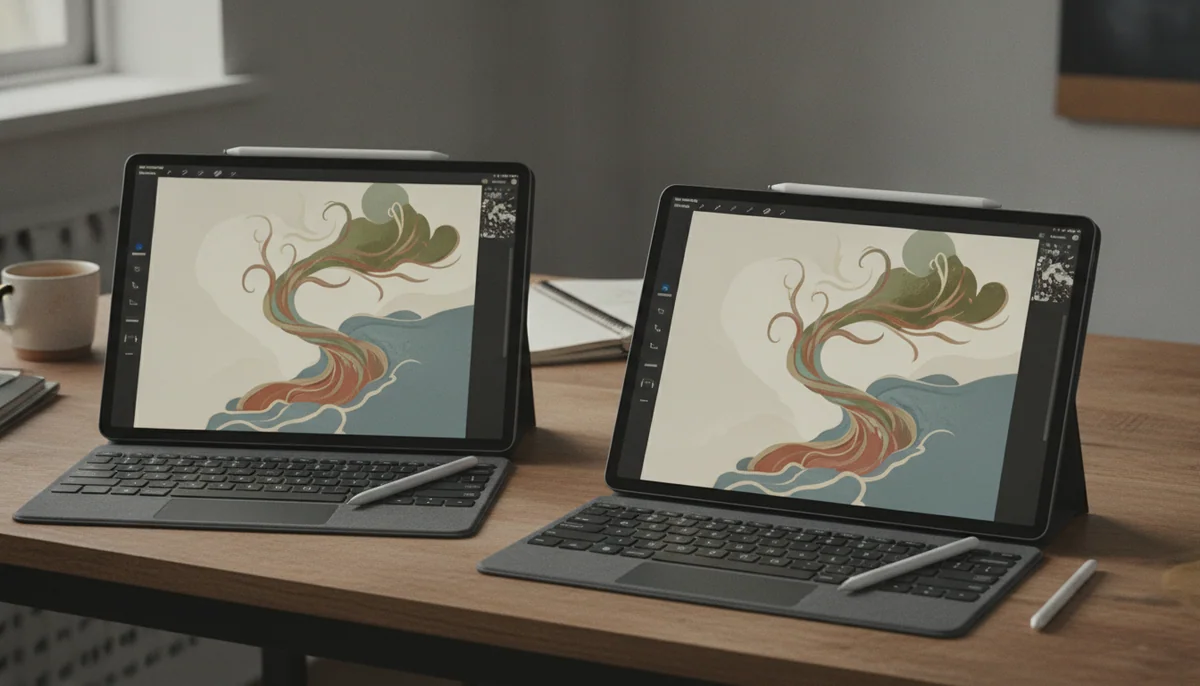
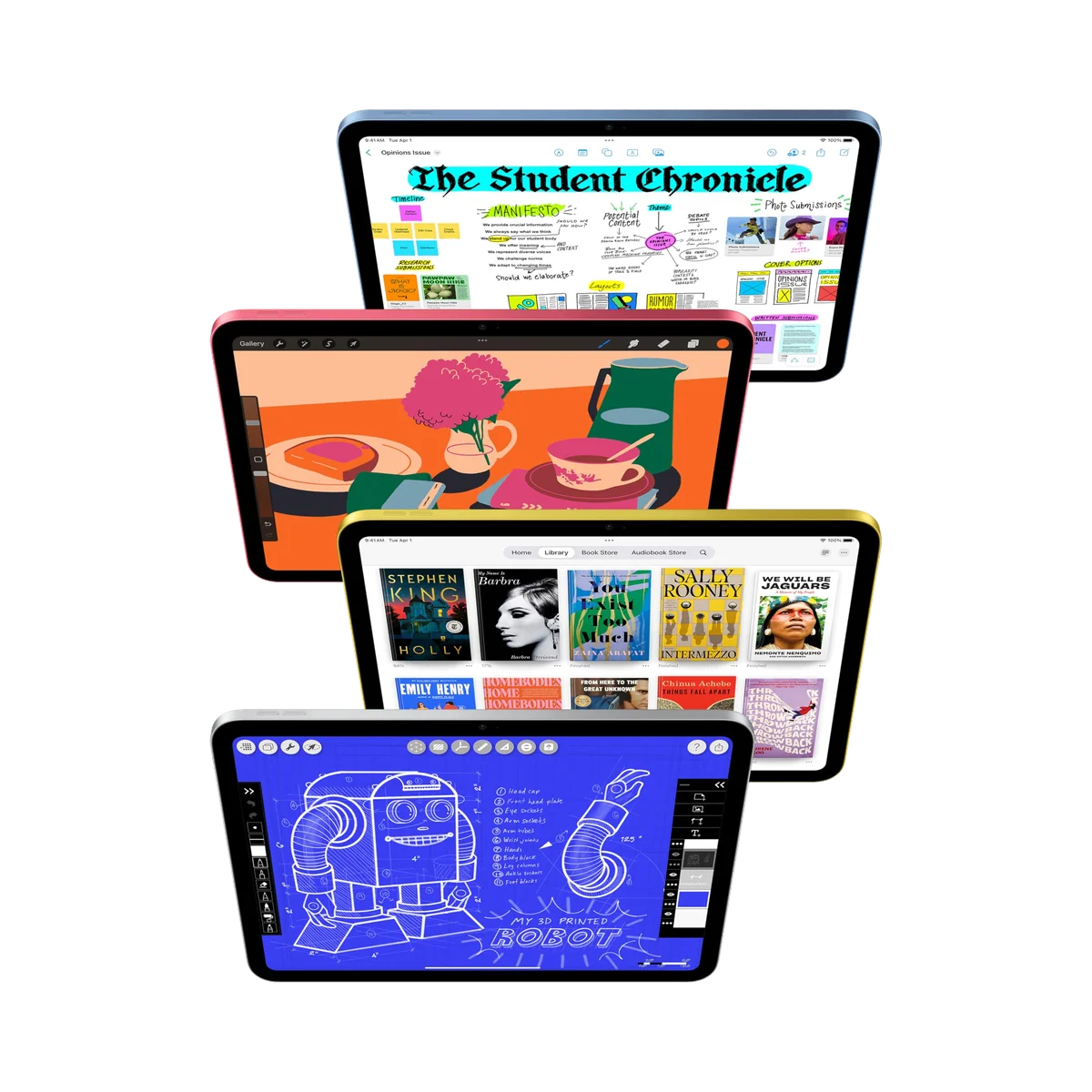
IPad 11-inch a16
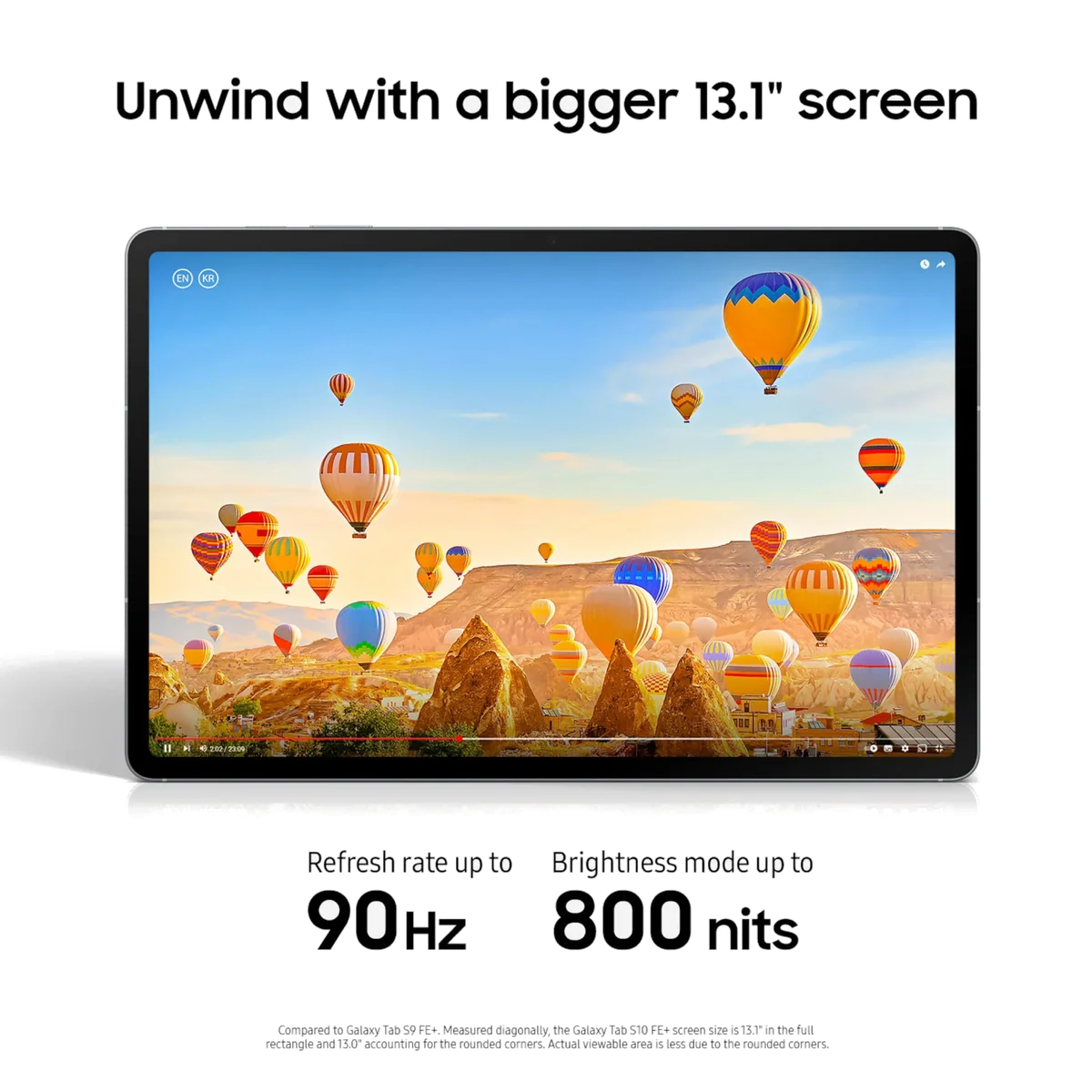
Samsung Galaxy Tab S10 FE Plus
These tablets are not two versions of the same idea. Apple built an approachable general-purpose tablet around an 11-inch screen and a capable A16 processor. Samsung built a 13.1-inch digital desk around a laminated display, an included S Pen, and software that makes room for several windows. The iPad is the one most people will enjoy carrying and using. The Galaxy earns its size only when a buyer already knows what that extra canvas will do.
The iPad’s central weakness is its display construction. Its glossy 60Hz panel is non-laminated, reflective under difficult light, and less convincing for precise drawing because the pixels sit visibly beneath the cover glass. It also excludes Apple Pencil Pro, magnetic Pencil charging, and Apple Intelligence. The Galaxy answers most of those complaints with a larger laminated 90Hz screen and an included battery-free pen, but it introduces a more serious performance ceiling: the Exynos 1580 is merely adequate for routine work, demanding games run poorly, and its USB 2.0 port cannot drive a wired monitor.
That makes the decision unusually clean. Buy the iPad if you want a responsive tablet for apps, games, video, browsing, schoolwork, calls, and occasional notes. Buy the Galaxy only if reading full pages, writing extensively, keeping two apps visible, or expanding storage with microSD matters more than handheld comfort and processing power.
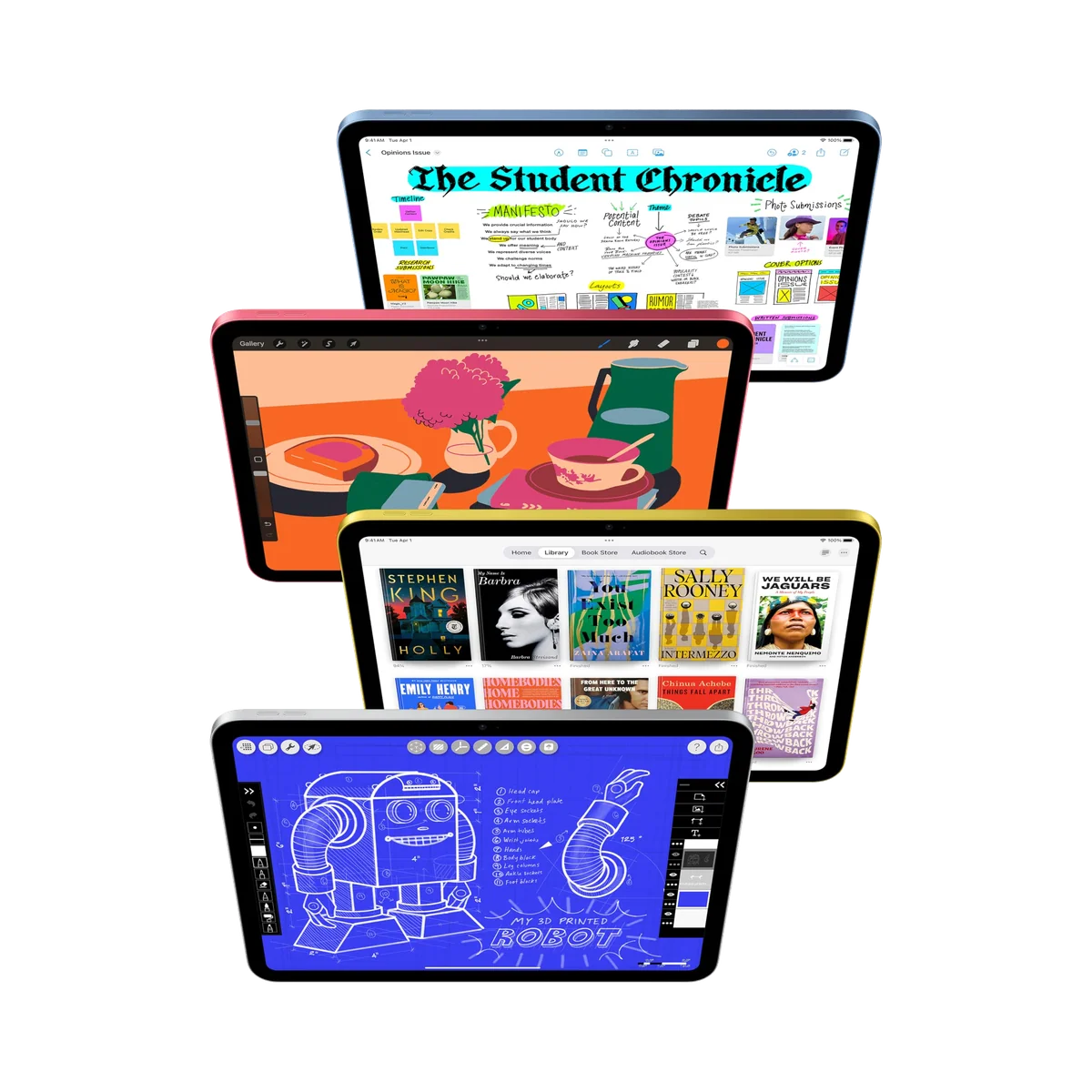
IPad 11-inch a16
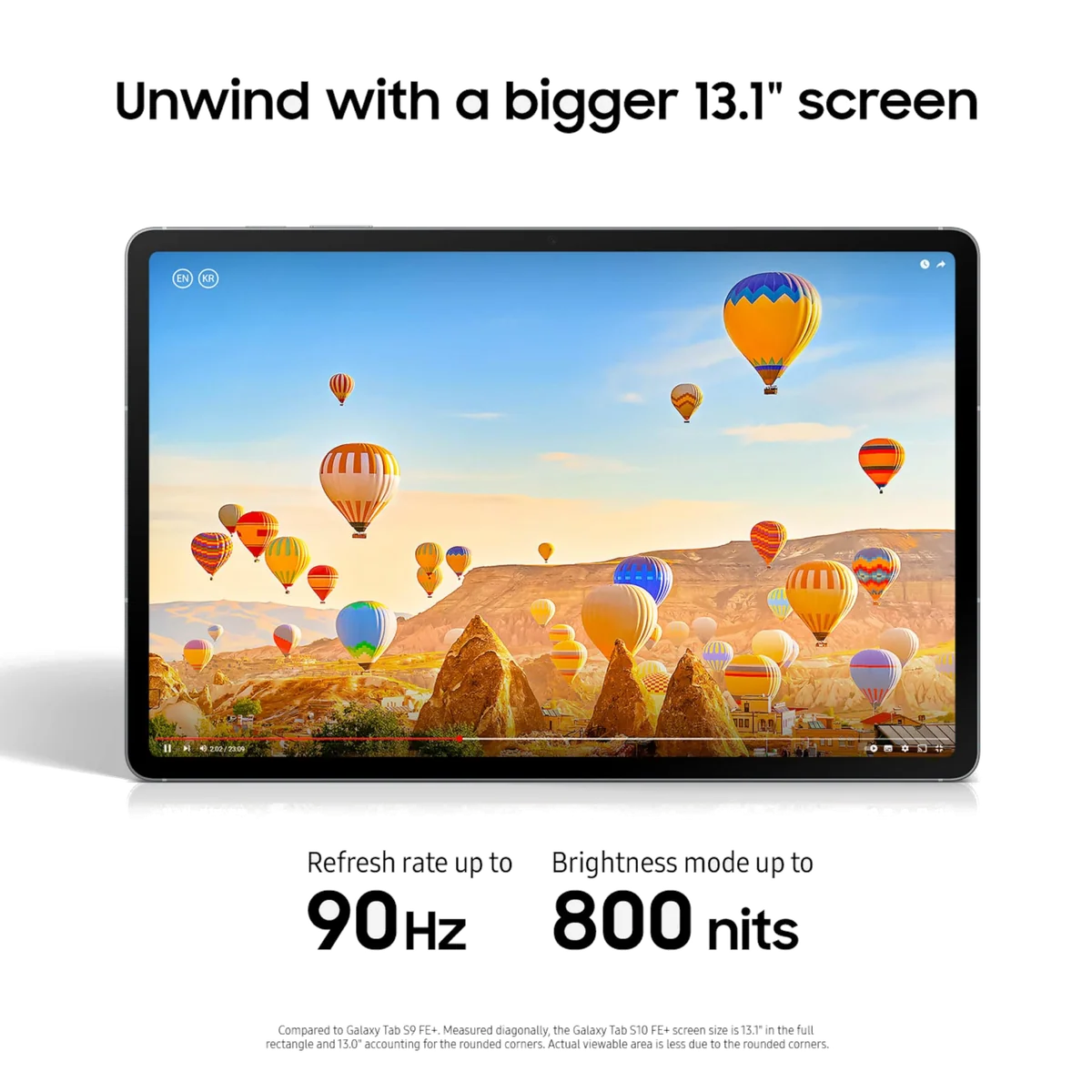
Samsung Galaxy Tab S10 FE Plus
At a Glance
| Feature | IPad 11-inch a16 | Samsung Galaxy Tab S10 FE Plus |
|---|---|---|
| Price Range | — | — |
| Finish | Blue | — |
| Screen size | 11" | — |
| Check Price on Amazon | Check Price on Amazon |
The size difference changes the job
Apple’s 11-inch label describes a screen measuring about 10.86 inches diagonally, while Samsung provides a genuine 13.1-inch panel. That gap sounds modest when reduced to two numbers, but it changes how each device behaves. The iPad fits easily into an ordinary bag, weighs roughly one pound, and remains comfortable enough for reading on a sofa or holding during a video. The Galaxy weighs about 664g and spans 300.6mm across its long edge, so it behaves more like a detached laptop display.
Samsung’s scale is productive when the tablet rests on a desk, stand, or lap. A textbook page can remain legible without constant zooming, graphic novels have room to breathe, and split-screen work can give both a document and notebook useful width. Owners repeatedly praise that space for PDFs, newspapers, media, and graphics, while some identify the resulting bulk as the tablet’s only meaningful physical drawback. The same hardware is much less persuasive for standing on a train or reading one-handed in bed.
The iPad is easier to recommend without knowing where it will be used. It is large enough for films, homework, documents, games, and two-app Split View, yet compact enough to move through a normal day without demanding a dedicated stand. If neither size feels obviously right, the site’s guide to choosing a tablet screen size separates genuine workspace needs from the allure of a larger specification.
Choose the iPad for movement
It suits commuters, families, casual readers, couch browsing, handheld games, and students who carry a tablet between rooms or classes.
Choose the Galaxy for a fixed canvas
It suits full-page documents, sheet music, comics, extensive handwriting, reference material, and split-screen sessions on a desk or stand.
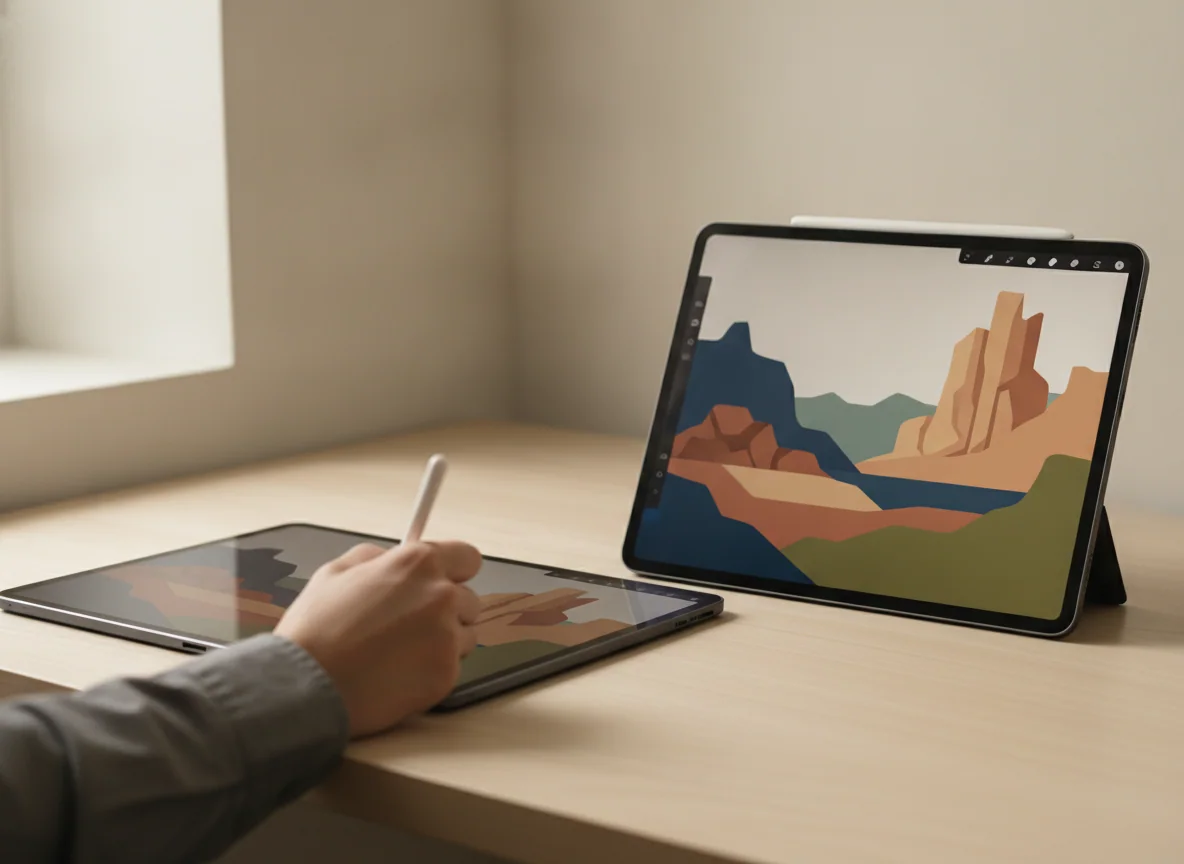
Apple has the faster engine; Samsung has the better writing surface
The A16 iPad is not an iPad Air or Pro in disguise, but it is comfortably responsive at ordinary tablet work. Apps open promptly, browser use feels quick, mainstream mobile games are well within reach, and light photo or video editing is realistic. Controlled testing reported a JetStream 2 result of 316, a 21-second Premiere Rush export, and 63.5 frames per second in 3DMark Wild Life Original Unlimited. Those figures do not make it a workstation, but they support the broader conclusion that entry-level positioning does not make the iPad feel slow.
The Galaxy Tab S10 FE+ handles browsing, streaming, Samsung Notes, Microsoft 365, and ordinary split-screen use competently. Its limitations appear when the workload becomes sustained or graphically demanding. Independent testing placed Geekbench 6 results around 1,360 single-core and 3,900 multi-core, found occasional interface hitches, and recorded weak results in demanding games unless image quality and rendering resolution were reduced. Casual play is fine; buying this tablet to fill its huge native screen with high-end games is not.
Samsung reverses the advantage as soon as a pen touches glass. Its S Pen is included, needs no charging for ordinary writing, and works against a fully laminated panel. Samsung Notes adds PDF annotation, handwriting cleanup, shape recognition, and equation tools. The iPad supports the USB-C Apple Pencil and the first-generation Pencil through an adapter, but neither is included, neither charges magnetically on the tablet, and the non-laminated display creates a small visual gap between the tip and the mark.
The iPad remains perfectly useful for lecture notes, signatures, document markup, and occasional sketches. Samsung is the better purchase for someone who expects handwriting to be a daily activity rather than an accessory experiment. Our guide to deciding whether an active stylus is worth buying can help if the pen itself is not yet part of a defined workload.
Two sensible tablets with different hidden costs
Both exact configurations start with 128GB of internal storage, but only the Galaxy accepts a microSD card. Samsung supports cards for a large document, media, photograph, and download library, although slower card storage should not be mistaken for an extension of the internal application drive. The iPad offers no expansion, so its capacity choice is permanent. Most households and students can live comfortably within 128GB, but large games and offline video collections deserve an honest estimate before purchase.
Samsung includes the S Pen but omits the wall charger, keyboard, and protective case. Reaching its supported 45W charging rate therefore requires a compatible adapter, and the magnetically attached pen is easier to lose than its tidy position suggests. A case with enclosed pen storage is a practical addition. Apple’s tablet may include a regional power adapter depending on the package, but its Pencil, case, screen protector, and Magic Keyboard Folio remain separate purchases.
Accessory spending can undo either tablet’s value. Adding Apple’s keyboard and Pencil to make the basic iPad impersonate an Air exposes its reflective screen, limited Pencil support, and slower USB connection without removing them. Building a DeX workstation around the Galaxy exposes an even harder boundary: its USB-C port is limited to USB 2.0, external storage transfers are slow, and wired display output is unavailable. A keyboard changes the posture of a tablet, not its processor, port, or operating system.
The Apple iPad 11-inch is the safer all-purpose choice.
Its A16 performance, practical 128GB capacity, mature app selection, manageable weight, and credible all-day endurance suit the widest range of everyday tablet buyers.
The reflective non-laminated 60Hz screen, restricted Pencil support, slow charging, and permanent exclusion from Apple Intelligence make it a poor choice for serious artists and buyers focused on Apple’s AI features.
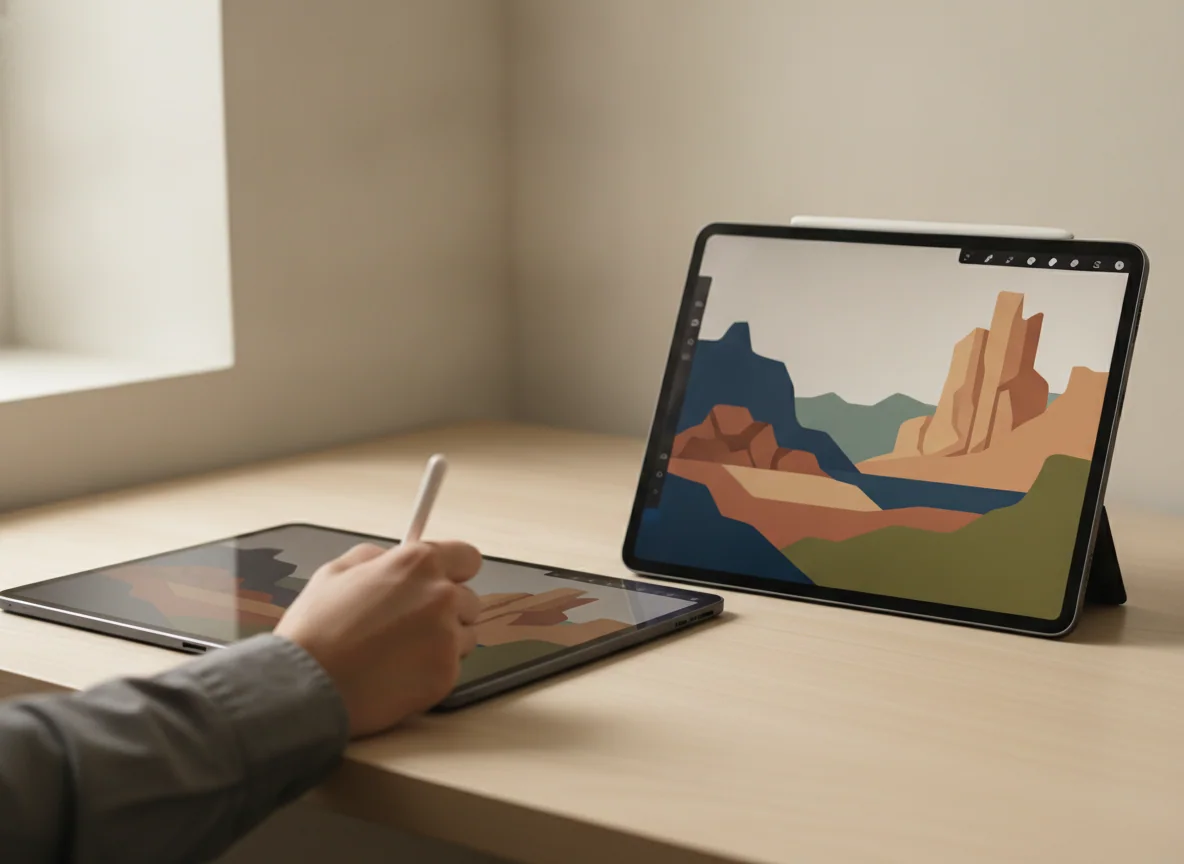
The Galaxy Tab S10 FE+ is the better digital notebook and document desk.
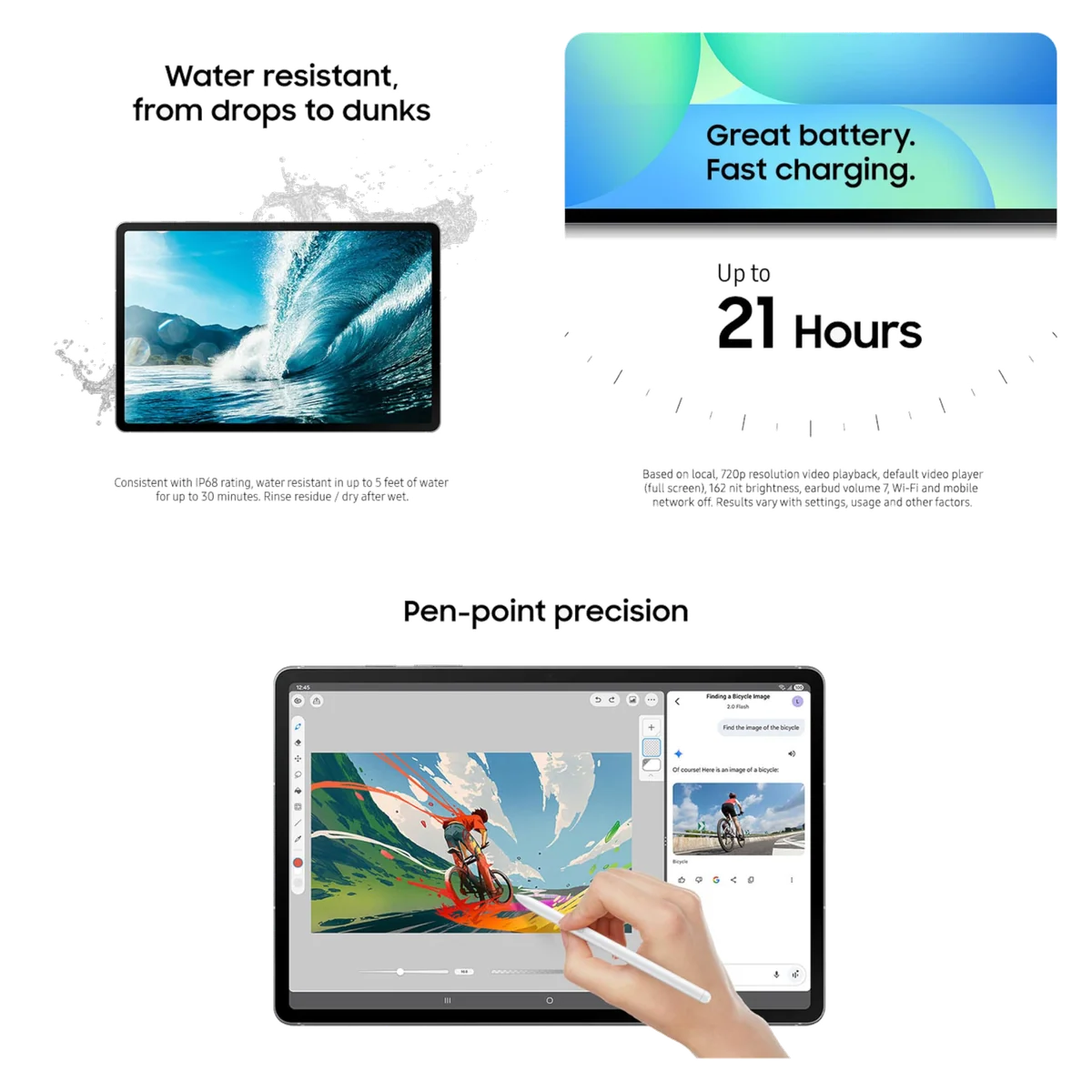
Its enormous laminated 90Hz display, included S Pen, microSD expansion, IP68 protection, DeX interface, and exceptional battery endurance make it unusually complete for notes, PDFs, reading, and split-screen study.
The modest Exynos processor, awkward handheld size, LCD black levels, USB 2.0 connection, missing charger, and lack of wired monitor output prevent it from delivering flagship or full laptop-replacement performance.
Battery life favors Samsung, but neither box completes the setup
Apple’s endurance is strong enough for a normal day. A controlled rundown lasted 11 hours and 25 minutes, which aligns with owner reports of school, entertainment, and routine app use without constant charging. The drawback is recovery time: the iPad accepts up to 20W, reached only 24% after 30 minutes in one test, and can take more than two hours to fill.
Samsung turns endurance into a defining feature. CNET recorded 17 hours and 45 minutes of streaming video, while Notebookcheck measured 18 hours and 56 minutes of controlled Wi-Fi browsing. Different workloads cannot be treated as a direct race, but the pattern is clear: the Galaxy’s 10,090mAh battery is exceptionally well suited to long reading, note-taking, and media sessions. Its supported charging rate is higher than Apple’s, though the compatible 45W wall adapter is sold separately and a complete refill still took close to two hours in testing.
Software loyalty matters, but hardware still decides this comparison
Existing Apple users gain familiar iCloud syncing, AirDrop, Messages integration, and an app catalogue with many tablet-specific creative and productivity tools. Existing Samsung and Android users gain easier continuity with Google services, flexible file handling, microSD storage, Samsung Notes, and DeX. Those ecosystem advantages are legitimate, but neither should conceal a bad workload match.
Apple Intelligence is permanently unavailable on the A16 iPad. Buyers who actively want Apple’s developing writing, image, notification, and Siri features should choose compatible hardware rather than expecting a software update to change the processor requirement. Samsung promotes several AI-assisted tools, but its most useful advantages here are less theatrical: a pen in the box, handwriting tools, a roomy split-screen interface, and searchable content through familiar Google services.
Neither model is a universal laptop replacement. The iPad’s app quality and processor are stronger, but iPadOS multitasking, official keyboard ergonomics, accessory costs, and slow USB transfers limit an ambitious desktop routine. Samsung DeX presents windows and a taskbar more naturally, yet the weaker processor, Android application gaps, USB 2.0 port, and absent monitor output impose firmer hardware limits. Anyone planning to make either device a principal computer should read the laptop versus tablet comparison before buying a keyboard.

IPad 11-inch a16
Samsung Galaxy Tab S10 FE Plus
Who should buy which tablet
Buy the iPad if you want the fewest compromises in ordinary use
Skip the iPad if these limits affect your actual work
Buy the Galaxy if screen space and handwriting come first
Skip the Galaxy if these limits affect your actual work
Buyers attracted to Samsung’s pen, software, and durability but not its enormous body should compare the Galaxy Tab S10 FE+ with the smaller S10 FE, while Apple buyers who need a laminated display, Pencil Pro, Apple Intelligence, and greater creative headroom should consider the 11-inch iPad Air review.
The iPad 11-inch wins this comparison because it asks fewer people to organize their habits around the hardware. The Galaxy Tab S10 FE+ can be the more useful device, but only when its large canvas and included pen solve a problem the iPad’s portability and speed cannot.
Frequently Asked Questions
Which tablet is better for most people?
The iPad 11-inch is better for most people because it combines stronger everyday performance, easier portability, and a broader tablet app library.
Which tablet is better for handwritten notes?
The Galaxy Tab S10 FE+ is better for frequent handwriting because its S Pen is included and writes against a larger fully laminated display.
Which tablet is better for students?
The iPad is the better portable all-rounder, while the Galaxy is better for students whose routine centers on full-page textbooks, PDF annotation, and split-screen notes.
Which tablet is better for gaming?
The iPad is the better gaming choice because the A16 handles mainstream and demanding mobile titles more convincingly than Samsung’s Exynos 1580.
Can either tablet replace a laptop?
Either can replace a laptop for light web, email, documents, calls, and study, but neither is a dependable universal replacement for desktop applications, external displays, heavy multitasking, or demanding creative work.
Does either tablet include a stylus?
Samsung includes its battery-free S Pen, while every compatible Apple Pencil for the iPad is a separate purchase.
Which tablet has better battery life?
The Galaxy Tab S10 FE+ has the stronger evidence for endurance, with independent browsing and streaming tests lasting substantially longer than the iPad’s already respectable controlled result.
Can I add storage later?
The Galaxy accepts microSD expansion for documents and media, while the iPad’s internal capacity cannot be expanded.
Which tablet is easier to carry?
The iPad is substantially easier to carry and hold because its 11-inch body is smaller and lighter than Samsung’s desk-oriented 13.1-inch design.
Which screen is better?
Samsung provides the better screen for size, pen precision, and 90Hz motion, while neither tablet delivers the deep blacks and contrast of a premium OLED panel.